Page 24 © Boule Medical AB, March 2018. Article no. 1504496
3. Operation (Sample Analysis)
Background Count
3
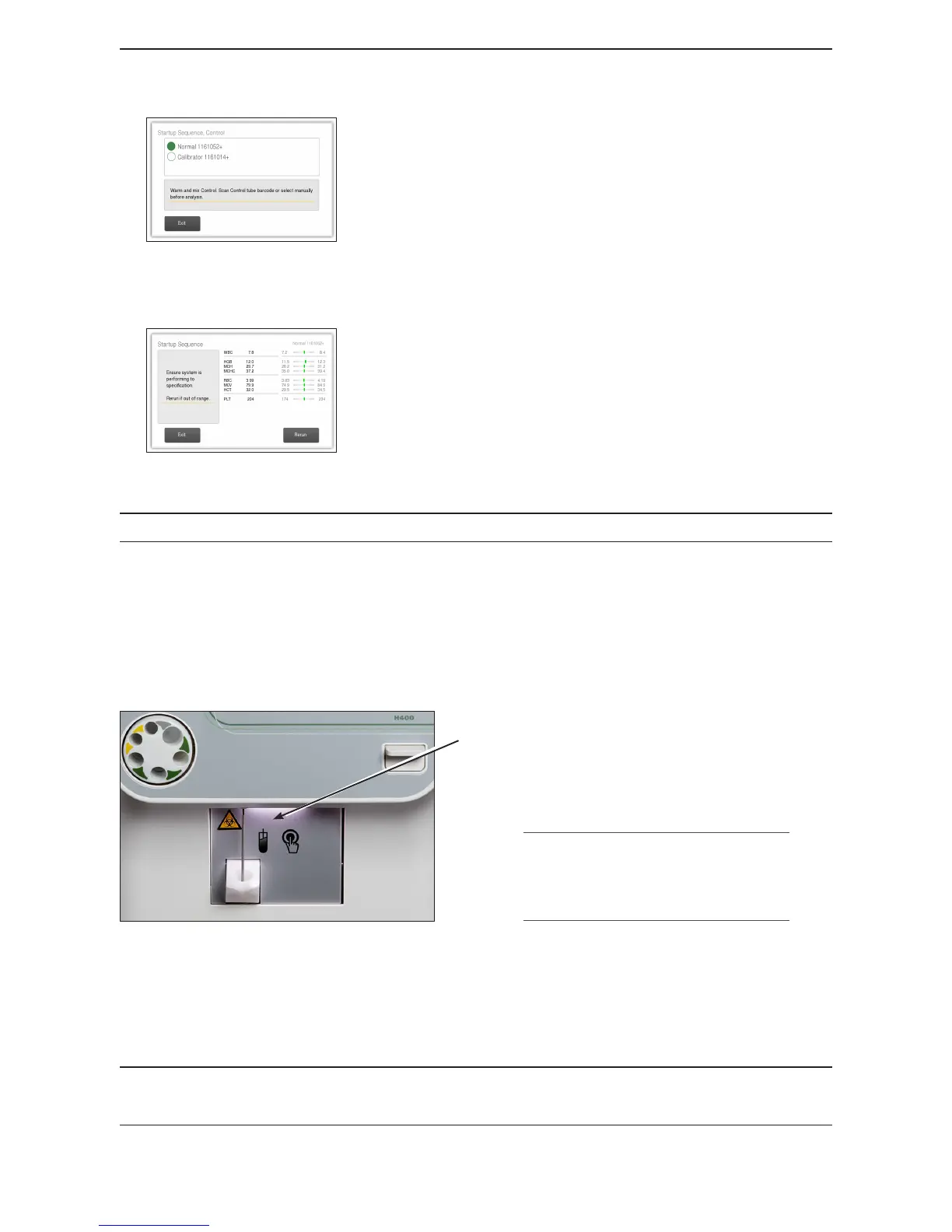
Figure 25: Select Control
Analyze Control
Control samples are analyzed to verify the performance of the
Exigo H400 system. Follow the instructions on the screen:
Either scan in barcode on control vial or choose the circle
next to the desired lot number and level of control.
Follow control handling instructions to ensure control
sample is brought to room temperature and mixed properly,
and press Start Plate.
Figure 26: Analyze Control
Analyzer will now analyze the control sample.
When complete the control results are displayed.
− If control results are acceptable, press Rerun, and repeat
steps above with next level of control.
− If control results are not acceptable, press Rerun, and
repeat steps above with same level of control.
The Startup sequence is complete when all control results are acceptable.
Background Count
The following sequence is performed to check that the background count is low enough to run
a sample. It is recommended to run a background check at the beginning of each day and when
switching between dierent analysis modes.
Start Plate
Figure 27: Start Plate
Parameter Accepted Values
RBC ≤ 0.03 (10
12
/L)
WBC ≤ 0.2 (10
9
/L)
HGB ≤ 0.2 (g/dL)
PLT ≤ 10 (10
9
/L)
Figure 28: Acceptable Background Count
X Background Count
1 From Start Menu select Background tab, in upper right-hand corner.
2 Press the whole blood start plate, which is located behind whole blood sample probe.
For Open Tube (OT) and Micro Pipette Adapter (MPA) use air as a sample.



 To Next Page