© Boule Medical AB, March 2018. Article no. 1504496 Page 23
3. Operation (Sample Analysis)
Preparations before Analysis
SECTION 3. OPERATION
(SAMPLE ANALYSIS)
Preparations before Analysis
See section 4, “Sample Collection”.
Startup Sequence
The following sequence describes the daily startup routine for the analyzer including background and
control analysis.
The startup sequence is optional and must be activated to follow this procedure, alternatively
follow the manual background and quality control checks.
X Startup Sequence
1
Figure 22: Startup Menu
Wake-up Analyzer
Touch display or switch on power to the analyzer.
Press Exit Standby or Power-up, depending on how
the analyzer was shutdown previously, to “wake up” the
analyzer.
2
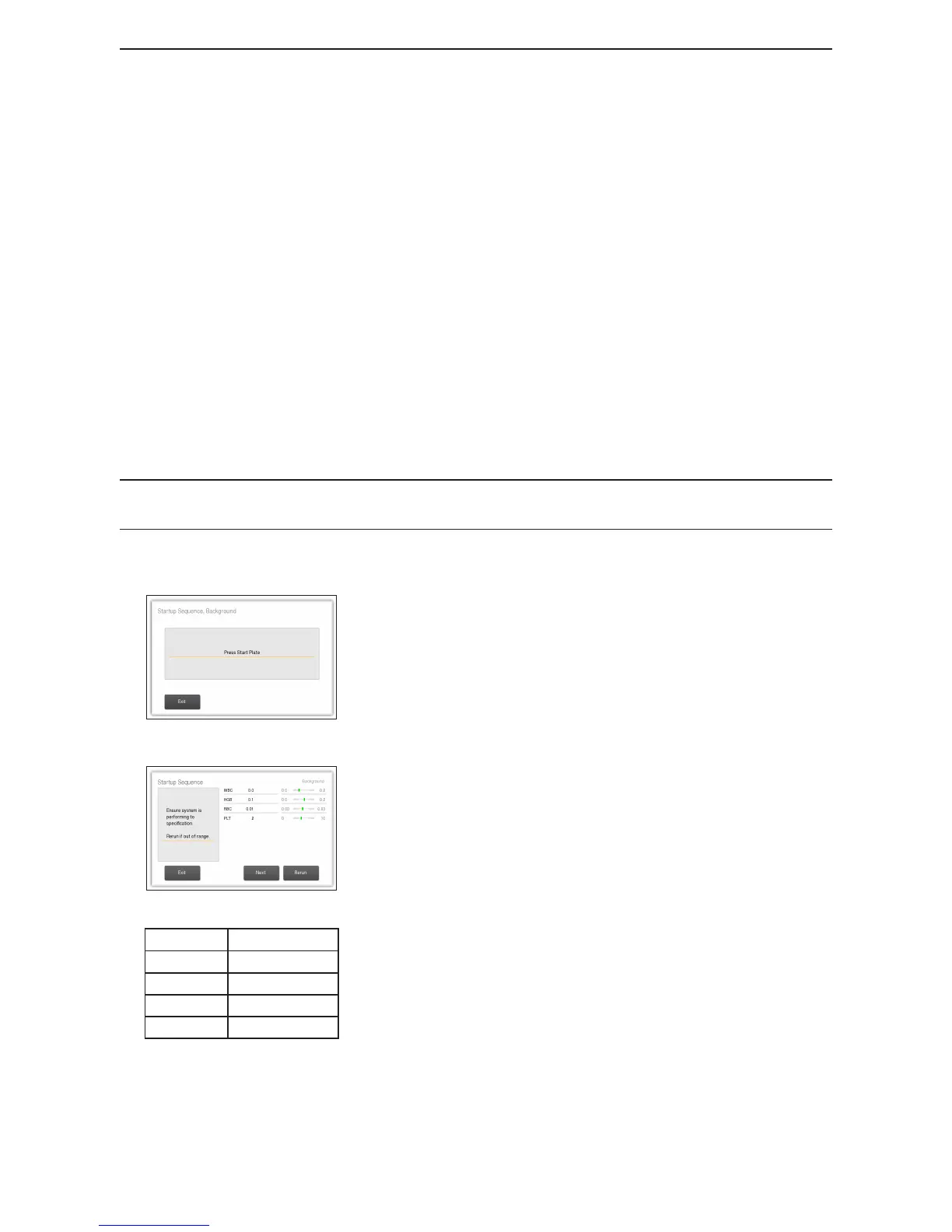
Figure 23: Startup Background
Parameter Values
RBC ≤ 0.03 (10
12
/L)
WBC ≤ 0.2 (10
9
/L)
HGB ≤ 0.2 (g/dL)
PLT ≤ 10 (10
9
/L)
Figure 24: Values accepted
Press Start Plate
When “wake up” cycle is complete, press start plate to begin
the rst step of the startup sequence.
Check Background
The background count is performed to check that the analyzer
and reagents are within specications.
When complete the background results are displayed.
Results should not be higher than values shown in gure 24.
− If the results are within range proceed to nal step and
analyze controls.
− If results are too high, analyze background count again
and check values.



 To Next Page