Page 26 © Boule Medical AB, March 2018. Article no. 1504496
3. Operation (Sample Analysis)
Analyzing Sample (Open Tube)
4 Choose Sample ID 1 and
Sample ID 2
Sample IDs can be entered either manually or by barcode.
Operator can enter up to 50 characters for each ID. The green
indicator next to the elds shows which eld the next barcode
can be entered into.
Sample ID1 is automatically highlighted, either scan in
the ID using the barcode reader or use the keyboard to
manually type in ID and press to save.
Repeat to enter in Sample ID2.
5 Enter Operator ID The Operator ID is an optional feature and, once set, will
stay the same until Operator ID is changed, analyzer enters
Standby, or analyzer is switched o.
Press the eld next to Operator ID and enter up to a 25-digit
numerical or alphabetic ID.
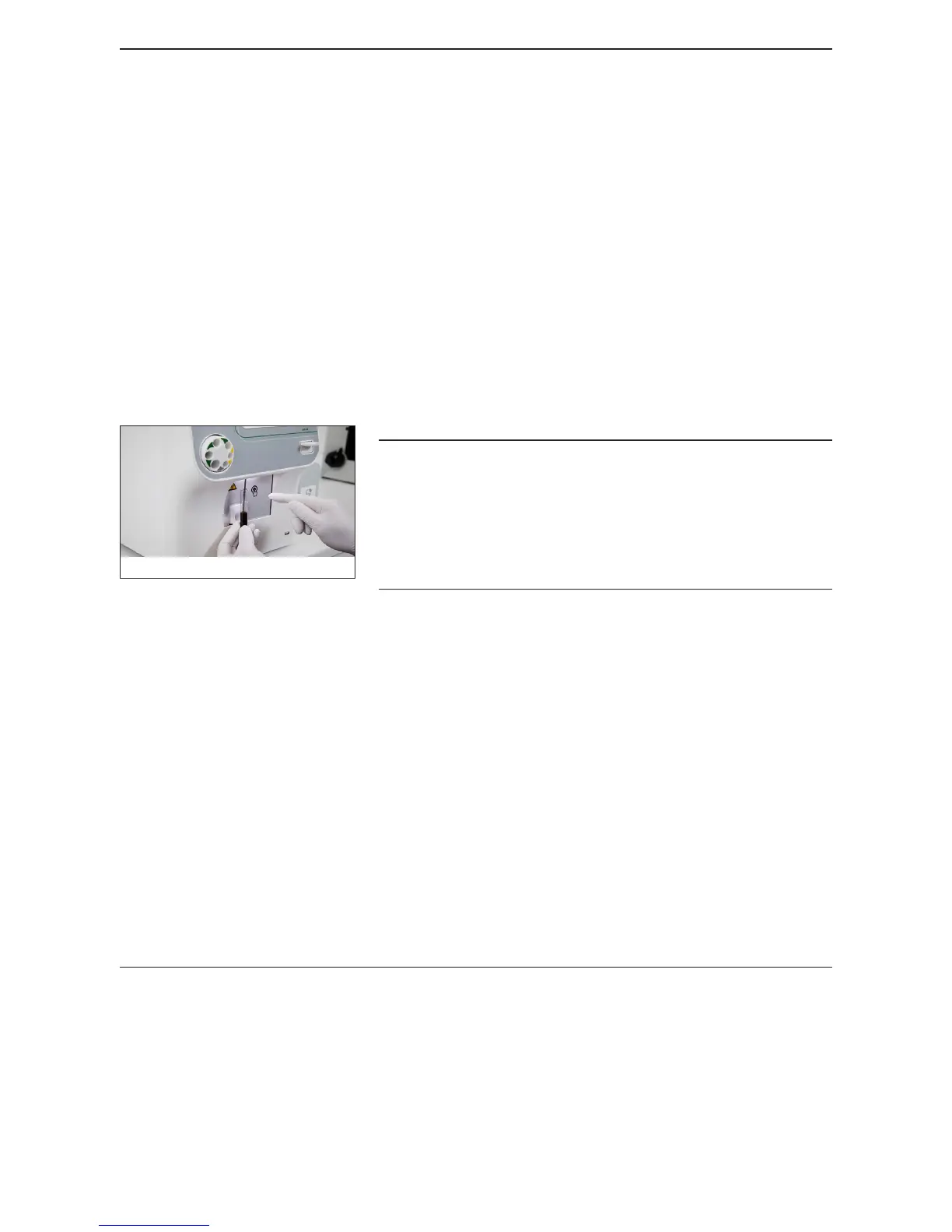
Figure 31: Sample Aspiration
Make sure that the blood sample tube is not touching the
upper part of the sample probe.
Do not remove sample prior to instruction, incomplete
aspiration could occur, causing erroneous result.
Not removing the sample tube could result in incorrect
washing sequence of the sample probe.
6 Sample Aspiration Aspirate the sample through the sample probe by gently
inserting sample probe into the sample tube and then press the
whole blood start plate behind the sample probe.
Follow the instruction on the display when to remove the
sample tube. A beep is also an audible indication the sample
should be removed from the sample probe.
7 Sample Measurement The analyzer now switches to the sample analysis screen.
Sample ID1/ID2 and prole can be changed up until results
are displayed.
If any changes are made, press to save, and then
Conrm. Results will not be shown until change is
conrmed.
8 Results Displayed Sample results will be displayed.



 To Next Page