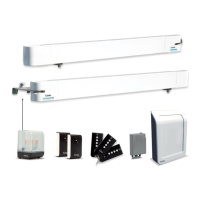
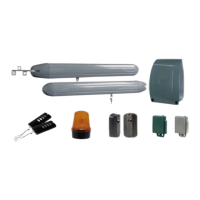
WEAT V2 N - V1
20GB
9. REMOTE CONTROL UNITS
Programming the remote controls
©Press the “P2/RADIO” push-button until the red led lights up, indicating programming is under process.
©i{z~{yz{x{}xA, B, C or D on the remote control (depending on the position of
jumper JP1).
©j~{yz{{z{Dj~{{zb[Z£w~z}~{Dm~{~{{wy-
plete, the LED will be lit steadily. A new code may then be stored.
©m~{}~{yz{|w~{w{Bwww|GF{yzx{{{{wy~D
©ey{¢~{zB{~{P2/RADIO button again to exit. The LED shuts off. The board will automatically
exit this mode after 10 seconds of non-use.
©j~{yz{{w{z{{{|{~{{{yyxwzyD
Deleting the transmitter codes
Hold the “P2/RADIO” button pressed approx. for 6 seconds until the red LED starts slowly flashing.
Press again the “P2/RADIO” button until the red led flashes more rapidly to indicate the elimination.
WEATEM 4 transmitter
General information
The transmitter supplied sends a secure rolling code over a 433.92 MHz frequency.
It is powered by a supplied battery CR2032 (3 VDC), and must be programmed on the board.
Changing the battery:
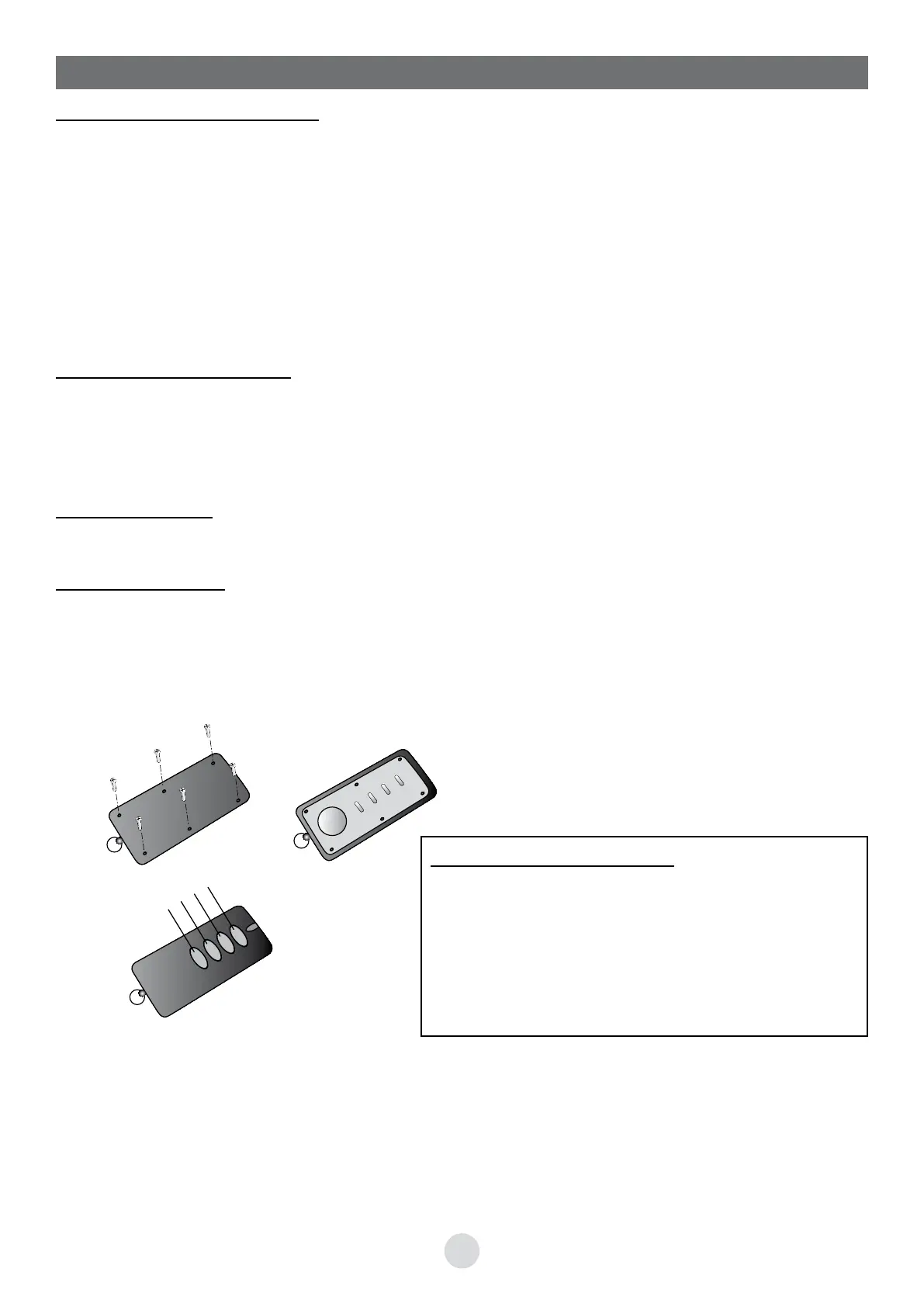
Open the battery compartment cover on the lower part of the transmitter (Fig. 1).
Replace the battery following the polarity marked (Fig. 2).
A
B
C
D
Fig. 1
+
CR2032
Fig. 2
Chronological order of buttons:
Channel A: FULL control (if JP1 removed from board)
Channel B: PARTIAL control, one leaf (if JP1 removed from
board)
Channel C: FULL control (if JP1 on board)
Channel D: PARTIAL control, one leaf (if JP1 on board)
If changing JP1 position, a reprogramming is not necessary.


 To Next Page