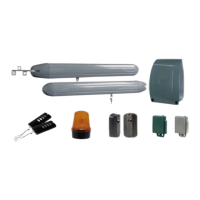
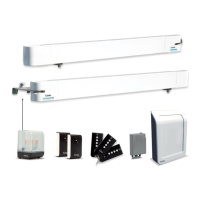
WEAT V2 N - V1
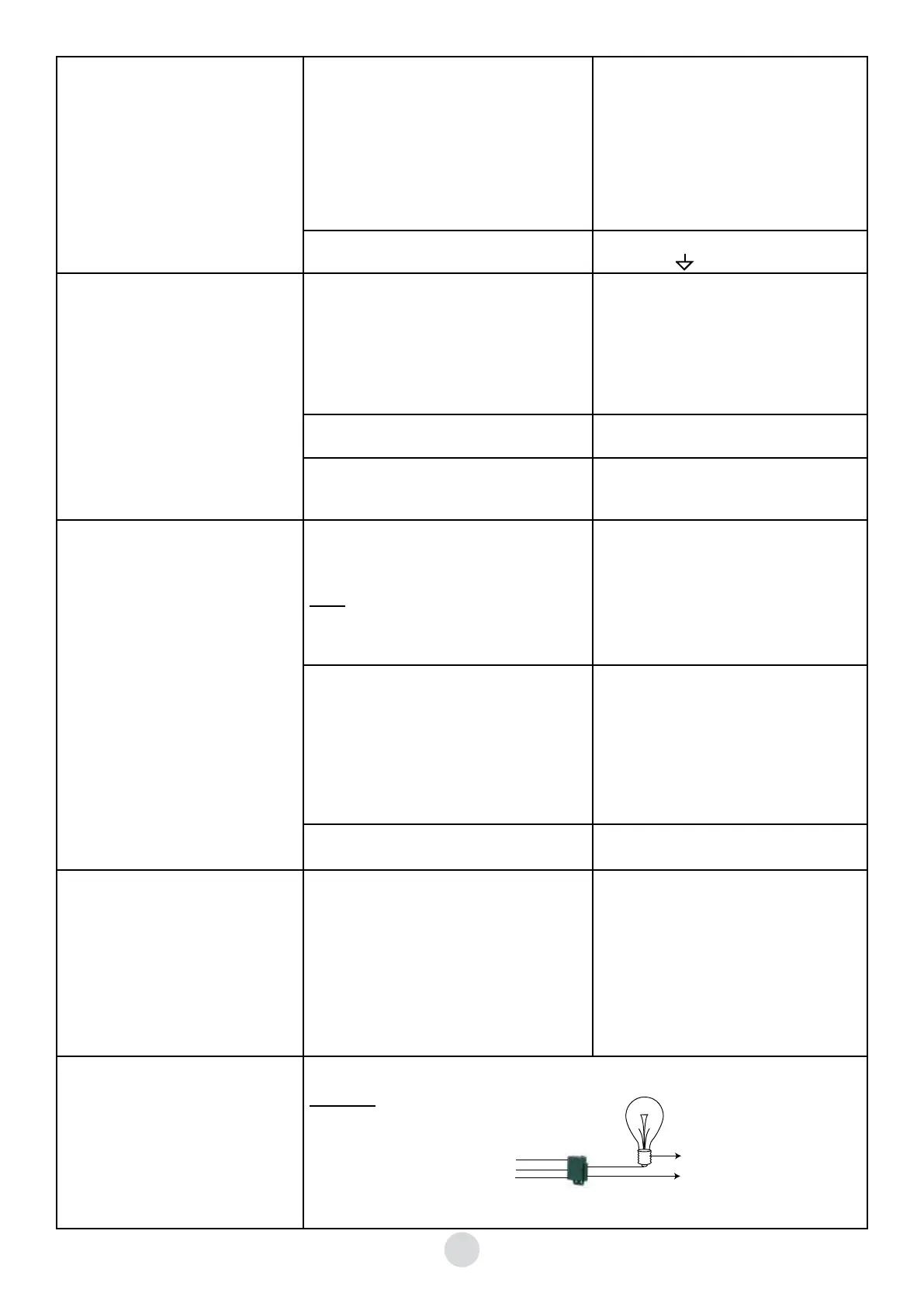
4° automatic opener use at this step
(continued)
©j~{}w{{wzy{{w{
remains blocked
©Y~{y~{y{wP
If you have connected a door phone or a push
button, check that the control signal is a dry
contact normally open. Disconnect this control
to ensure this does not cause the problem
©_|~{y}www}{}wB{~{
WE 8111 bis module
©_|{w{}{wBy~{yw{
the contact normally open
©W|{wyB~{wwy{{z{
react
©y~{y~{{{y{|~{~~{ijf
terminals and terminals
5° remote control unit checking ©[wy~{{yyz{zB~zx{
recorded on the board.
Memorisation of the remote control units:
- Press P2/Radio, the red LED lights up
- Press the remote control unit, the board red
LED flashes
- Wait the red LED switches off
©X{}~{{{yB~}
occurs, but the red LED on the board lights up
©h{{ww{w|~{{{
control units
©X{}~{{{yB~}
occurs, but the red LED on the board does not
light up
©hwzzxwy{
©Y~{y~{xw{{|~{{{y
units, use an optional WE ATAN 2 antenna
6° check of the photoelectric cells
©W{zb[Z~{hny{zyw{~w~{
alignment of photoelectric cells is correct
Note:
the installation of the photoelectric cells must be
OBLIGATORILY validated by a memorisation of
the board
©_|~{{zb[Z||P
- check the connection of the photoelectric
cells
- properly align the photoelectric cells
©m~{w}||~{~{{yyy{B
the leaves do not stop the red LED lights up, and
the photoelectric cells click when passing
©j~{~{{yyy{w{wzw~{
closure
©j~{{ww{|{z
©Y~{y~{{{y{|~{~x{{{
COM and GND on the RX photoelectric cell
©Y~{y~{{x{{{~{hnwz~{jn
cells are not reversed
©Y~{y~{wwwz~{{
©j~{~{{yyy{{wyw~{{}x
not at the closing
©Y~{y~{y{y|~{>y~wH?
7° check of the control by a door phone
or a push button
The gate opens and closes permanently or remains
blocked
©Y~{y~{y{wP
If you have connected a door phone or un push
button, check the control signal is a dry contact
normally open. Disconnect this control to
ensure this does not cause the problem
©_|~{y}www}{}wB{~{
WE 8111 BIS module
©_|{w{}{wBy~{yw{
the contact normally open
8° The ATCR2 does not work
Check the installation.
Reminder: The 60 sec time delay is not adjustable.
COM
NO
WEATCR 2,
supplied
Neutral
Live
GND
V in
TRIG
22GB


 To Next Page
 Loading...