IN1604 DTP and IN1604 HD Scalers • Configuration Software 50
Offline Device Preview
The configuration options for scalers can be viewed without connecting to a device, but the
settings cannot be changed or saved.
To open a scaler device tab:
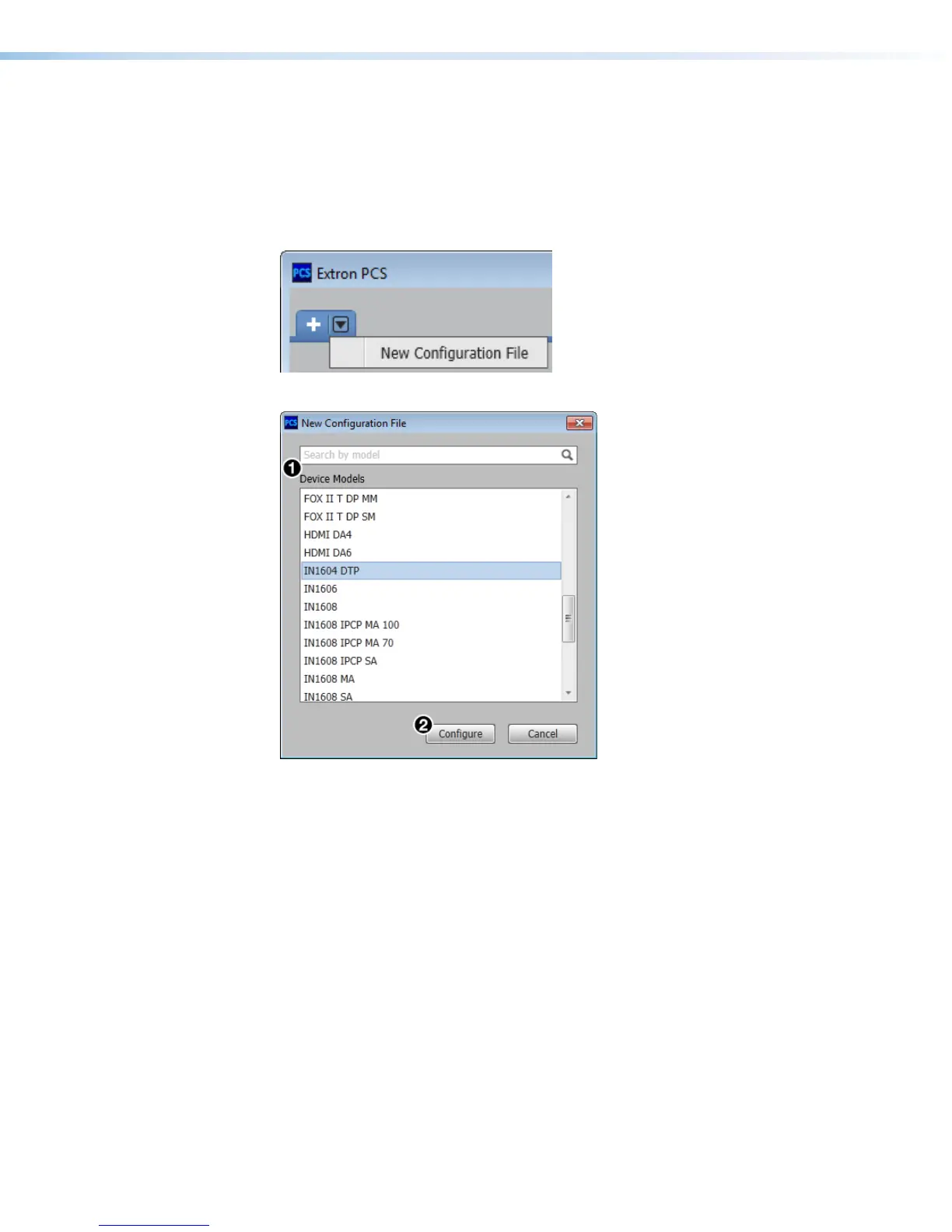
1. In the Start-up drop-down menu, select New Configuration File. The New
Configuration File dialog box opens.
Figure 23. Start-up Drop-down Menu
Figure 24. New Configuration File Dialog Box (IN1604 DTP Selected)
2. Select the desired device model from the Device Models list (see figure 24,
1
).
3. Click the Configure button (see figure 24,
2
). A new offline device configuration tab
opens.













 To Next Page