IN1604 DTP and IN1604 HD Scalers • Configuration Software 52
Hardware Settings
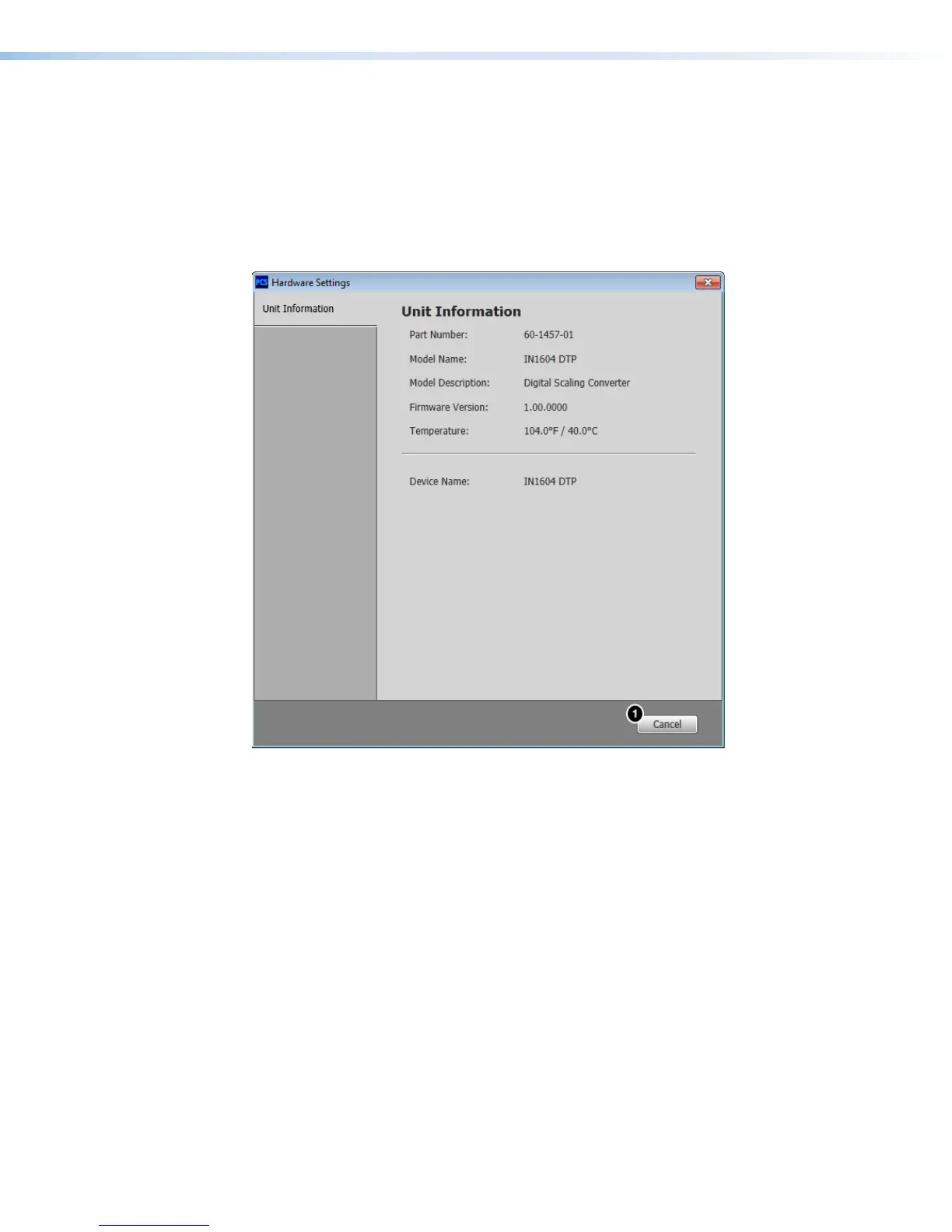
This option opens a dialog box that displays unit information of the connected device.
From the Device drop-down menu, select Settings > Hardware Settings.... The
Hardware Settings dialog box opens.
Unit Information tab
The Unit Information tab displays basic information about the connected device.
Figure 27. Unit Information Tab (IN1604 DTP Shown)
Click the Cancel button (
1
) to close the dialog box.













 To Next Page