IN1604 DTP and IN1604 HD Scalers • Configuration Software 51
Using the Software
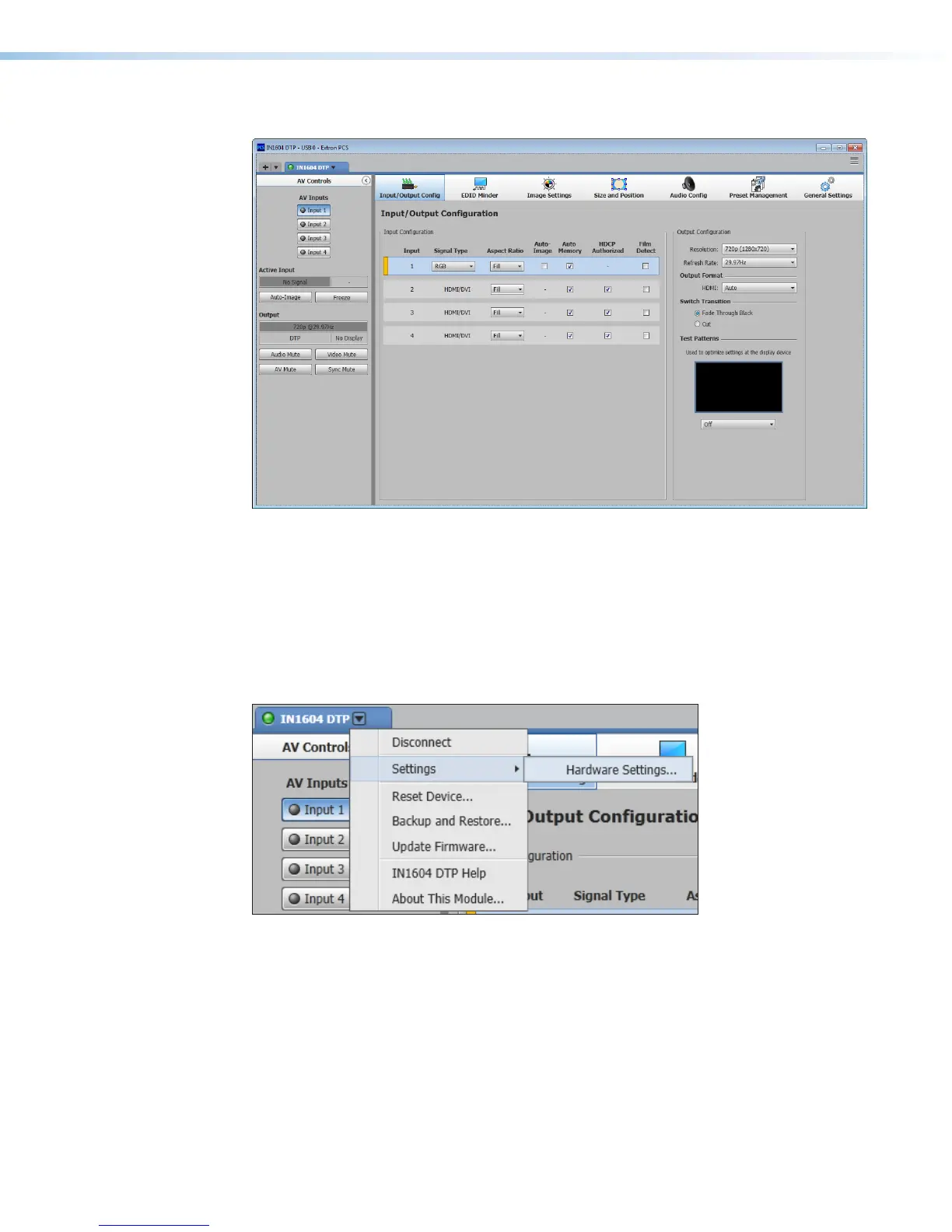
Figure 25. Online Device Tab (IN1604 DTP Shown)
Each device tab has a Device drop-down menu to the right of the device name for
device-specific configuration options. The Software menu provides software configuration
and information options for PCS and is available to all device modules.
Device Menu
The Device drop-down menu contains options for disconnecting, changing hardware
settings, resetting the device, saving and opening configuration settings, updating firmware,
and viewing software information.
Figure 26. Device Menu
Disconnect
This option disconnects the PCS program from the connected device and closes the device
tab.
From the Device Menu, select Disconnect.













 To Next Page