IN1604 DTP and IN1604 HD Scalers • Configuration Software 65
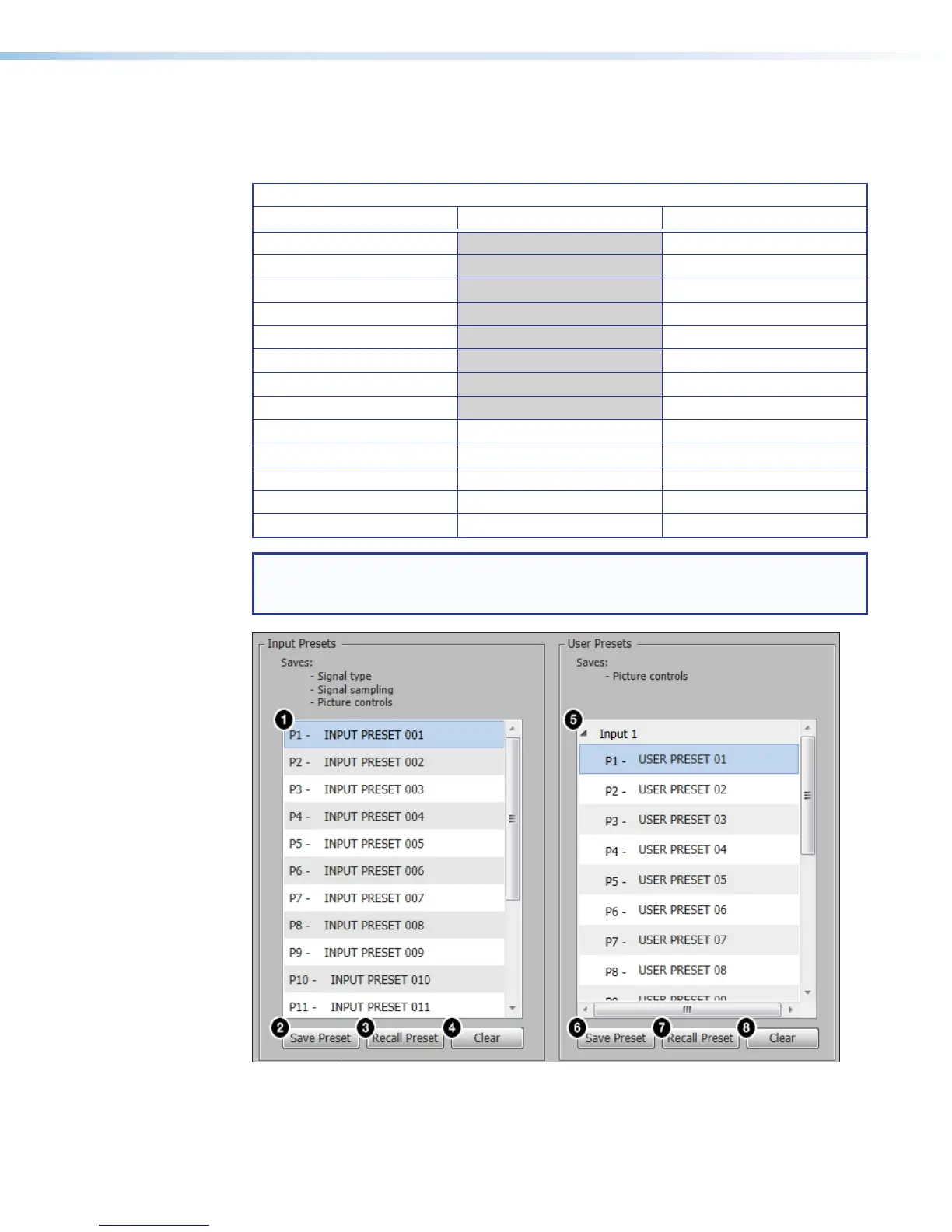
Presets panel
Presets save output settings to be recalled (see the following table for a comparison of
saved settings for input and user presets).
Settings Included Within Presets
Setting User Preset Input Preset
Horizontal and Vertical Start X
Active Lines X
Pixel Phase X
Active Pixels X
Total Pixels X
Input Type X
Audio Gain and Attenuation X
Film Detect X
Brightness and Contrast X X
Color and Tint X X
Detail X X
Image Size and Position X X
Preset Name X X
NOTE: User presets can be saved on one input resolution and recalled on a different
one. Input presets can only be recalled on the same input resolution that was present
when the preset was saved.
Figure 48. Input and User Presets Panels













 To Next Page