Network Button Panels • Introduction 2
The IP settings for NBPs are configured via Toolbelt software. Configure button behavior
as part of the system configuration you create within a Global Configurator project or
GlobalScripter programming. The project configuration is saved, built, and uploaded into
the IPCPPro or IPLPro control processor or the HCR102 receiver.
Decorator-style Models
The NBP 105 D, NBP 106 D, NBP 108 D, and NBP 110 D feature soft backlit buttons,
fit into a standard US one-gang junction box or mud ring, and include a decorator-style
wallplate.
LAPTOP
HDMI
PC
MEDIA PLAYER
VIDEO
e
e
R
LAN/PoE
MAC: 00-05-A6-XX-XX-XX
S/N: ####### E######
Figure 1. NBP 105 D Front (Left) and Rear (Right) Views Without Wallplate
US Gang Models
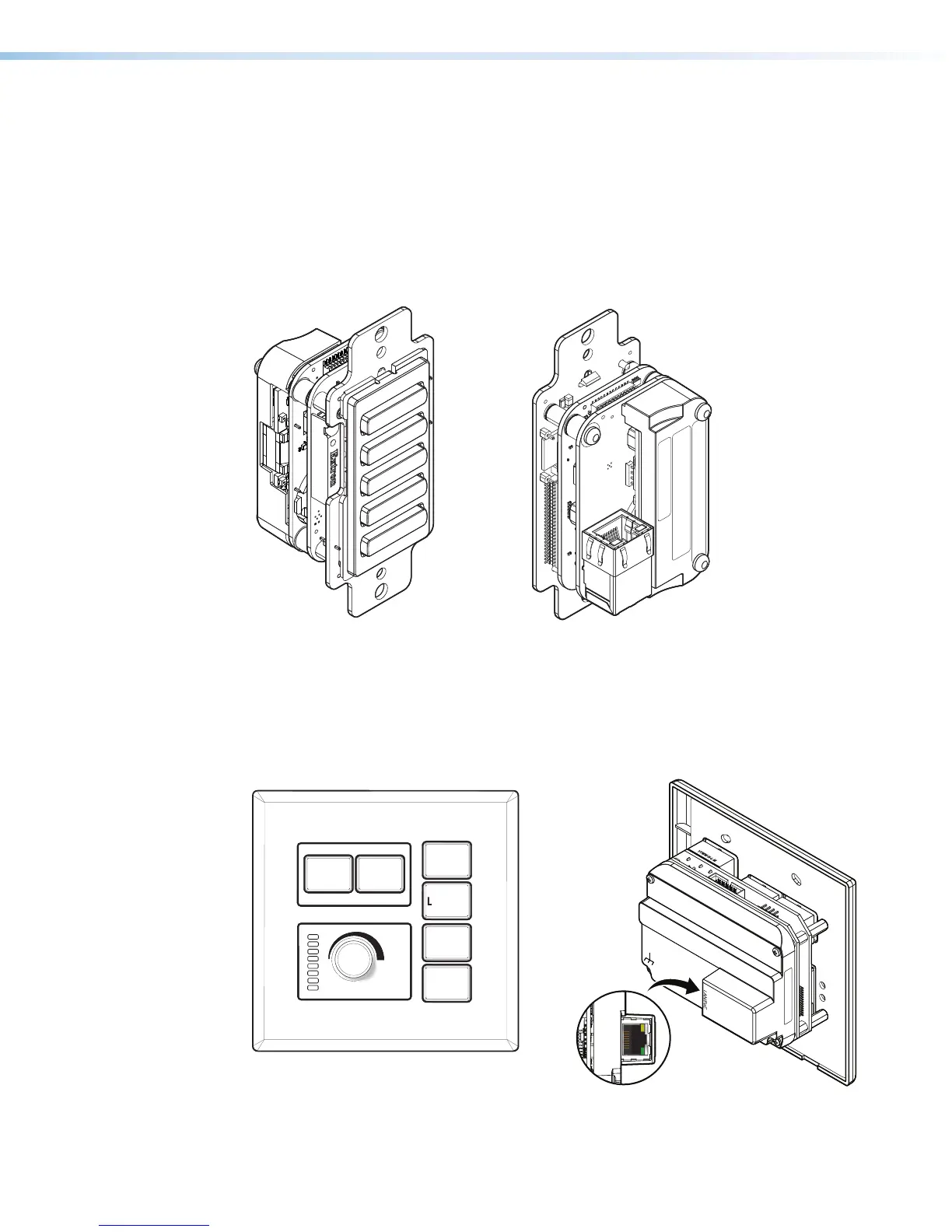
The NBP 100 and NBP 200 feature hard, translucent buttons that can easily be relabeled.
These models fit into a standard US two-gang (NBP100) or three-gang (NBP200) junction
box or mud ring.
Extron
ON
PC
VIDEO
MUTE
LAPTOP
OFF
Ex
r
e
e
YYW W-N -L- M
MAC: 00-05-A6-XX-XX-XX
S/N: ####### E######
00-05-A6-XX-XX-XX
Figure 2. NBP 100 Front (Left) and Rear (Right) Views



 To Next Page