6. Appendix D - CueCards issue
To install the CueCards:
• Download from myezono.com the CueCards
• After downloading save the files in the non-bootable USB drive without using any folder or subfolder
• Power on the system
• Plug in the USB stick
• Press the Procedure button
• Then press the Manage Procedure button
• At the end press the Install Procedures button
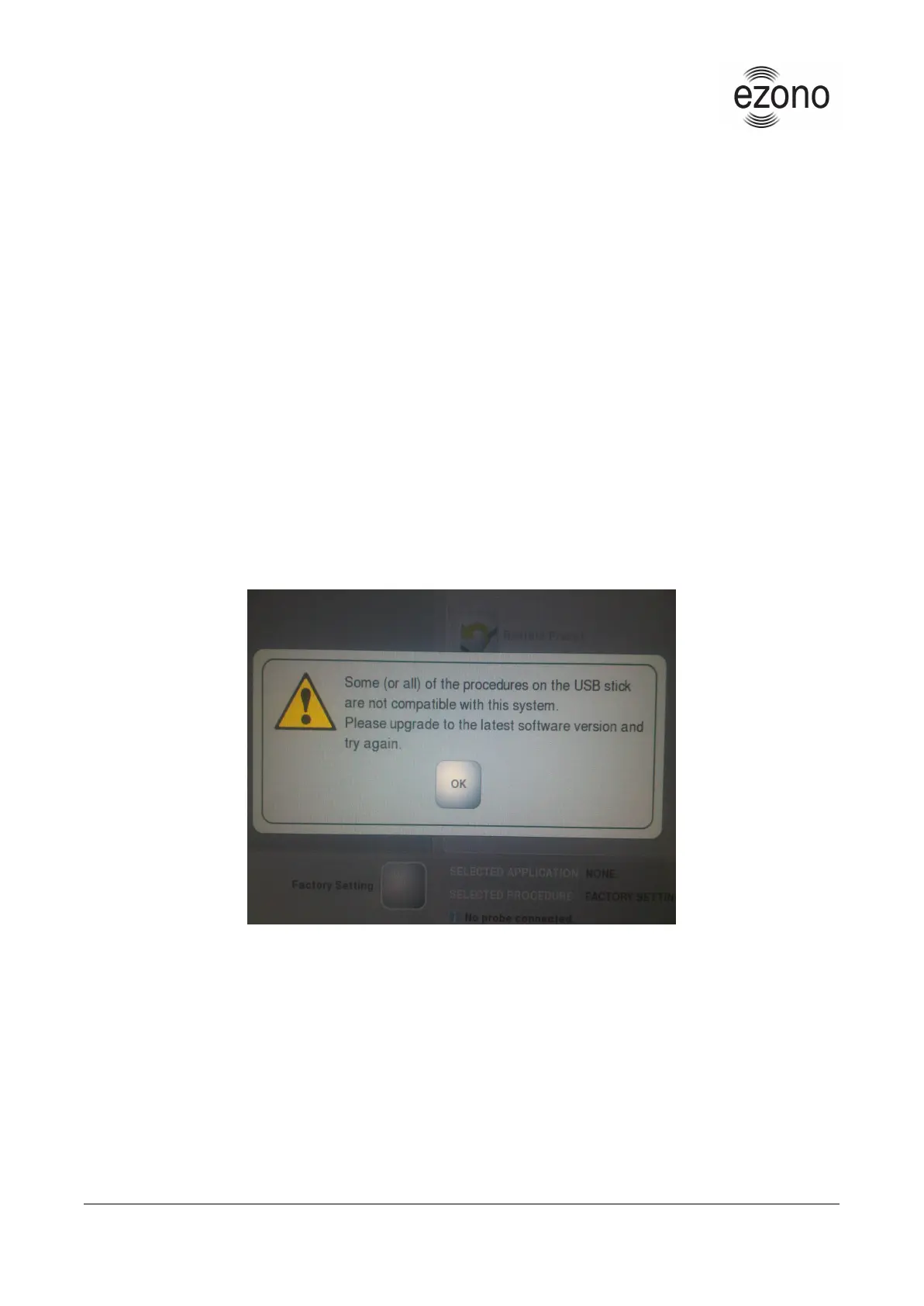
If the following message will appear on your screen while installing the CueCards then the only think that you have
to do is to press the “OK” button and start again the installation.
Version: 1.1 © eZono AG, 2009-2015 - Confidential Page 25 of 25


 To Previous Page