Service functions for testing the cleaning cycle6.4
Start cleaning with the desired cleaning stage (0 to 8)
Set the desired cleaning stage (0 to 8) in parameter [r92].
Press CLEANING : A cleaning cycle starts with the selected cleaning button
stage and then runs through to the end.
The next cleaning starts again with the first cleaning stage.cycle
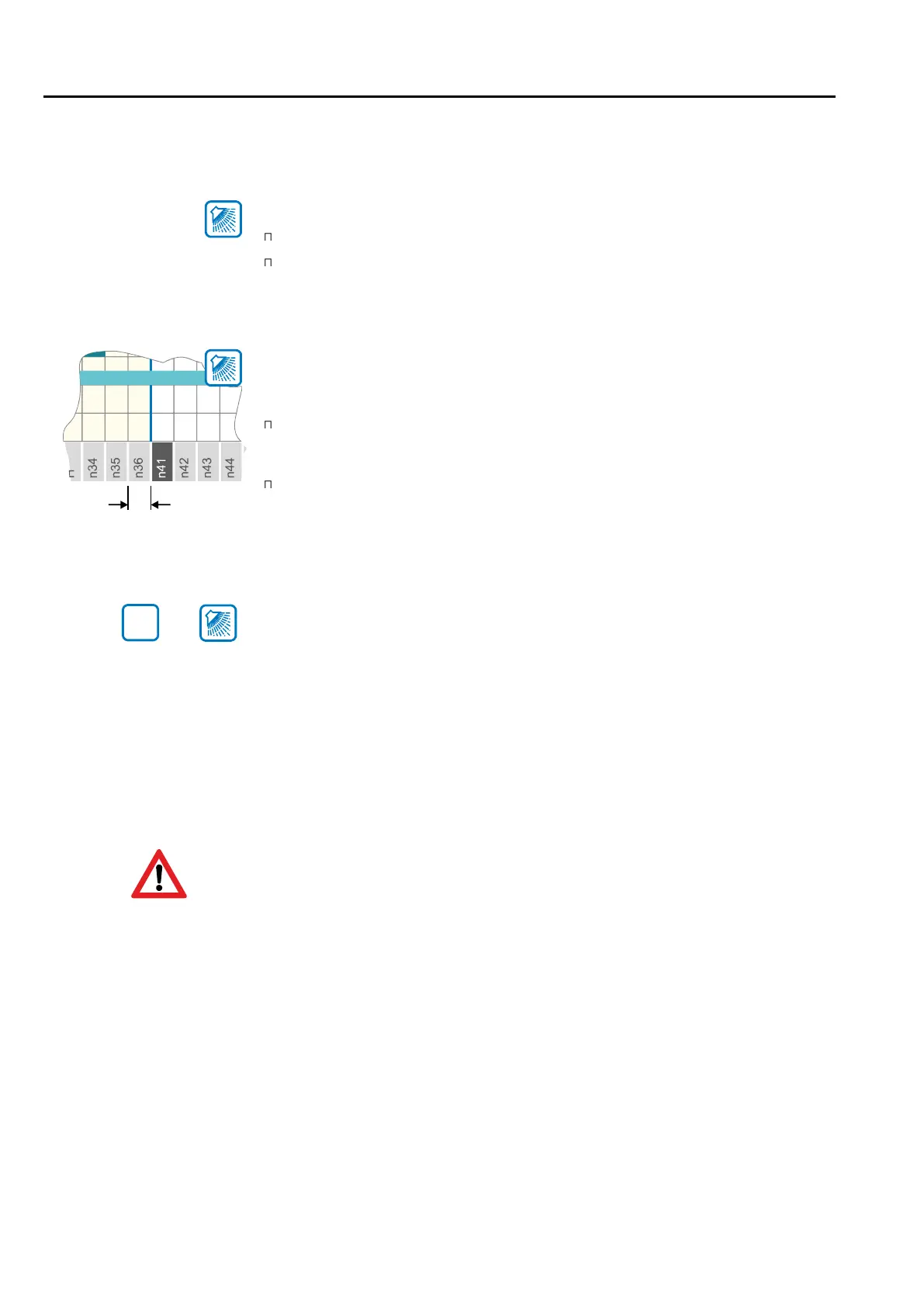
Switch on the cleaning cycle with single step function (up to 3 times)
In order to be able to test a cleaning more quickly, it is possible to switch the cycle cycle
manually from one programme step to the next without having to wait until it has been
completely processed.
In parameter [r93], set the number of cleaning cycles to be executed consecu-
tively with the single step function.
NB: An aborted cleaning counts here as a completed cleaning.
By repeatedly pressing the CLEAN button, the cycle can now be ING progressed
step by step.
Can be terminated via OFF at any time, with drain phase.button
Tank function and alarms !!!!!monitoring are deactivated
Short wash program
Set appropriate short wash sequence in parameter [r28]
Short wash program activation
Press wash button simultaneously with set button (starting with set button first).
programme step
6. Cleaning
Page 28
SET
+
Gala-Kool Pro is pre-programed with default wash program sequence. It
is installer responsibility to set wash sequence accordingly to the re-
quirement.
It is good engineering practice to check tank cleanliness after a few days
in operation.
In case of any problem please report to manufacturer.



 To Next Page