9. Other Information
Page 77
9.3.1 Cleaning release by robot
r27 Cleaning release via digital input
0: deactivated
1: activated
Explanation
Setting the parameter [r27] to 'active' is only useful for robot operation.
If the cleaning button is pressed after the tank has been emptied by the truck driver, it
may be that the robot is not ready for the cleaning process, depending on the configu-
ration of the connected robot.
The can be configured in such a way that washing is not started directly Gala-Kool Pro
by pushing the button, but in addition a robot release signal is needed.
Procedure
If the cleaning release in parameter [r27] is set to 'active' and the CLEANING button is
pressed,
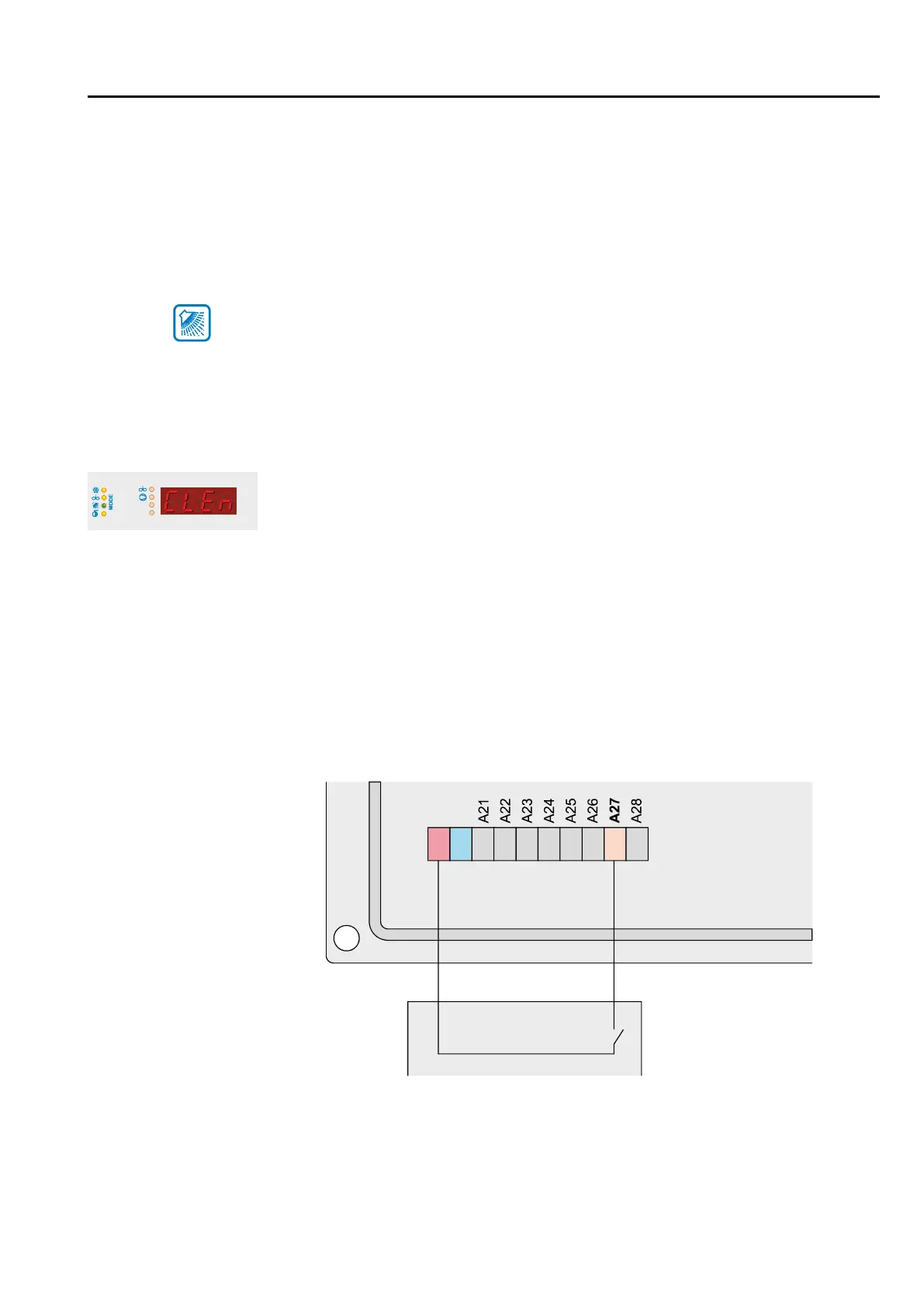
- the display 'CLEn' shows
- the mode LED lashes “washing“ f
As soon as the robot is released, the cleaning process is started - the mode LED
remains lit permanent and the programme step for the cleaning process appears in ly
the display
Note: The function can be deactivated by pressing the OFF key during the waiting
period until the cleaning release 'CLEn' is activated.
Parameter setting - IMPORTANT
In order for the cleaning release to take place, the release signal must be robot
assigned to one of the digital inputs.
2422 2625 2827 29 3130
Digital inputs
Parameter assignment
Robot
Contact closed -> release
Contact open -> no release
Connect digital inputs
with potential-free
contacts!
T1
T2
°C
23



 To Next Page