FX15 Controller Technical Bulletin
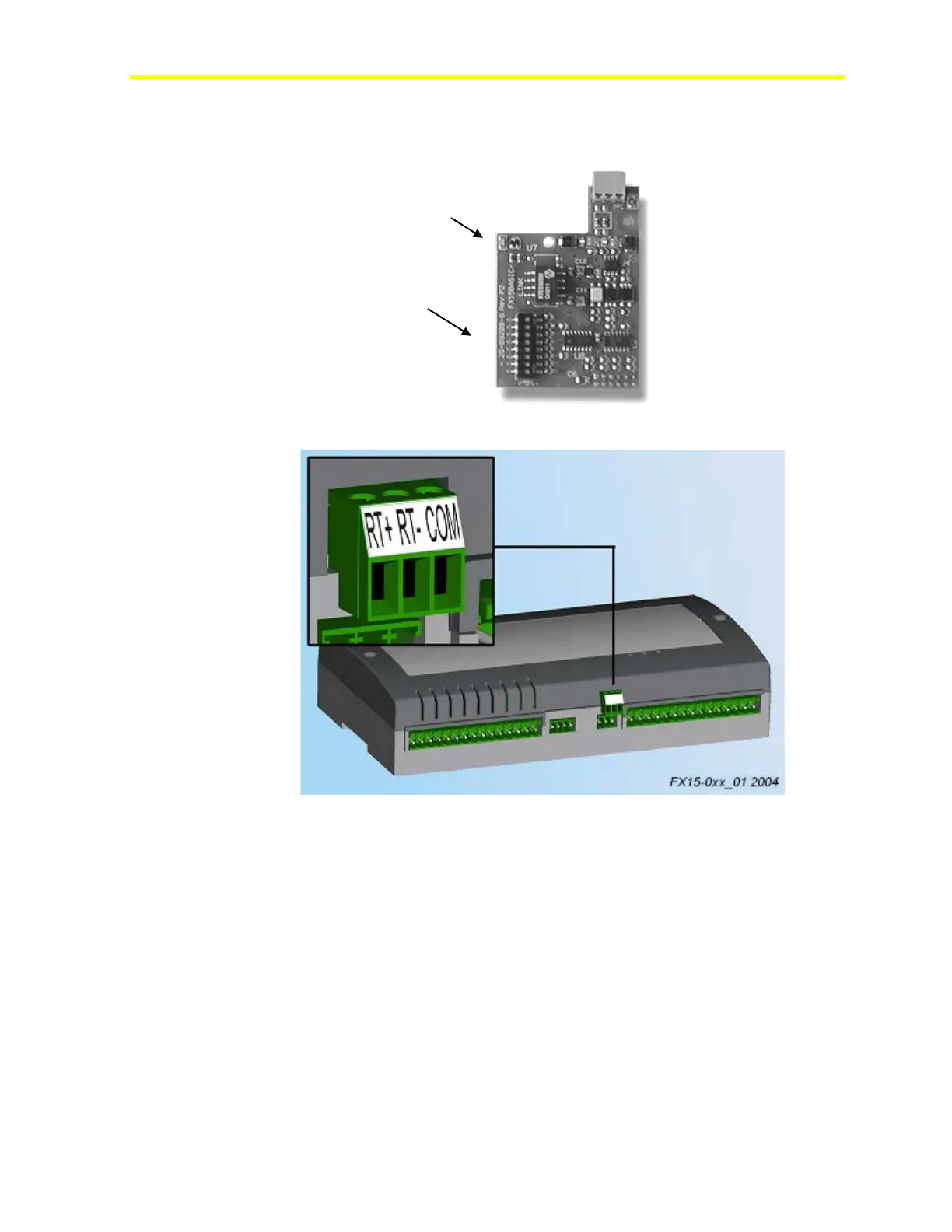
The N2 Open plug-in serial card allows you to connect the FX15
controller to an N2 Open serial network through the RS-485 standard.
Figure 13: N2 Open Plug-in Communication Card
Figure 14: N2 Open Card Connection
Assembling the N2 Communication Card
To install the N2 communication card:
1. Power off the controller (hot plug-in not allowed).
2. Open the controller. See Figure 15.



 To Next Page