FX16 Master Controller Technical Bulletin 79
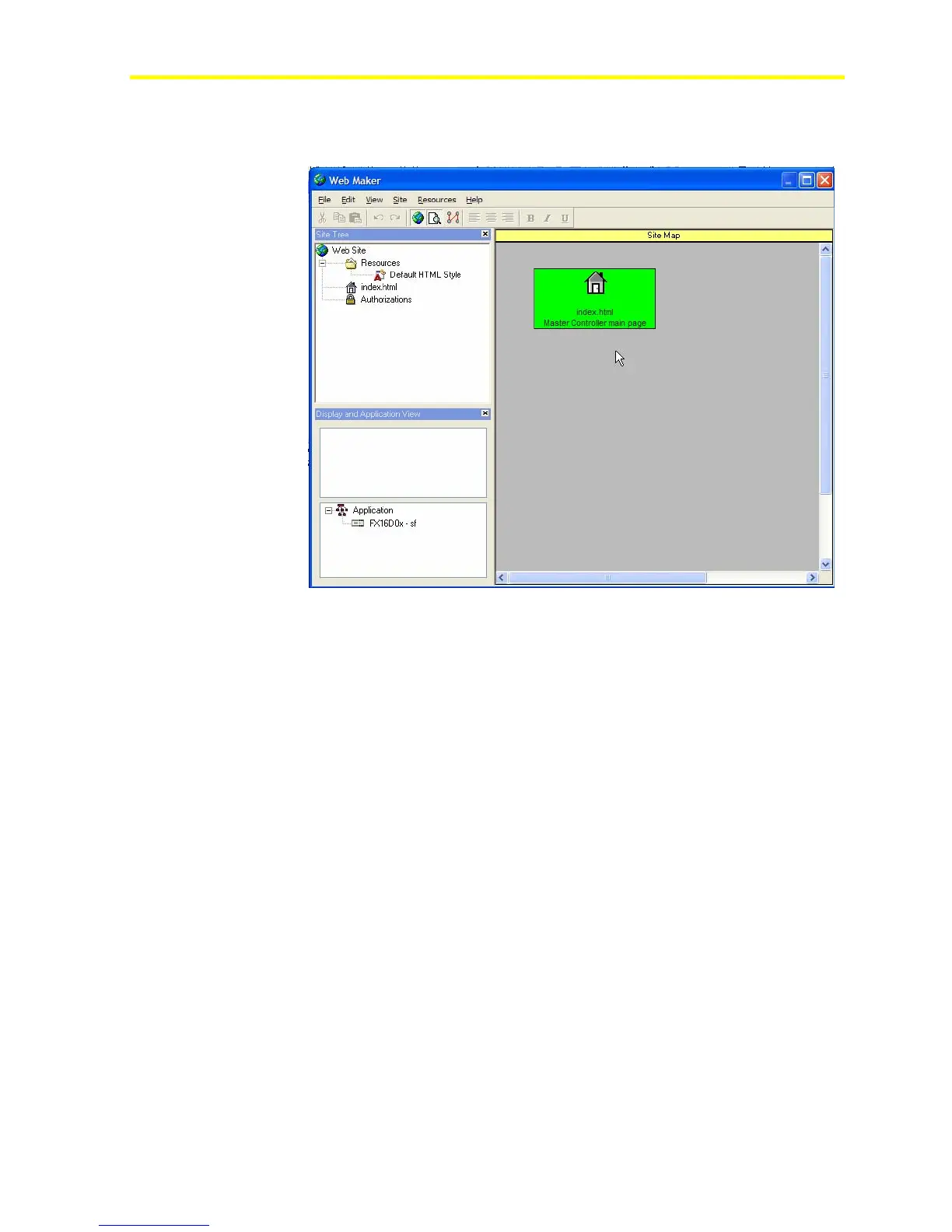
Default Site Map
The first page that appears is the Index page (Figure 61).
Figure 61: Default Web Site
Setting Up a Point-to-Point Connection on a Windows XP®
Operating System
The FX16 Master Controller provides an embedded Internet
Information Server (IIS), which allows you to view and work with Web
pages in the FX16 controller. You can use two different kinds of PPP
connections to access the FX16 IIS, depending on the user and
application needs:
• local Direct Connection through the RS-232C port and a null
modem connection
• remote Dial-in Internet Connection through a modem from a
normal Internet connection
To create software communications via PPP, you need to configure the
computer to manage these kinds of connections.
To set up a point-to-point connection on a Windows XP operating
system:
1. In the Network Connections manager on your computer, set up the
PPP connection.
2. Create a new connection from the Network Connection manager.



 To Next Page