FX16 Master Controller Technical Bulletin 31
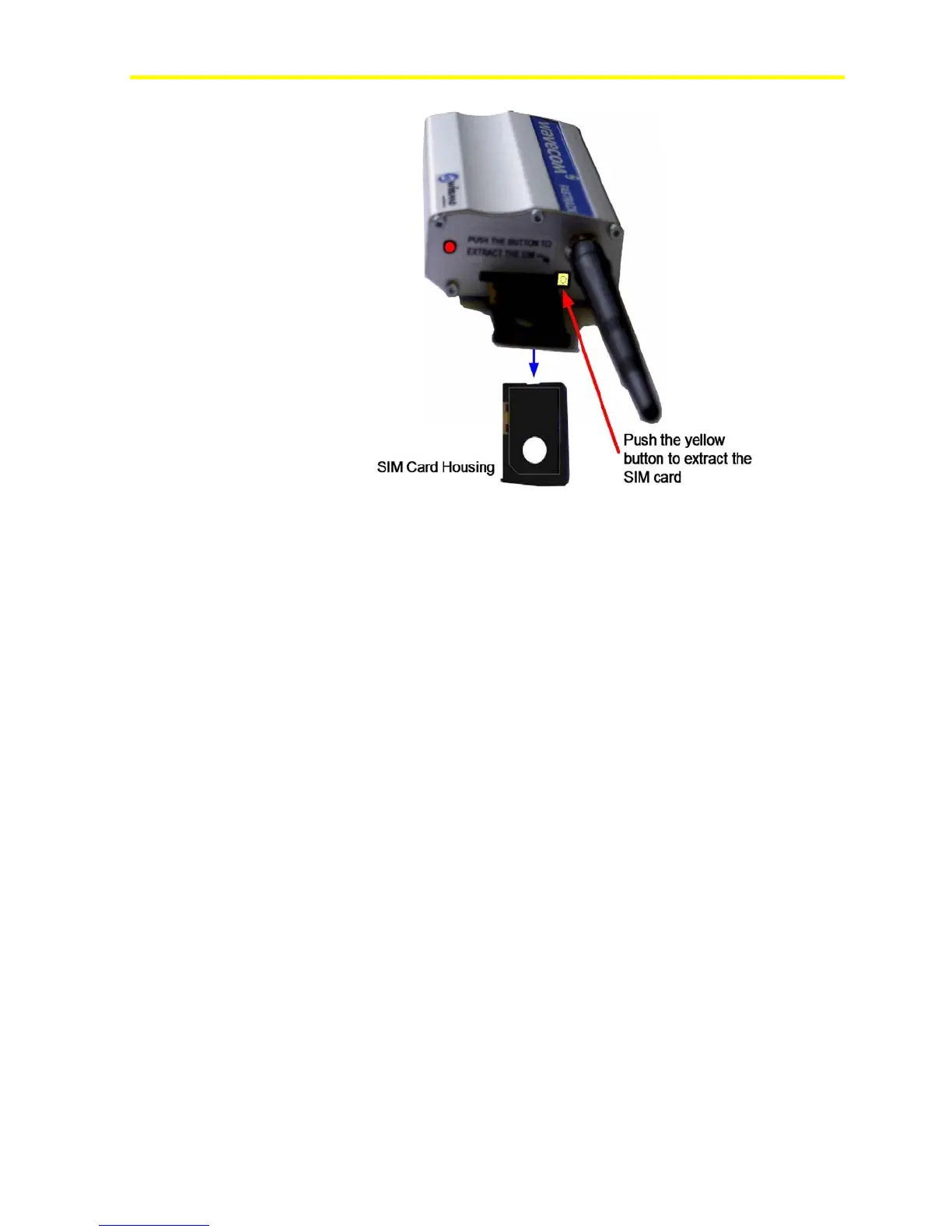
Figure 26: SIM Card Installation
3. Place the SIM card into the housing.
4. Insert the SIM card in the slot.
5. Insert the housing with the SIM card back into the modem slot.
SIM Card Configuration
GSM mobile telephone service provider needs to preconfigure the SIM
card. Use the following specifications:
• PIN request: DISABLE
• ENABLE for Data Transmission.
• ENABLE for SMS Transmission with valid Service Center number.
Connecting a Computer with the Null Modem Cable
This section provides details for the Direct RS-232 connection and the
RS-232/RS-485 connection.
Direct RS-232 Connection
For local monitoring, you can directly connect a computer (instead of a
modem) to the RS-232C port of the FX16 Master Controller using a
null modem cable.
The null modem connection is an alternative to the modem connection.
With a null modem connection, you can establish a Point-to-Point
Protocol (PPP) connection between the personal computer and the



 To Next Page