FX16 Master Controller Technical Bulletin
40
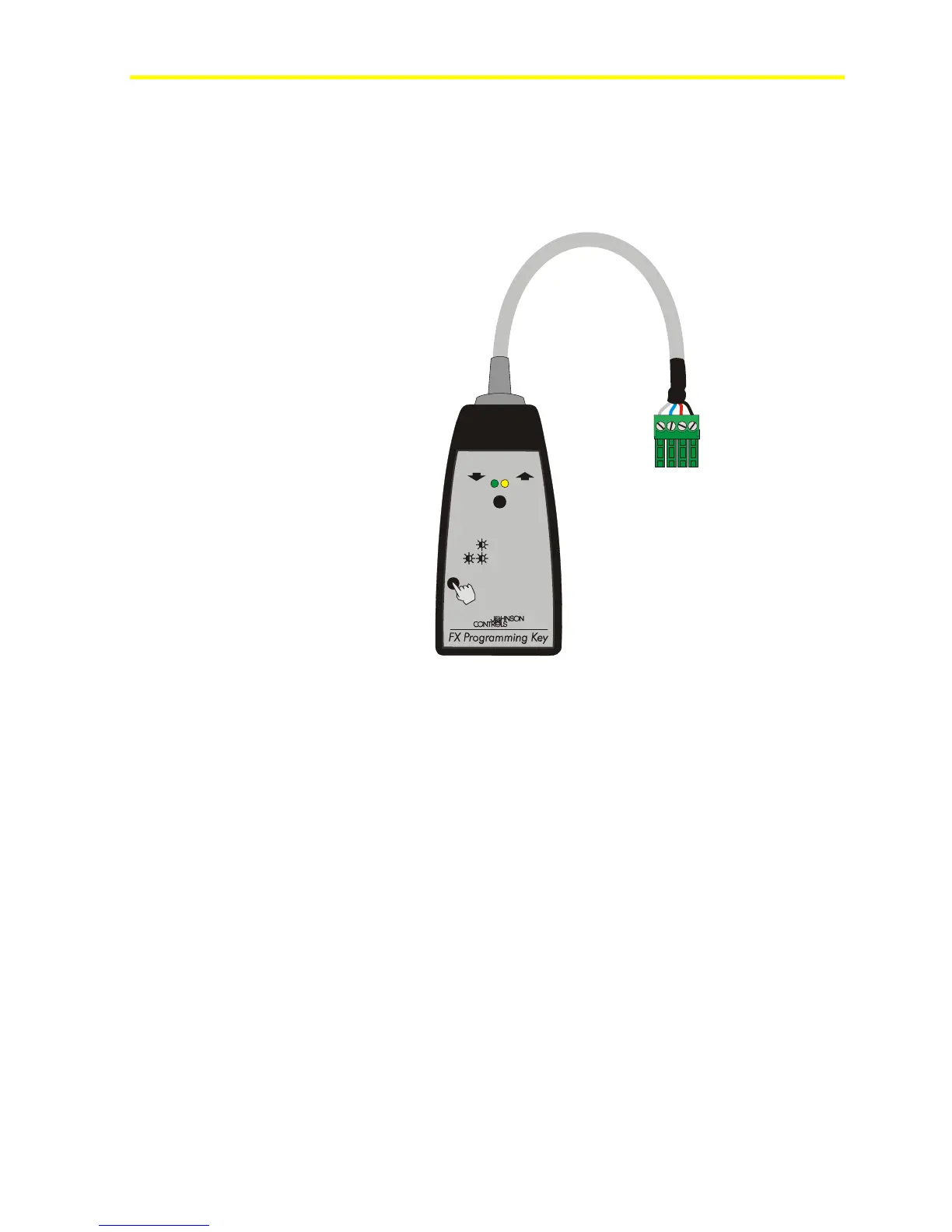
FX Programming Key
Use the Programming Key to upload an application from a computer or
from a preprogrammed FX16 Master Controller. You can then
download the application to other FX16 Master Controllers.
Upload Download
<1 sec
>3 sec
>15 sec
to select
to confirm
for MEMORY ERASE
Download / Upload
LED
Download / Upload failed
LEDs
LP-KIT100-001_09 200
Figure 37: Programming Key
Connecting the Programming Key to an FX16
To connect the Programming Key to an FX16 Master Controller:
1. Turn off the controller.
2. Detached any connected user interfaces from the Remote Display
Port JP2.
3. Plug the Programming Key into the Remote Display Port (see
Figure 38).
Note: Programming Keys with date code L0639 and later have a
mating connector for the FX06/7/14 display port. An adapter is
provided to plug the Programming Key into the Remote Display
terminals.



 To Next Page