FX16 Master Controller Technical Bulletin
98
User Interfaces
The FX16 Master Controller can support to up to two user interfaces
allowing the capability to display and edit data point and information in
the running application. The user interface application is fully
configurable using FX Builder. The FX16 Master Controller can store a
user interface database with up to five different languages (defined in
the application). You can then select, through a configuration parameter
on the screen, the displayed language.
A user interface is optional. This means that the controller can also
work without a user interface.
One user interface can be integral. Depending on the controller model,
one interface can be panel-mounted and one or two can be remotely
wall-mounted. The total number of user interfaces cannot exceed two
units.
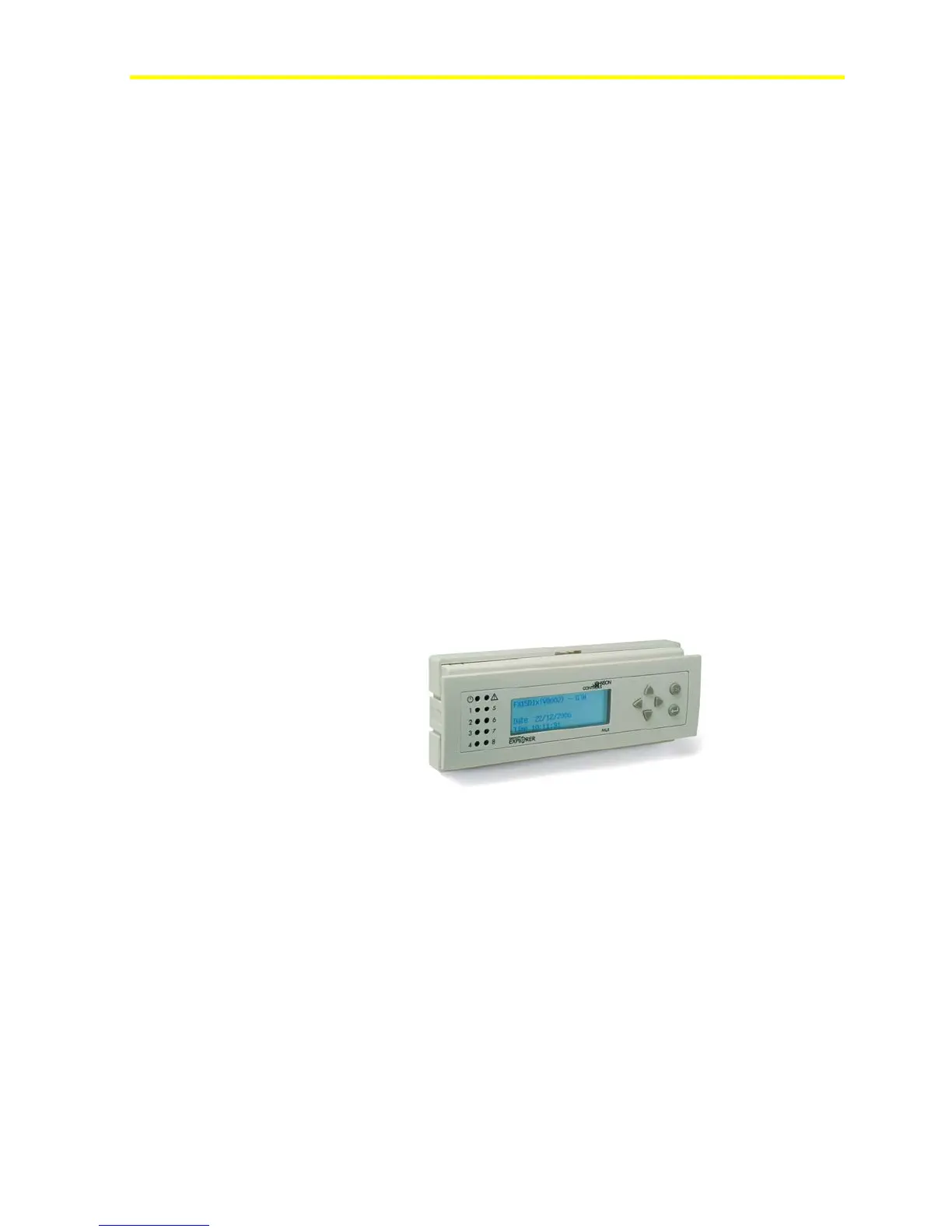
The display models that connect to the FX16 are:
• LP-DIS60P20-0C: Panel mount, non-isolated version. Medium User
Interface, 4x26 character backlit Liquid Crystal Display (LCD),
IP54, extended temperature range: -20°C (68°F) to 50°C (122°F).
• LP-DIS60P21-0C: Wall mount isolated version. Medium User
Interface, 4x26 character backlit LCD, IP54, extended temperature
range: -20°C (68°F) to 50°C (122°F)
Figure 86: Medium User Interface
Mount the panel mount version up to 3 m (9.8 ft) from the controller.
Mount the wall mount version up to 1 km (0.6 miles) from the
controller.
To connect the panel mount, use the cable connection kit
(LP-KIT007-000C), with a phone jack on the MUI side and a screw
connector on the FX16 side.



 To Next Page