FX16 Master Controller Technical Bulletin
96
Time Scheduling
The FX16 Master Controller has a real-time clock with battery backup
and clock, scheduler, and calendar objects. You can configure the FX16
(via FX Builder) to perform functions based on a weekly time schedule.
Real-Time Clock (LP-FX16D and LP-FX16X [Not Rev. A])
Use this object to set the time of the hardware clock and make its
parameters available to the application.
Clock and Date Set (LP-FX16X Rev. A)
Use this object to set the time of the hardware clock and make its
parameters available to the application. This object also manages the
automatic summer and winter daylight saving time changeover.
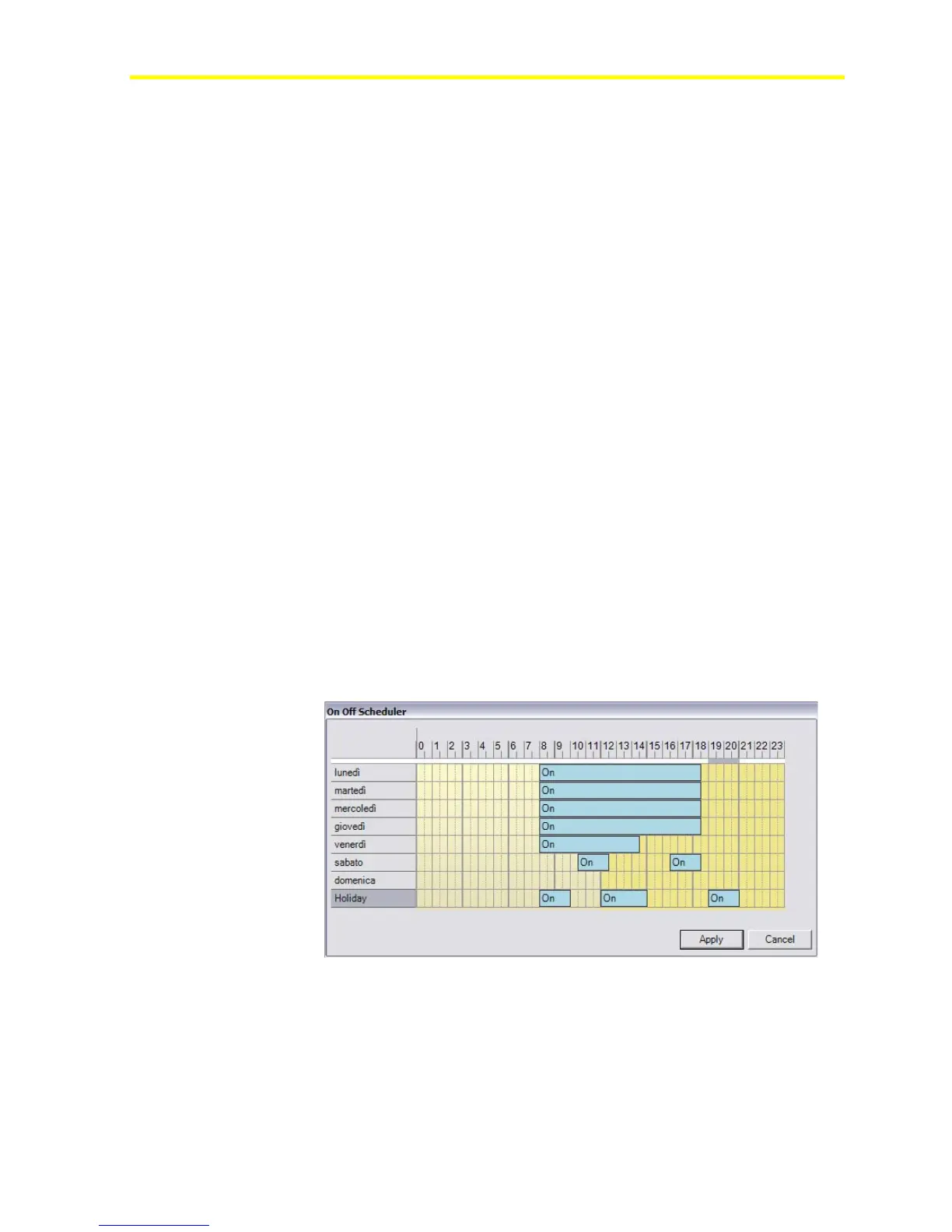
On-Off Time Scheduler
The On-Off Time Scheduler object controls a binary (On-Off) output
according to a configurable event schedule, real time, day of the week and
holidays (or exception days) in the calendar.
Use FX Builder to preconfigure the scheduler and FX CommPro to
modify the scheduler in a graphic format. You can modify the scheduler
from the integral/remote interface or Web page if configured in the
application.
You can also define a logic command to force the Time Scheduler
object output to On or Off for a simple override function from a user
interface or the Web page for remote access.
Figure 84: On-Off Scheduler Definition
Weekly Occupancy Scheduler
The Weekly Occupancy Scheduler object controls a multistate output with
the states of Occupied, Standby and Unoccupied. This is according to a
configurable event schedule, real time, day of the week, and holidays
(exception days) in the calendar.



 To Next Page