FX16 Master Controller Technical Bulletin 97
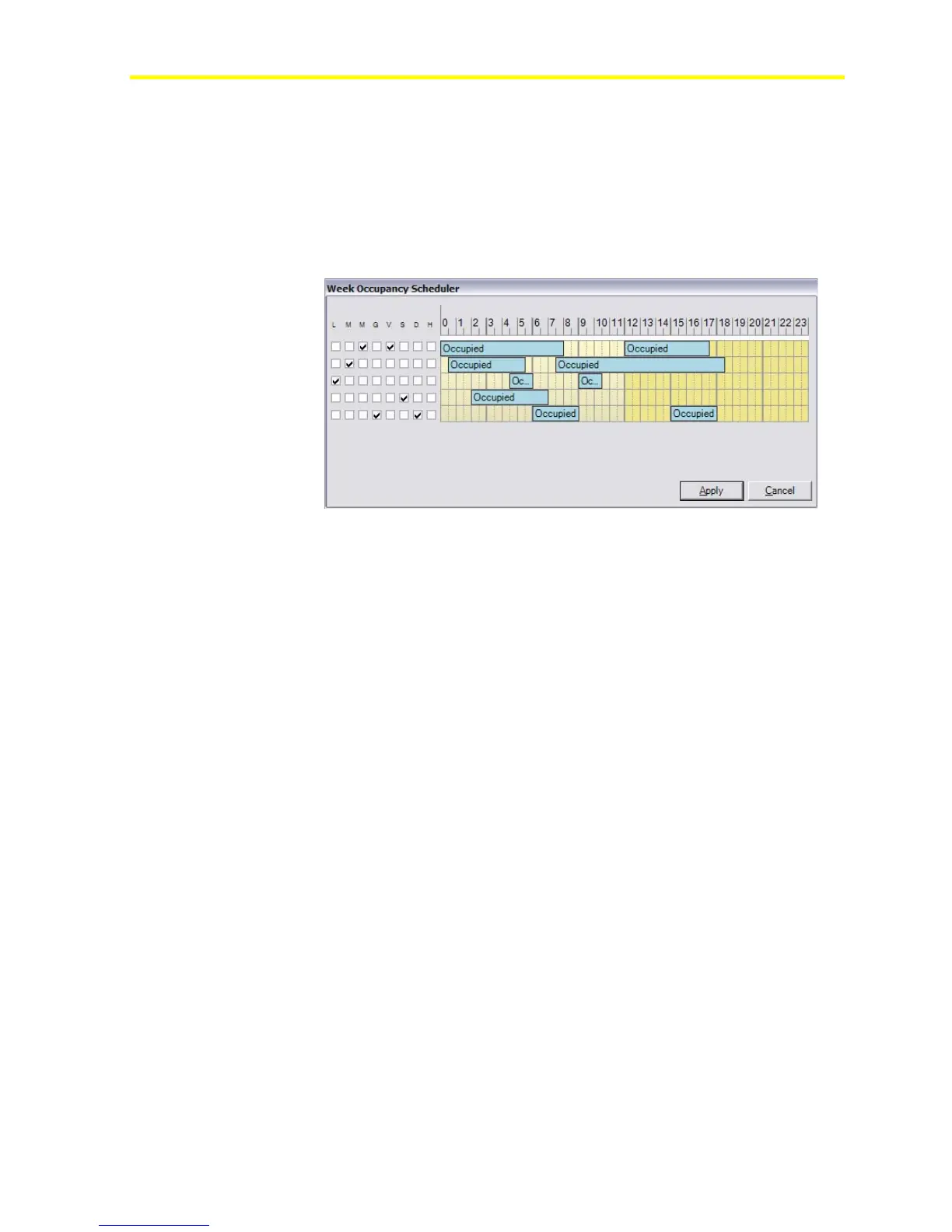
Use FX Builder to preconfigure the scheduler and FX CommPro to
modify the scheduler in a graphic format. You can modify the scheduler
from the integral/remote interface or Web page if the scheduler was
configured in the application.
You can also define a multistate command to force the Time Scheduler
object output to Occupied, Standby, or Unoccupied. This is a simple
override function from a user interface or Web page for remote access.
Figure 85: Weekly Occupancy Scheduler Definition
Exceptions Calendar
Use the Exceptions Calendar in FX Builder to define holidays or exception
days in a graphic format. Use FX CommPro to modify the holidays or
the integral or remote user interface if configured in the application.



 To Next Page