FX16 Master Controller Technical Bulletin
30
GSM Modem Power
The GSM modem requires 5 to 32 VDC power at 12 Watts (W)
maximum to operate.
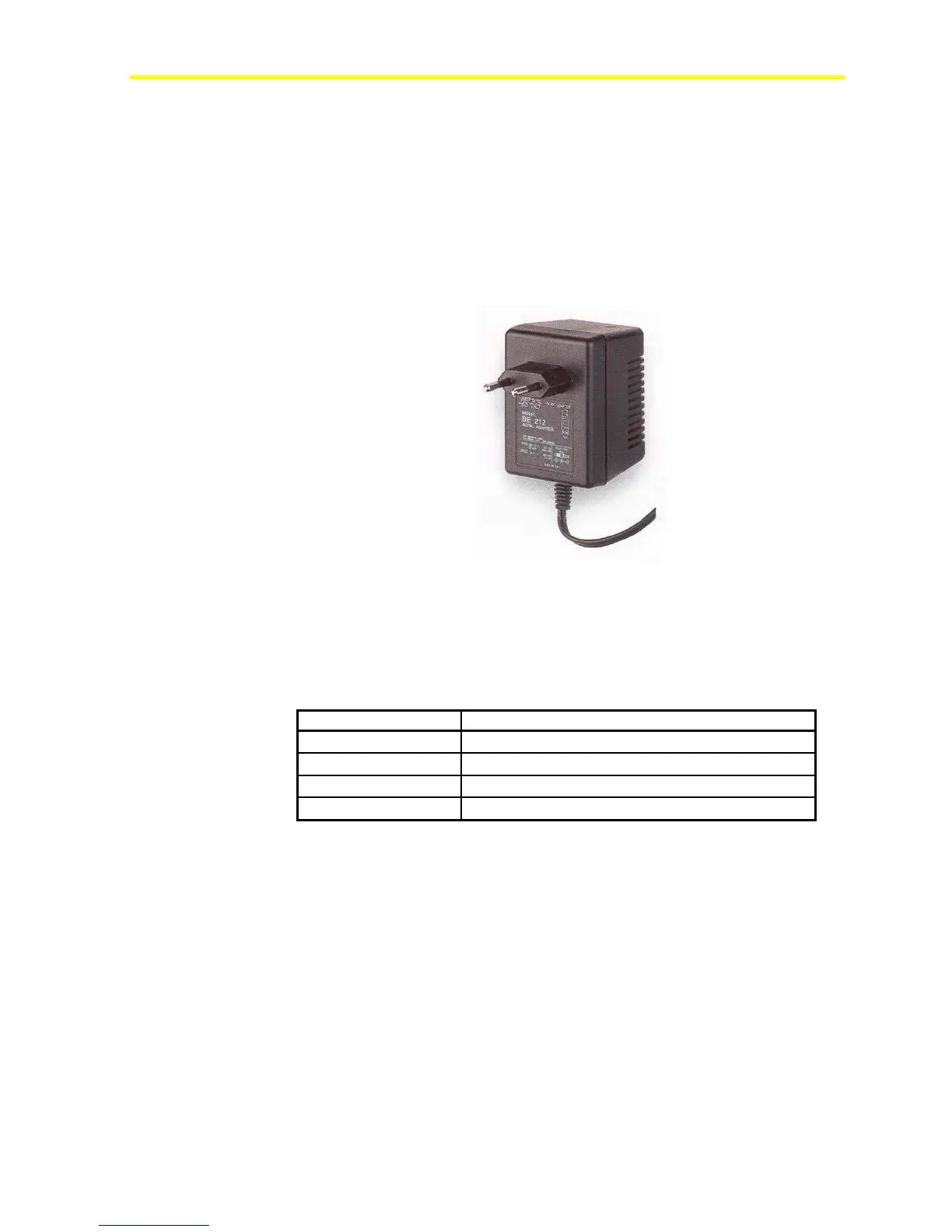
The GSM Modem Power Adapter (LP-KIT090-005C) is a
nonregulated AC/DC adapter with a wall plug for a Central European
socket. The input is 230 VAC and the output is 9 VDC at 1,300 mA
maximum. You must purchase an equivalent adapter in areas with other
supply voltages and plugs.
Figure 25: GSM Modem Power Adapter
GSM Modem Interface
The modem contains a simple Light-Emitting Diode (LED) interface
indicating the operating status. See Table 6 for LED descriptions.
Table 6: LED Operating Statuses
LED Description
LED Off
Device switched off - not ready
LED On
Device switched on - connecting to network
LED Flashing Slowly
Device switched on - idle mode (registered to network)
LED Flashing Rapidly
Device switched on - transmission mode
Installing the SIM Card on the GSM Modem
To install the SIM Card on the GSM modem:
1. Turn off the GSM modem.
2. Push the yellow button located in the front of the GSM modem to
remove the SIM card housing. See Figure 26.



 To Next Page