FX16 Master Controller Technical Bulletin 81
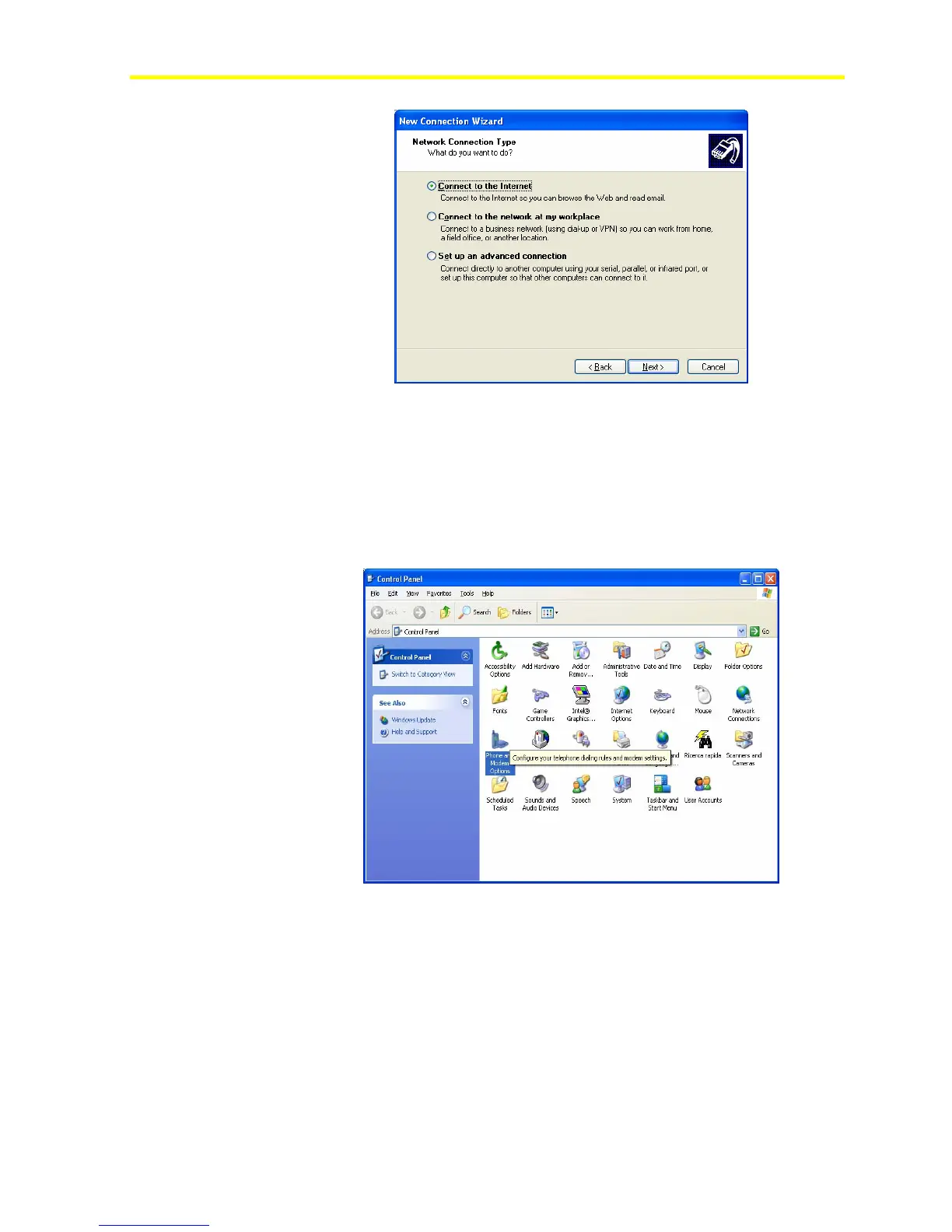
Figure 64: Network Connection Type, Dial-In Internet
Depending on the connection you selected, the configuration wizard
prompts you to perform different actions.
Setting up a Direct, Null Modem Connection
To set up a direct, null modem connection:
1. In the Control Panel, double-click Phone and Modem Options.
Figure 65: Control Panel
2. Select the Modems folder.



 To Next Page