October 2000 Fadal/Sinumerik 810D CNC: Definition of Offsets 35
SIEMENS CONTROL
Operator Manual
Fadal
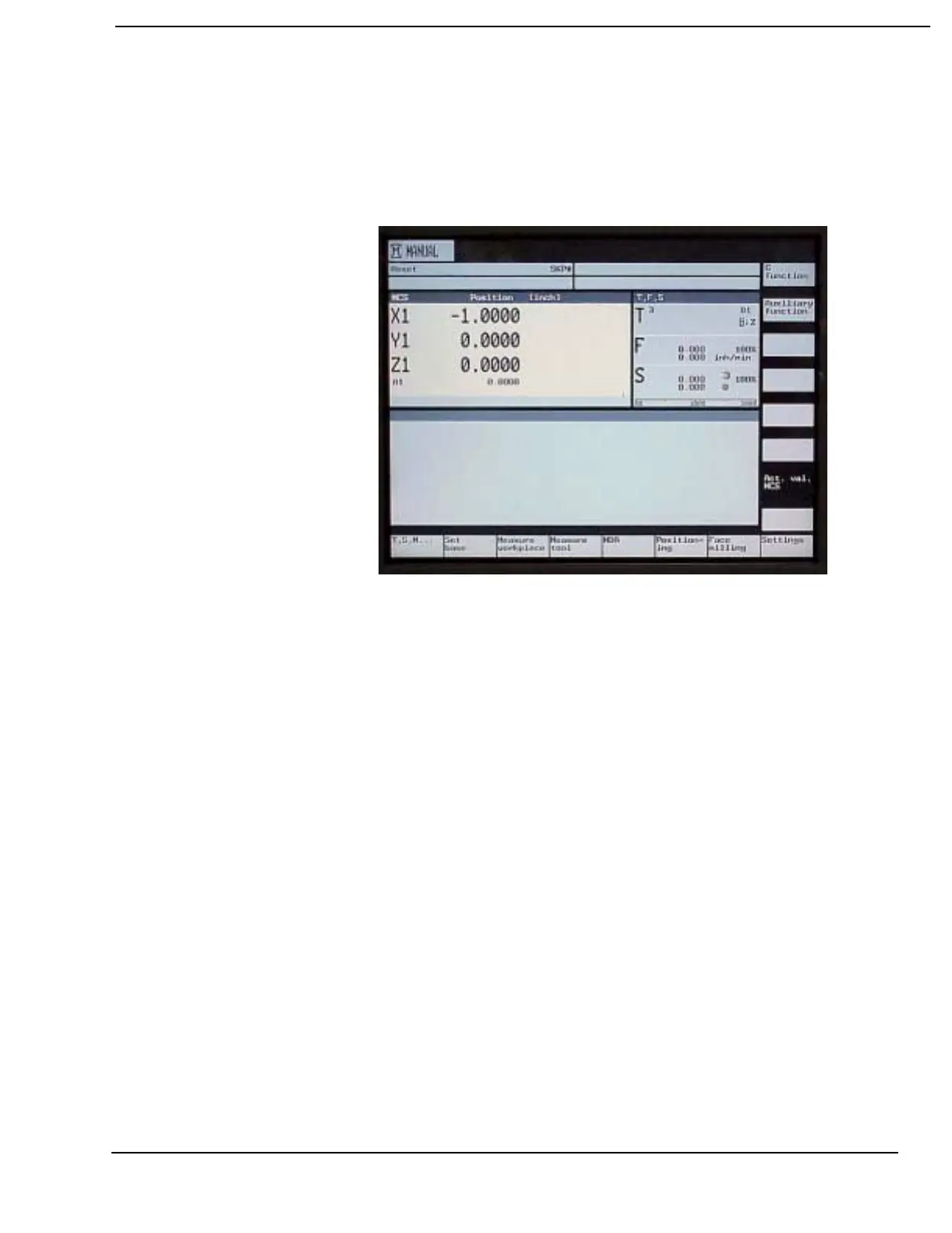
7) Toggle to the MCS display. The WCS base position for the machine will
be displayed. In the example below the X-Axis was jogged to +1.00”. The
MCS display for the X-Axis now shows the Machine Zero (Cold Start)
position is -1.00 inches away from the base position set for the X-Axis in
the WCS.
8) To set the Y and Z axes base position, perform steps 1-6 for each axis.
Use the cursor key pad arrows to highlight the appropriate axis.



 To Next Page