© 2010 HID Global Corporation All rights reserved
DTC1000/DTC4000 Card Printer/Encoder User Guide (L001398, Revision 1.2)
112
Upgrade the Printer Firmware
Step Procedure
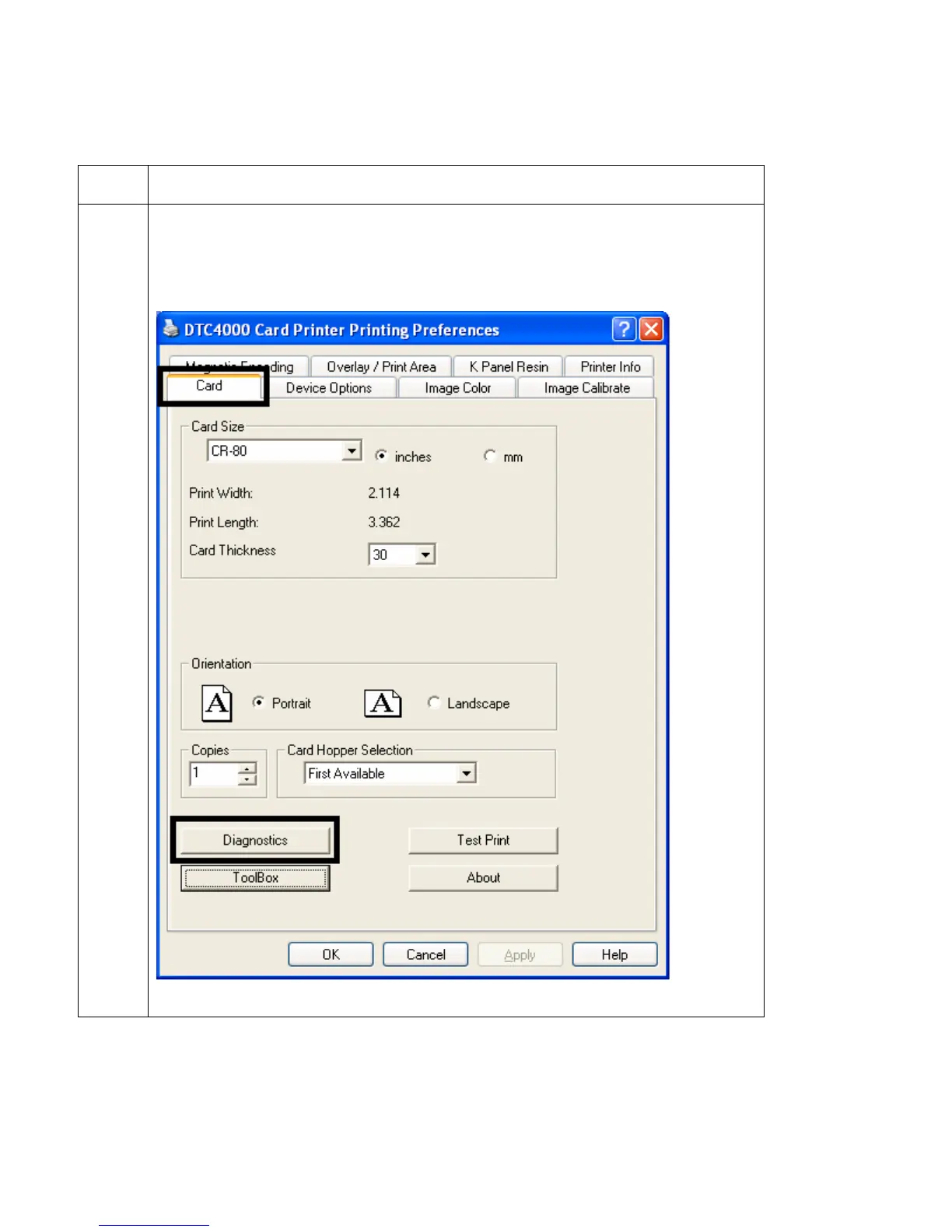
2 Open the Fargo Workbench Printer Utility or use the Diagnostics button from
the Card tab of the Printing Preference page. (Note: The Workbench is also
available from the Fargo Folder in the Windows Program folder.)



 To Next Page