© 2010 HID Global Corporation All rights reserved
DTC1000/DTC4000 Card Printer/Encoder User Guide (L001398, Revision 1.2)
84
Configuring Fluorescent Data (F-Panel for YMCFKO
Ribbon) using the Application
This process creates a fluorescent image on your card using a simple text string command in your badge
application.
Step Procedure
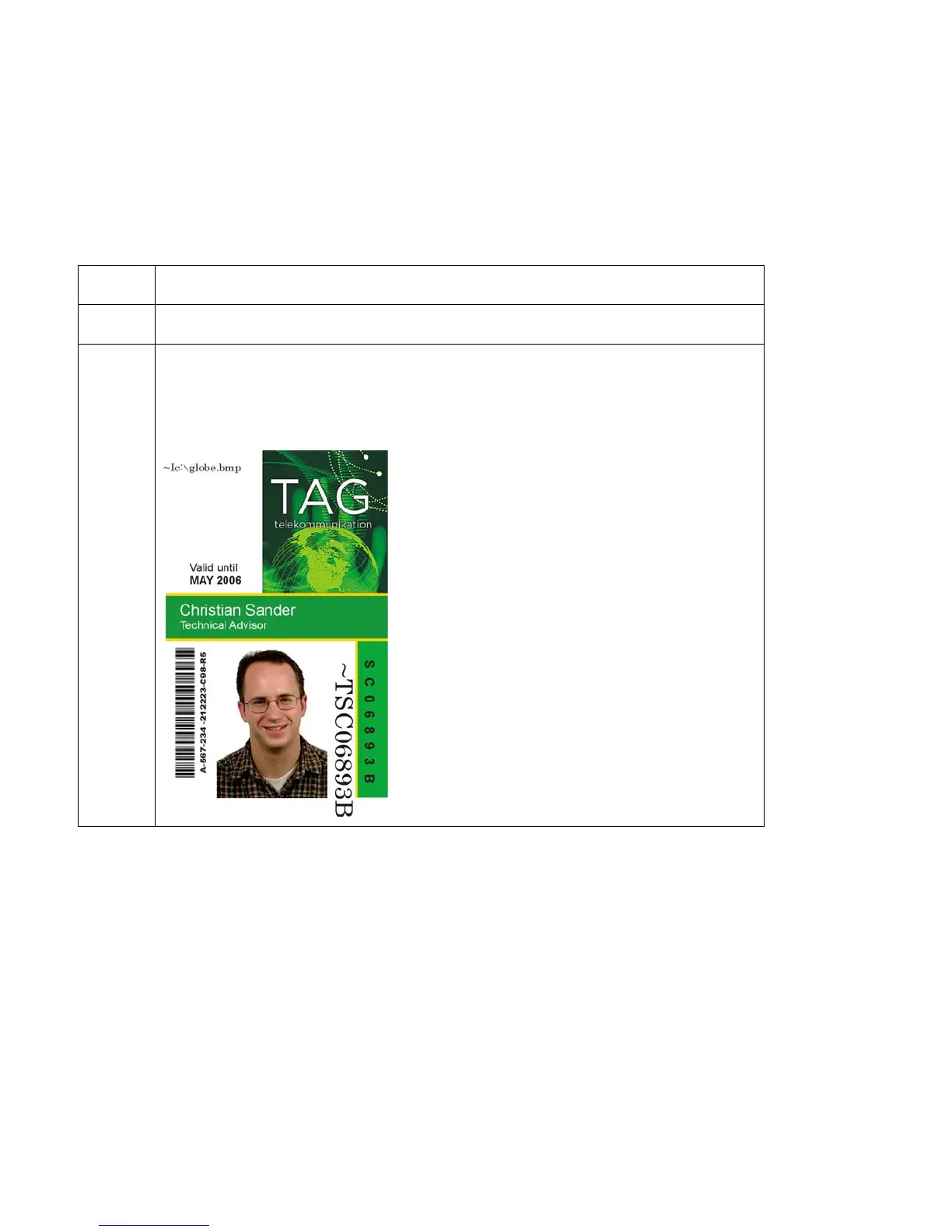
1 Creating Fluorescent Text: Create a new text box in your badge application.
2 Type the TEXT that you want to appear as fluorescent and put a ~T before
the start of the text with no space after the ~T. The text will start on the card
where the ~T begins. (see Display A below)



 To Next Page