© 2010 HID Global Corporation All rights reserved
DTC1000/DTC4000 Card Printer/Encoder User Guide (L001398, Revision 1.2)
85
Configuring Fluorescent Data (F-Panel for YMCFKO Ribbon) using the
Application
Step Procedure
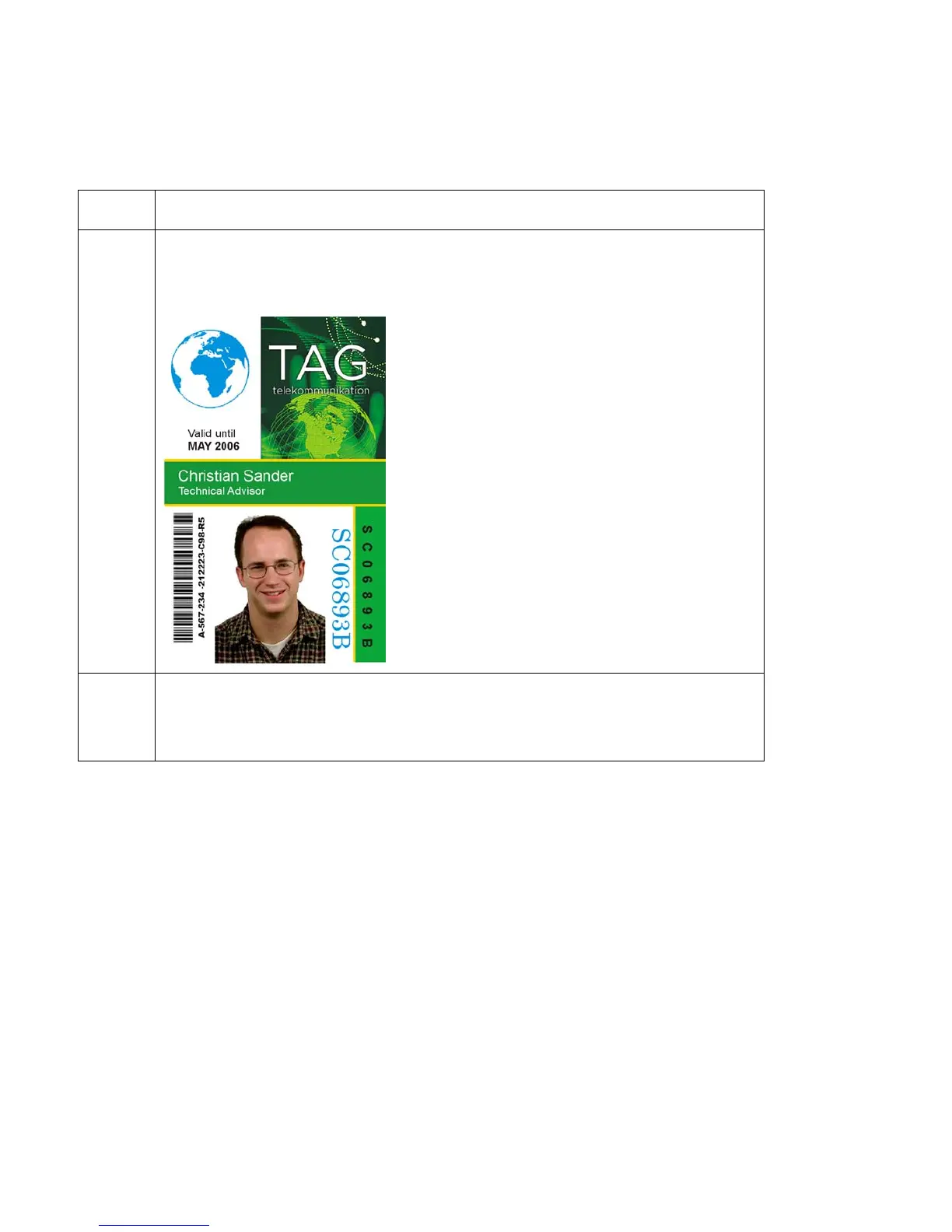
3 Creating a Fluorescent Image: In a separate drawing program, create the
image that you wish to fluoresce. (See Display C below.)
4 Create the IMAGE in the actual size that you want it to appear on the card,
and save it as a Grayscale or 1 - bit bmp file on the root c:\ directory.
• Do not put spaces in the file name.



 To Next Page