DTC1000Me-1250e-4250e-4500e Card Printer Service Manual PLT-01543 rev 1.0
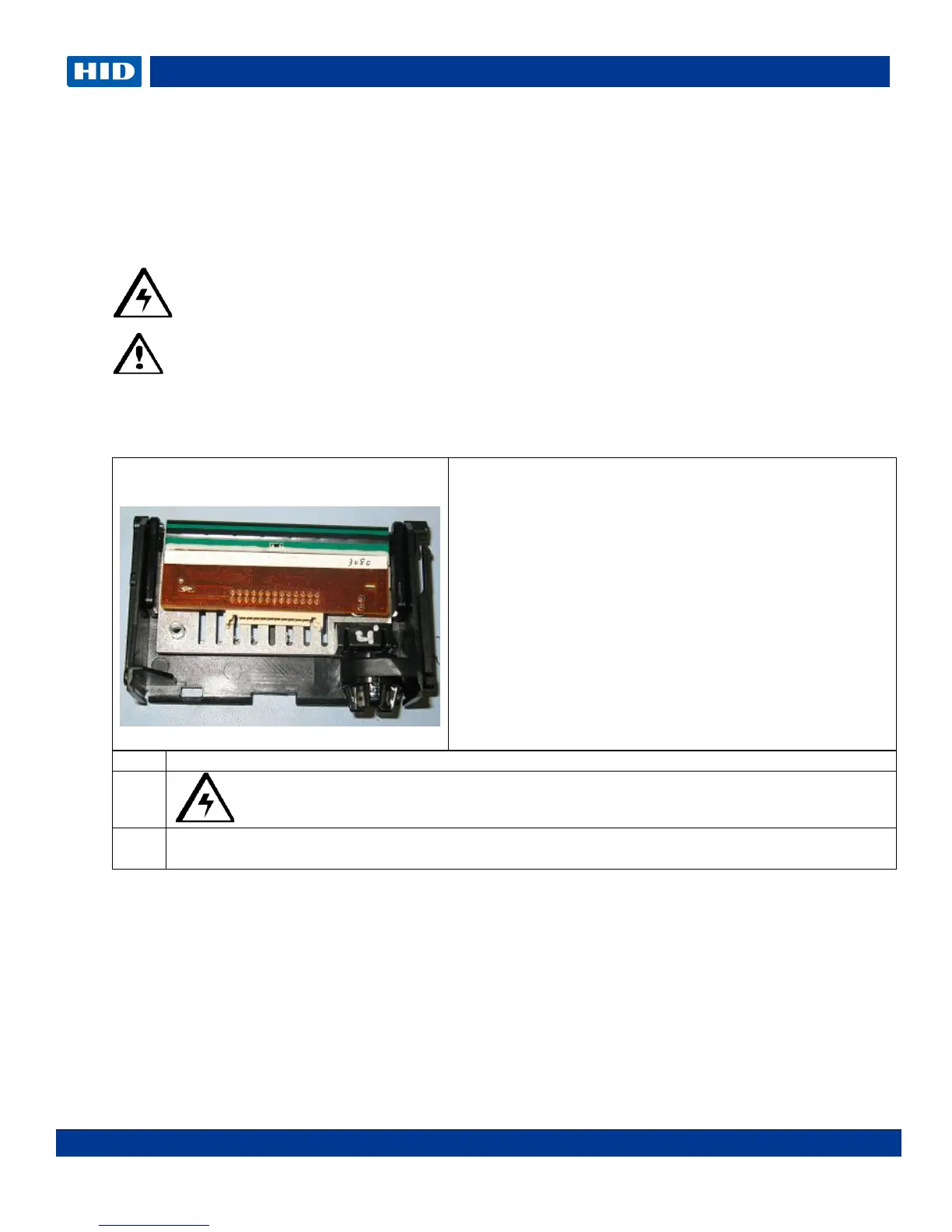
DTC Printhead procedure
The guide serves to instruct the user about replacing the Printhead. This procedure can only be
performed by authorized service personnel.
Caution: Turn OFF the Printer and unplug the power cord from the Printer.
Danger: Wear proper eye protection to perform the procedures in this section.
Reverse the disassembly steps to reassemble the Card Printer. ESD precautions are
necessary when handling electronics assemblies.
Caution: Turn OFF the Printer and unplug the power cord from the Printer.
Turn the printer over to access the Headlift cover.
Tools needed: Flathead screwdriver
Torx Wrench (included in kit)
Estimated Repair Time: 20 minutes
Preparation: Remove Printhead mount
Important: This procedure can only be performed by
authorized service personnel.
Make NOTE: of the resistance value on the new
printhead; verify this value in the Advanced Settings
driver option. Refer to the User Guide for more
information.



 To Next Page