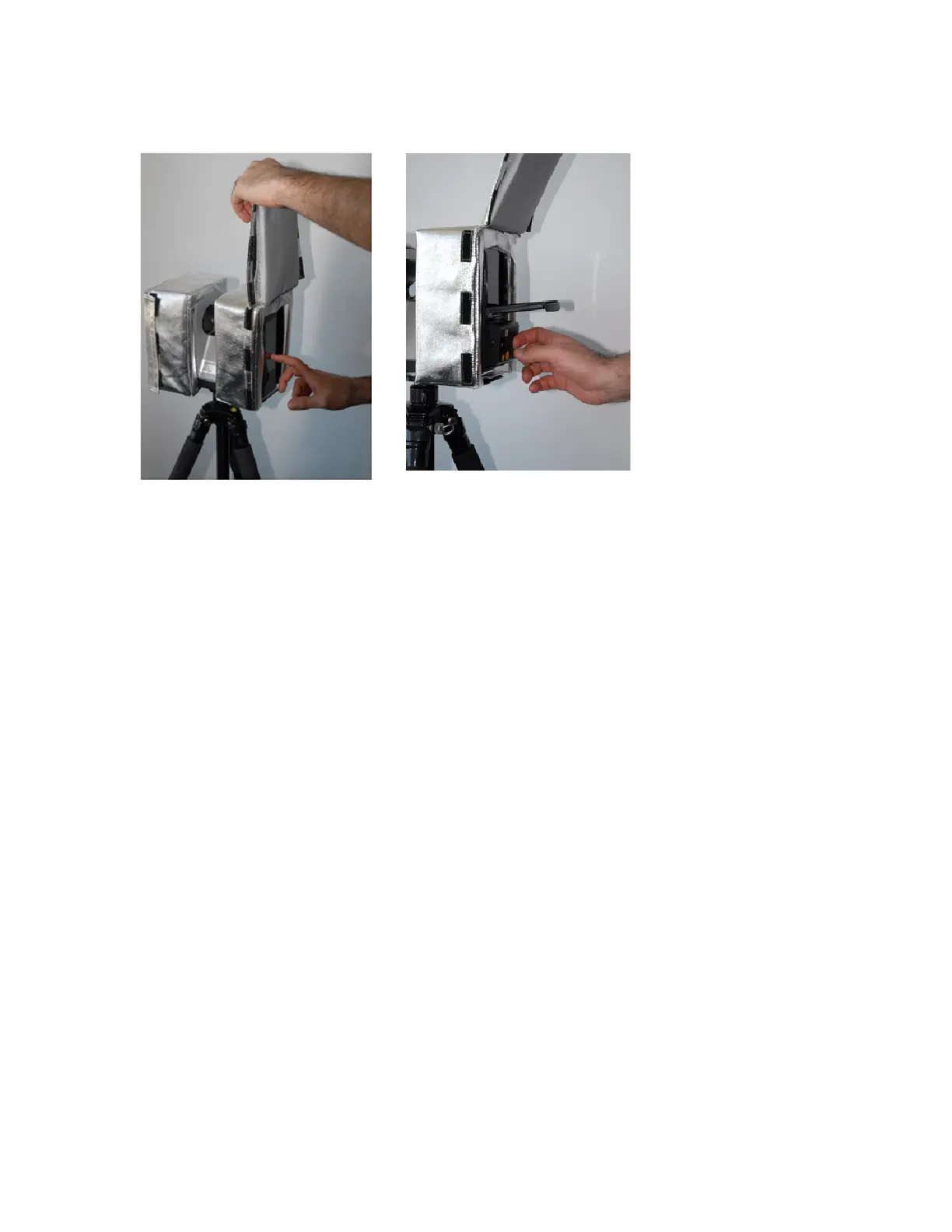
Figure 3-9 : Access to Display
Figure 3-10 : Access to Power Pack and
Battery
Toclosethefrontface,wrapandpressbothVelcro-basedflapstowardsthesidesofthecover.Re-checkthe
coveralignment.
MaintainingtheFocusscannerandthermalprotectivecoveron-site
Whenexposedtotemperaturesof40°C(104°F)orgreater,theFocuslaserscannerwillgraduallywarmup
duringcontinuousoperation,evenifwhenusingthethermalprotectioncoverasdescribedinthepreceding
sections.
Asaconsequence,repetitivescanoperationundersuchconditionswillbelimitedintimeuptoapoint
wheretheinternaltemperaturecontroloftheFAROLaserScannersendsacriticaltemperaturewarning
message(plusacousticsignal)totheuser.
Atthispoint,thescannermustbeswitchedoffandcooleddown,preferablytothetemperaturerange20°C
to25°C(68°Fto77°F),tore-establishtherecommendedconditionsforcontinuationofscanning
operation.Alsothecovershouldbereplacedatthispoint.
FARO
®
FOCUS® Laser Scanner Accessories Manual
Chapter 3: Thermal Protection Covers
FARO FOCUS® LASER SCANNER (00.00) Page18of36



 To Next Page