EnablingthePanoCamintheControllerSoftware
YoumustenableandcalibratethePanoCamintheFocusscannerGUIbeforeyouproceedwithscanning.
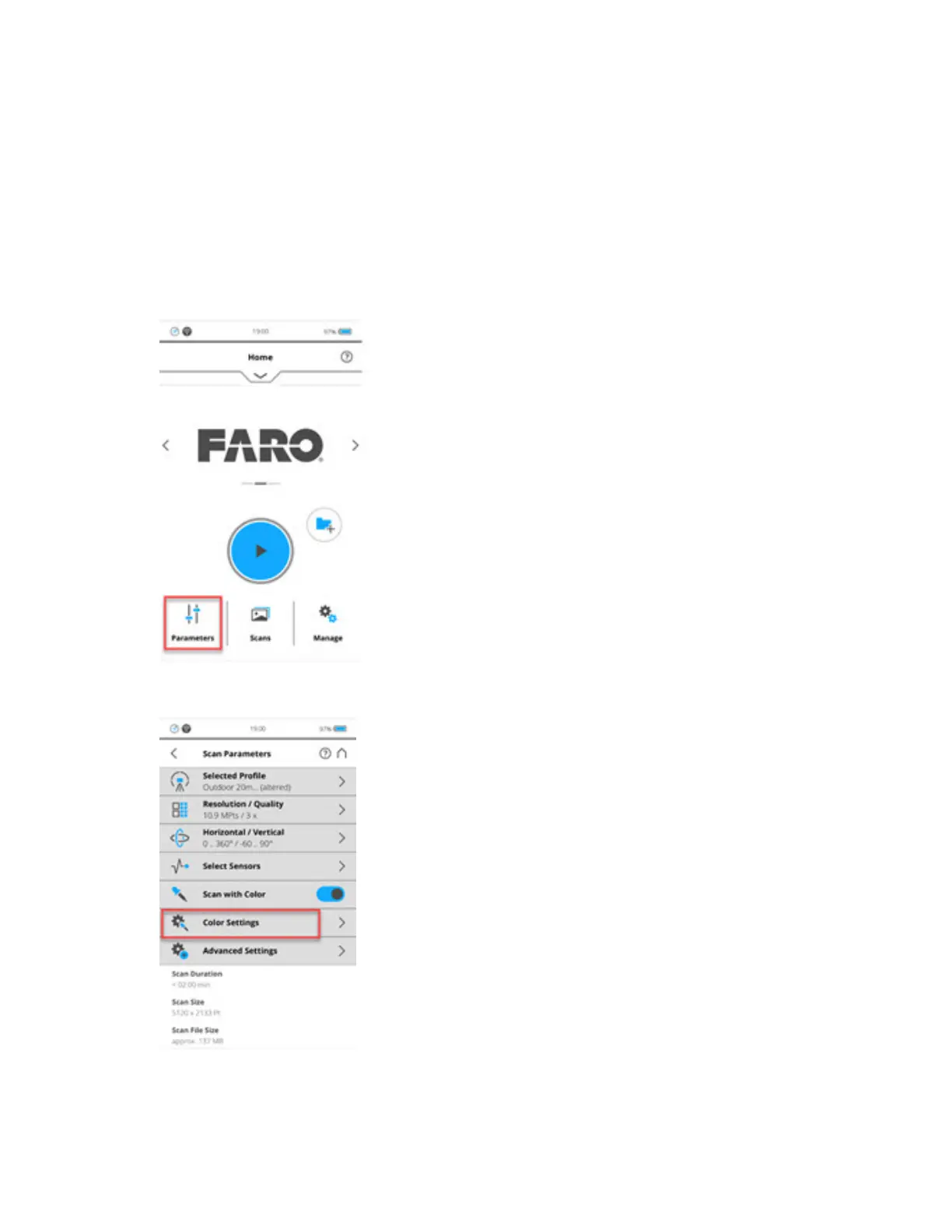
ToenablethePanoCam:
1. FromtheHomescreen,taptheParametersbutton.
2. TapColor Settings.
3. TapPanorama Camera.
FARO
®
FOCUS® Laser Scanner Accessories Manual
Chapter 5: PanoCam
FARO FOCUS® LASER SCANNER (00.00) Page26of36



 To Next Page