l Ensurethattheenvironmentisconducivetoproducingqualityscans,andconsidertheenvironmental
recommendationsrequiredforcalibration.(SeePanoCam Calibrationonpage27)
l Ensurethatyourhardwareandsoftwaremeetthenecessaryrequirements.(SeePanoCam Requirements
onpage21.)
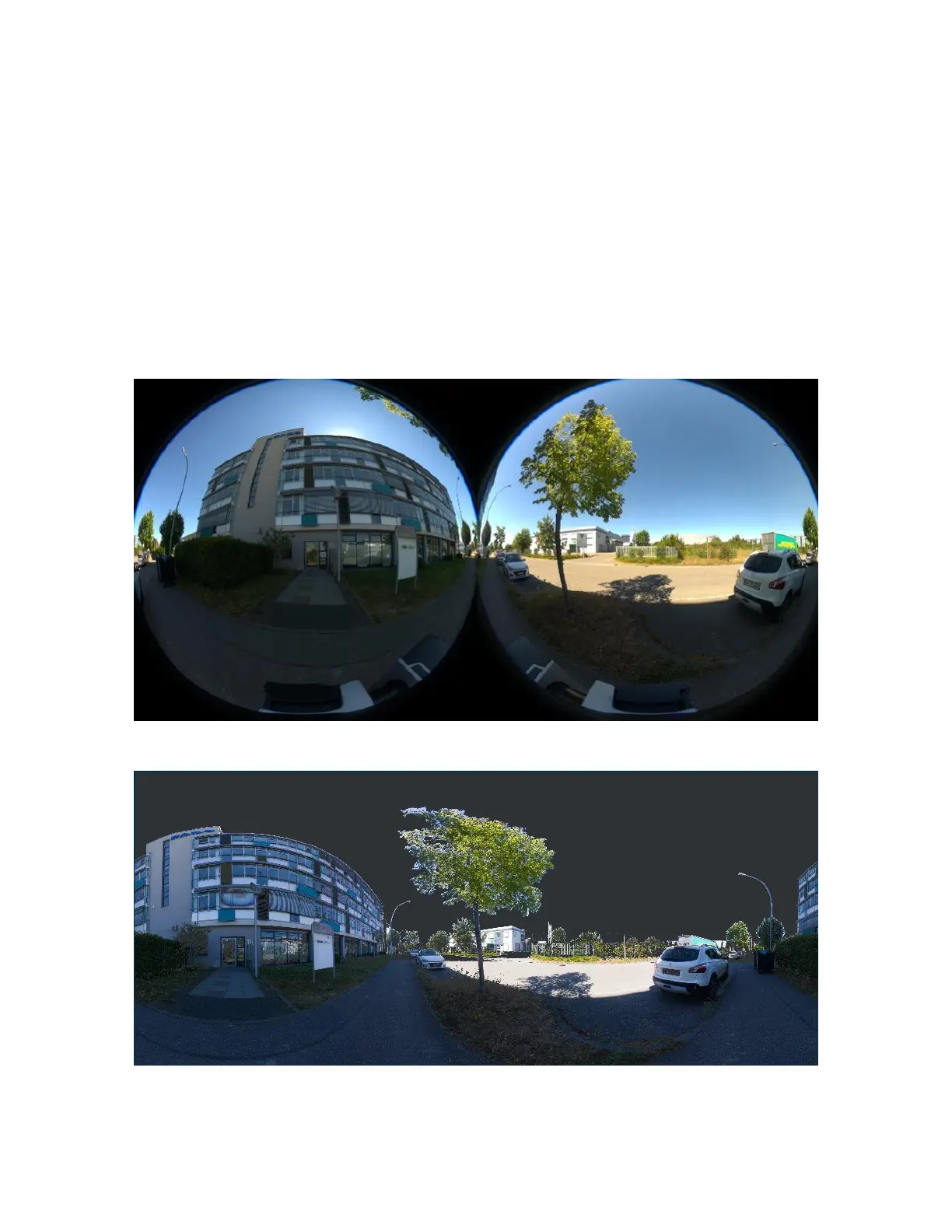
PanoCamExampleImages
Thefollowingimagesrepresentexamplescanprojectsthatincludephotosfromthepanoramiccameraand
thelaserscanner.
Left/rightfish-eyepicturefromRicohThetaZ1
SCENEPlanarView
FARO
®
FOCUS® Laser Scanner Accessories Manual
Chapter 5: PanoCam
FARO FOCUS® LASER SCANNER (00.00) Page30of36



 To Next Page