Chapter 2: Status Indicator
Status Indicator Overview
Thestatusindicatorenablesyoutoseethescanner’sLEDcolorsandblinkcodesfrommorepositionsand
fromagreaterdistance.Thescanner’sLEDindicatorisswitchedoffwhenthestatusindicatorisinstalled.
Thestatusindicatorissuitableforindoororoutdooruse.
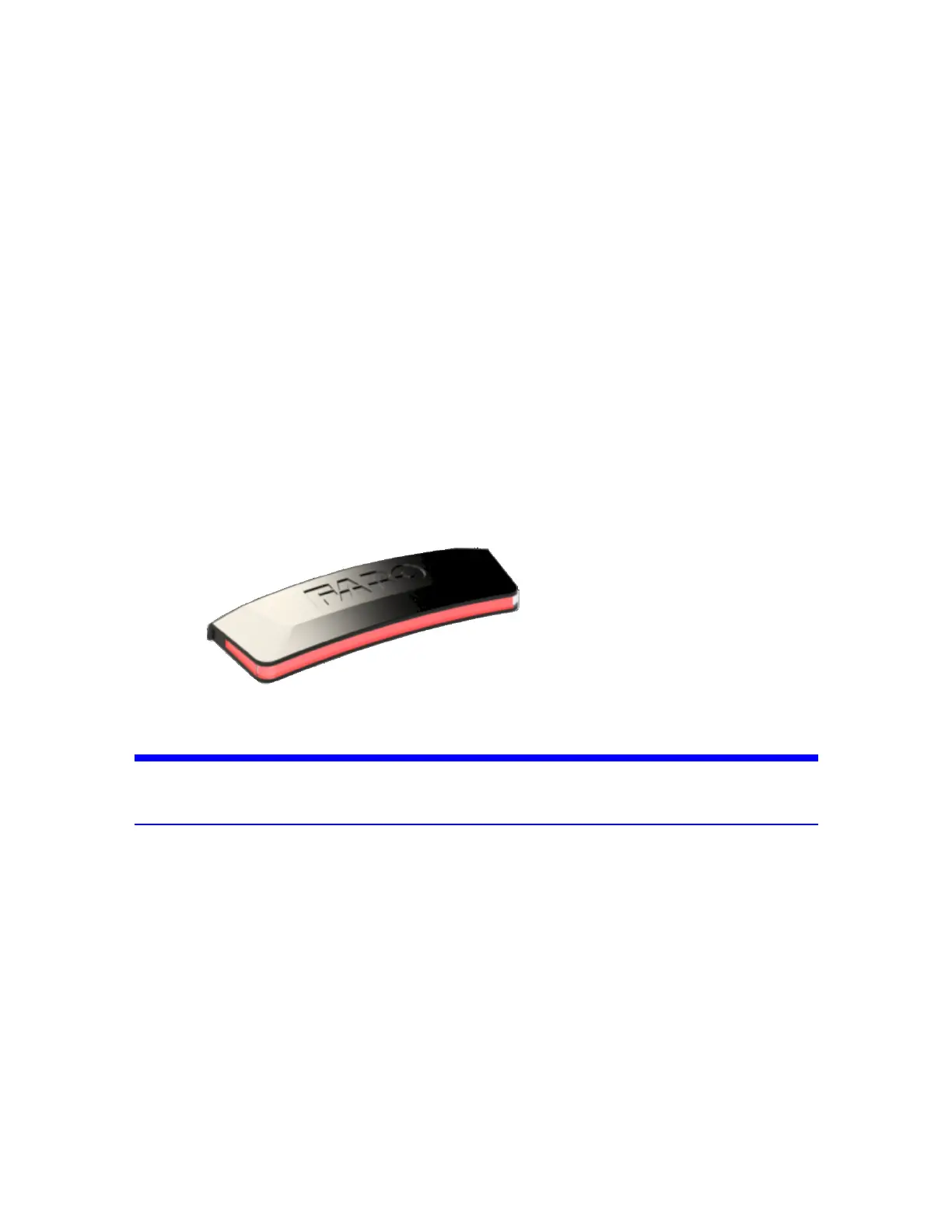
Thelightofthestatusindicatorisvisiblefromallsidesofthescannerexceptthesidewiththetouchscreen.
Thestatusindicatorcanfunctionnomattertheorientationofthescanner—evenifitisupside-down.
Figure 2-1 : Status Indicator
NOTICE: Thestatusindicatorisnotwaterproof.Donotusetheindicatorintherain,orwherewater
coulddripontoit.
Inserting the status indicator
Thescannershouldnotbestoredwiththestatusindicatorinsertedintotheaccessorybay,soyouwillneed
toinsertitbeforeusingthescannerandremoveitbeforestoringthescanner.
1.Checkthegoldplatedcontactpinsofthestatusindicatorbeforeinsertingitintotheaccessorybay.Clean
withadrycottonswabifnecessary.
2.Ensurethatthelaserscannerisswitchedoff.
3.Removetheprotectivecoverfromtheaccessorybayontherightsideofthescanner!.Toremovethe
cover:
FARO
®
FOCUS® Laser Scanner Accessories Manual
Chapter 2: Status Indicator
FARO FOCUS® LASER SCANNER (00.00) Page9of36



 To Next Page