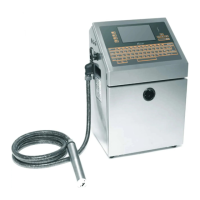
2.3 Start Print
2.3.1 Start Jet
To start the printing process, the following operations are required:
1. Make sure that the electrical supply for the printer is available.
2. Open the front cover of the print head, check on the components
inside the print head make sure that all components are clean and
dry.
3. Close the front cover of the print head. Press the main power switch
to turn on the printer.
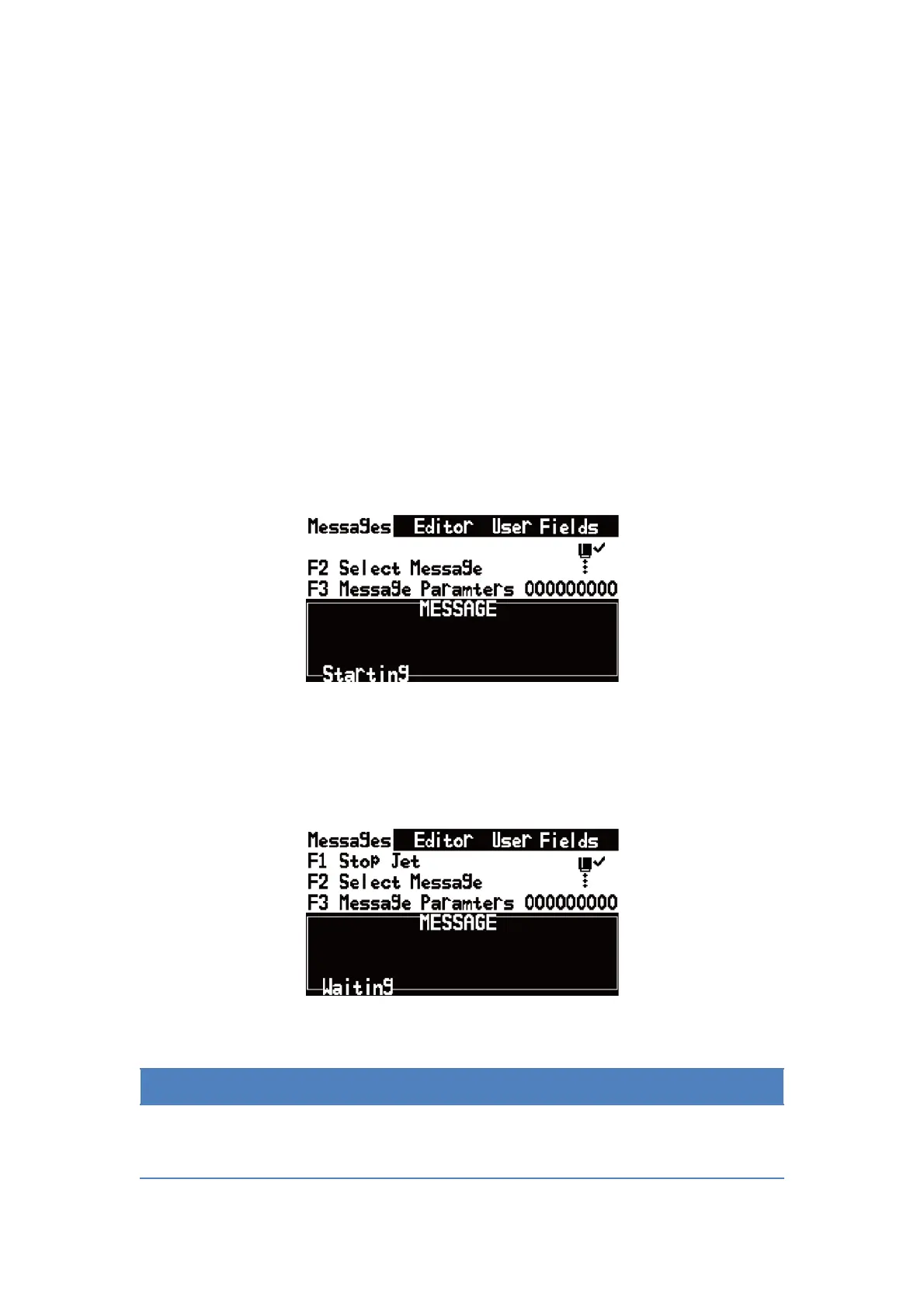
4. Press the F1 key to start the jet start sequence. The starting
sequence takes approximately two minutes. The interface is as
follow:
Figure 2-3. Starting Interface
5. Monitor the icons on the display and the LEDs. When machine status
in the bottom display “Waiting Print”, the starting sequence is
completed. The interface is as follow:
Figure 2-4. Starting completed Interface
If you start and stop the printer many times, the increased uses of makeup
fluid can inflect printing quality.


 To Next Page
 Loading...