Chapter 7 Troubleshooting
PAGE 7-10
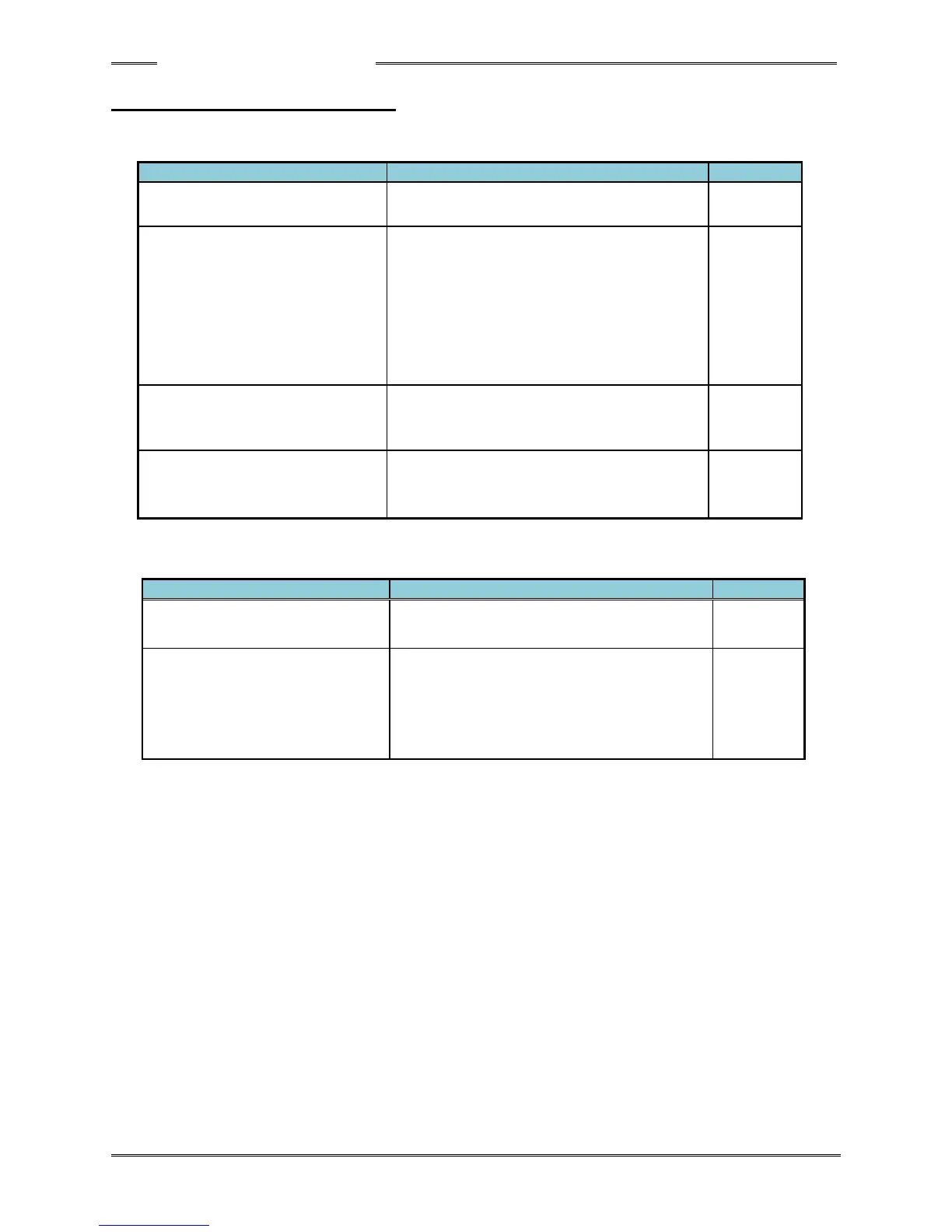
7-4. Ethernet Communication
If Ethernet communication of the User Console cannot be performed with the PC being used,
please refer to the following troubleshooting table and take the necessary measures.
Countermeasures/Check Details
Is there an error in the TCP/IP
setting procedures?
Check the TCP/IP setup procedures.
Is there any problem with the
PC communication cable?
・ If the PC and the controller are to be
connected without a hub, use a cross
cable.
・ If connection is to be made via a hub,
use a straight cable.
・ Select a LAN cable of category 5e or
higher.
Is network connection enabled
in the PC to be used for
Ethernet communication?
・ Set up the PC to enable network
connection or prepare another PC.
Confirm by command prompt
functions
・ The PC’s Ethernet setting can be
confirmed by command prompt
functions.
If data are not output correctly even though there are no problems in communication, please refer
to the following table and take the necessary measures.
Countermeasures/Check Details
Data are not output at all.
・ Confirm that the protocol by which
output is to be performed is set.
A portion of the data is not
output.
・ The fastening results will not be output
if an erroneous controller axis No. is
set.
Check the sequence setup again and
set the correct controller axis No.



 To Next Page