Page. 25
8.䎃 Maintenance and Checking䎃
䦟䎃 8-2. Maintenance䎃 (Maintenance Mode)
Ɣ The oil concentration detector has Manual Washing, Zero-Point Compensation, Operation Check, and Reset After Zero-Point Compensation
functions. (See "6. Setting (Outline) - Ŷ Tabulated list of menu items.")
Ɣ To use a testing function, keep on pressing "Esc" for 2 seconds or longer in the standby state.
(The testing function is not available while the oil concentration detector is running.)
Ɣ Select a maintenance function by operating "ź" or "Ÿ" in the "Maintenance Mode."
䦟䎃 8-2-1.䎃 Manual washing (Washing press Enter)
Ɣ The Manual Washing function performs a simple washing operation using water from the fresh water inlet before cleaning the sensor.
Ɣ The Manual Washing function flows water from the fresh water inlet into the detection tube in the sensor unit for a preset time period.
(But does not judge whether the detection tube is clean.)
Ɣ Usually, you manually wash the inside of the detection tube and clean the sensor with brush while this function flows water (for a preset time
period), drain the spent water from the detection tube, and use this function again to feed water (for a preset time period) to wash the sensor
and the detection tube.
Ŷ Manual washing procedure
Ɣ Check and make sure the fresh water line is firmly connected to the fresh water inlet.
Ɣ When started, the Manual Washing function opens the fresh water valve, flows water for a preset time period (set by "Manual washing time"),
and then stops.
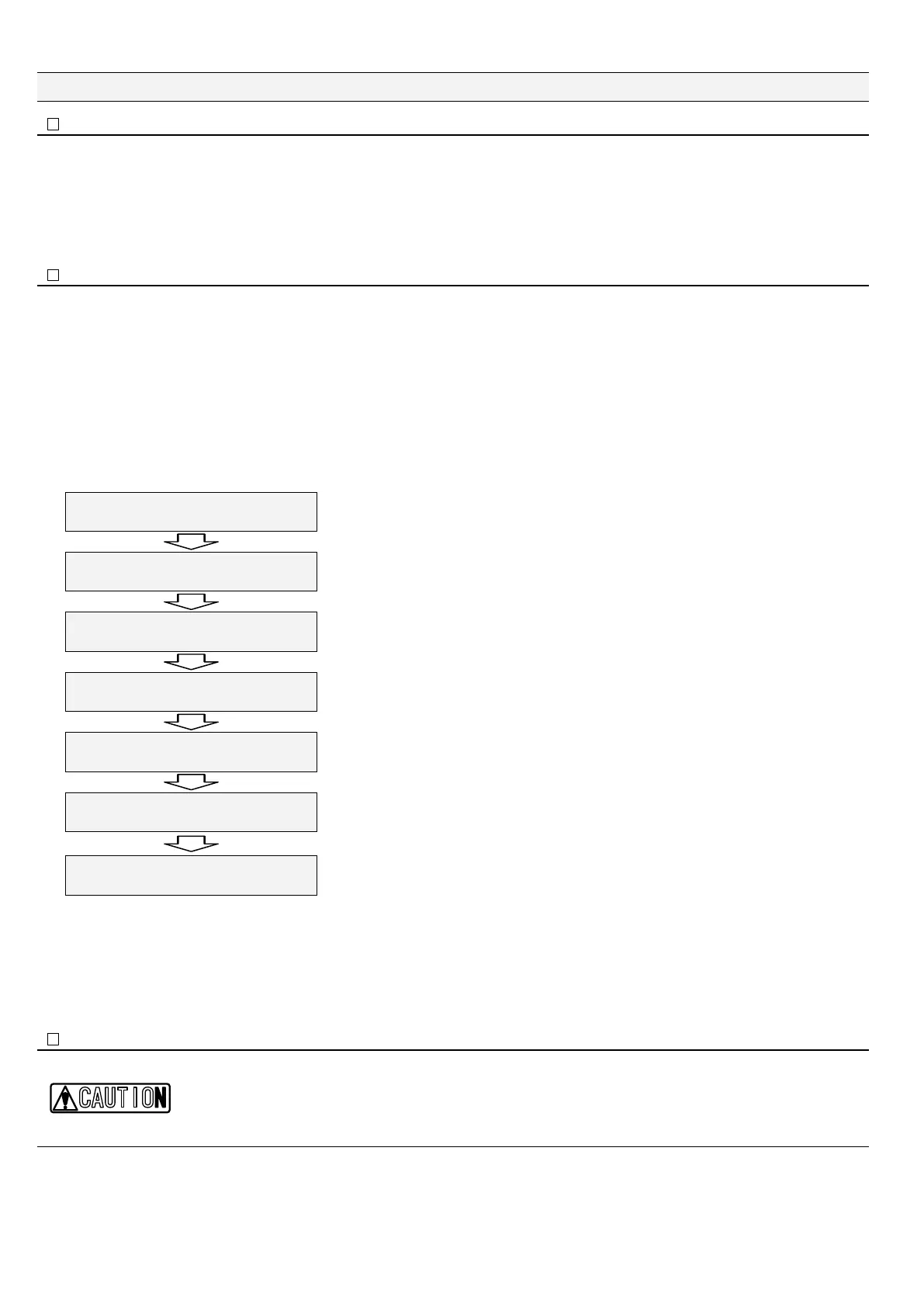
5VCPFD[
ZZZZZZZZZZZZ
Keep on pressing "Esc" for two seconds or longer
㧷CKP/GPW
%NQEM#FLWUVOGPV
Press "Ÿ" three times.
㧷CKP/GPW
/CKPVGPCPEG/QFG
"Maintenance Mode" is set.
/CKPVGPCPEG/QFG
9CUJKPIRTGUU'PVGT
Press "Enter.”
9CUJKPI'UESWKV
ZZZ
Starts to feed fresh water.
The remaining washing time (in seconds) is displayed on the lower left part of the screen.
/CKPVGPCPEG/QFG
9CUJKPIRTGUU'UE
Press "Esc.”
㧷CKP/GPW
/CKPVGPCPEG/QFG
"Main Menu" is displayed back.
䎃
With this, the manual washing is completed.
䦟䎃 8-2-2. Perfomance check 䯴Perfomance press Enter䯵
%#76+10
Ɣ This function is used to check whether a new sensor unit works normally (after replacement of the sensor unit).
Ɣ The Operation Test Kit (separately sold) is required to use this function.
Ɣ For details of the operating procedure, see the instructing sheet of the Operation Test Kit.


 To Next Page