-39-
Functions Setting Up
This section explains the settings of each
function,please refer to the following table:
To perform the settings for the function
you want,you should move away the met-
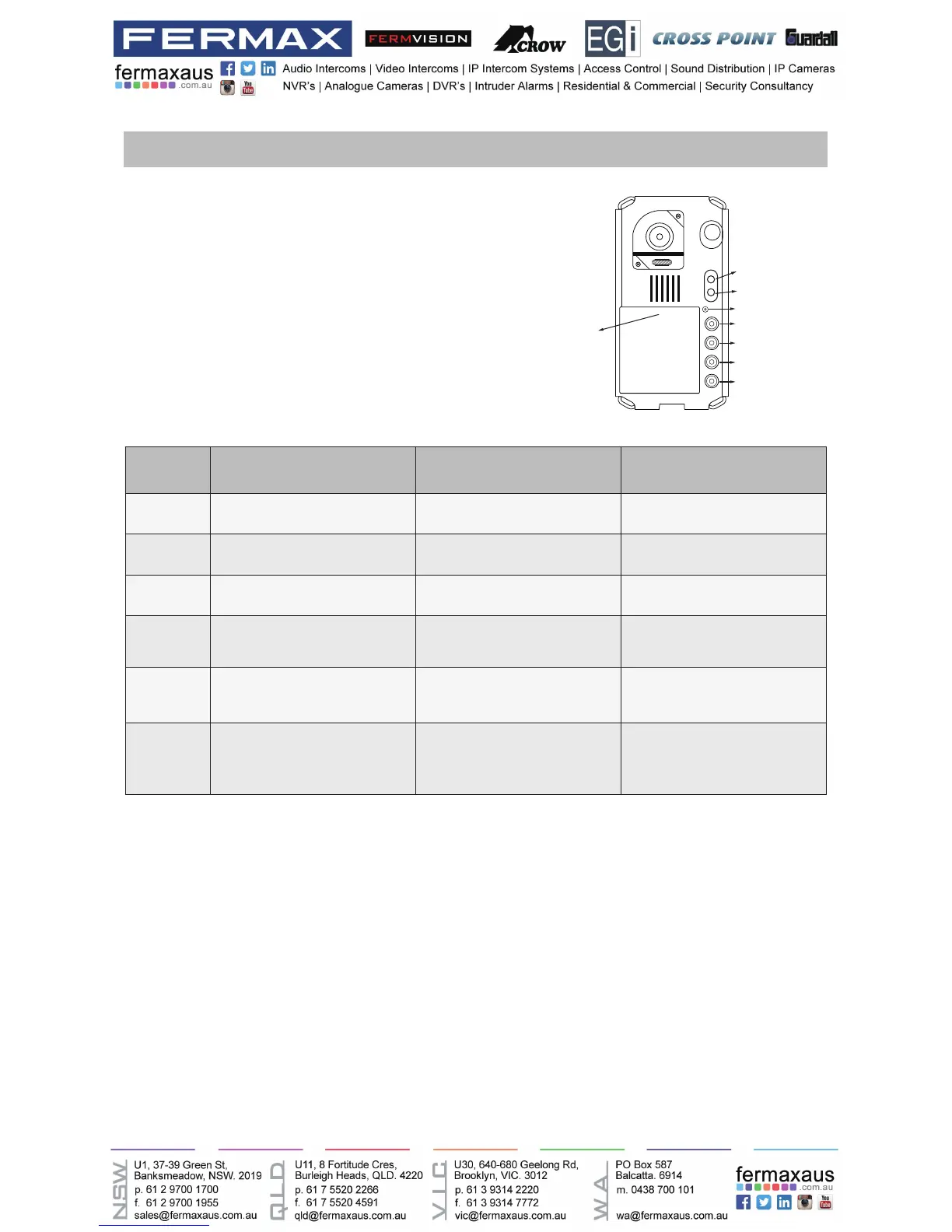
al front panel. Please refer to the sketch
map.
Each operation is indicated by the lighting
up of the LED indicator on the unit, and by
the sounding of the buzzer.
Order Setting items Setting range Default value
1 Setting door station address 0~3 0
2 Setting the unlock mode 0:opened/1:closed 0:opened
3 Setting the unlock time 01 to 99 seconds 1 seconds
4
Setting the nameplate
illumination mode
On/Off/Auto On
5
Setting night view LED
illumination mode
On/Off/Auto Auto
6 Setting ring-back tone
Ringing one time
Ring continuously
No ring-back tone
Ringing one time
KEY_1
KEY_2
KEY_3
KEY_4
KEY_SET
LED_UNLOCK
LED_TALK
LED_NAME











 To Next Page