IP VarioBell - installation and operating instructions
Service of IP-Fermax
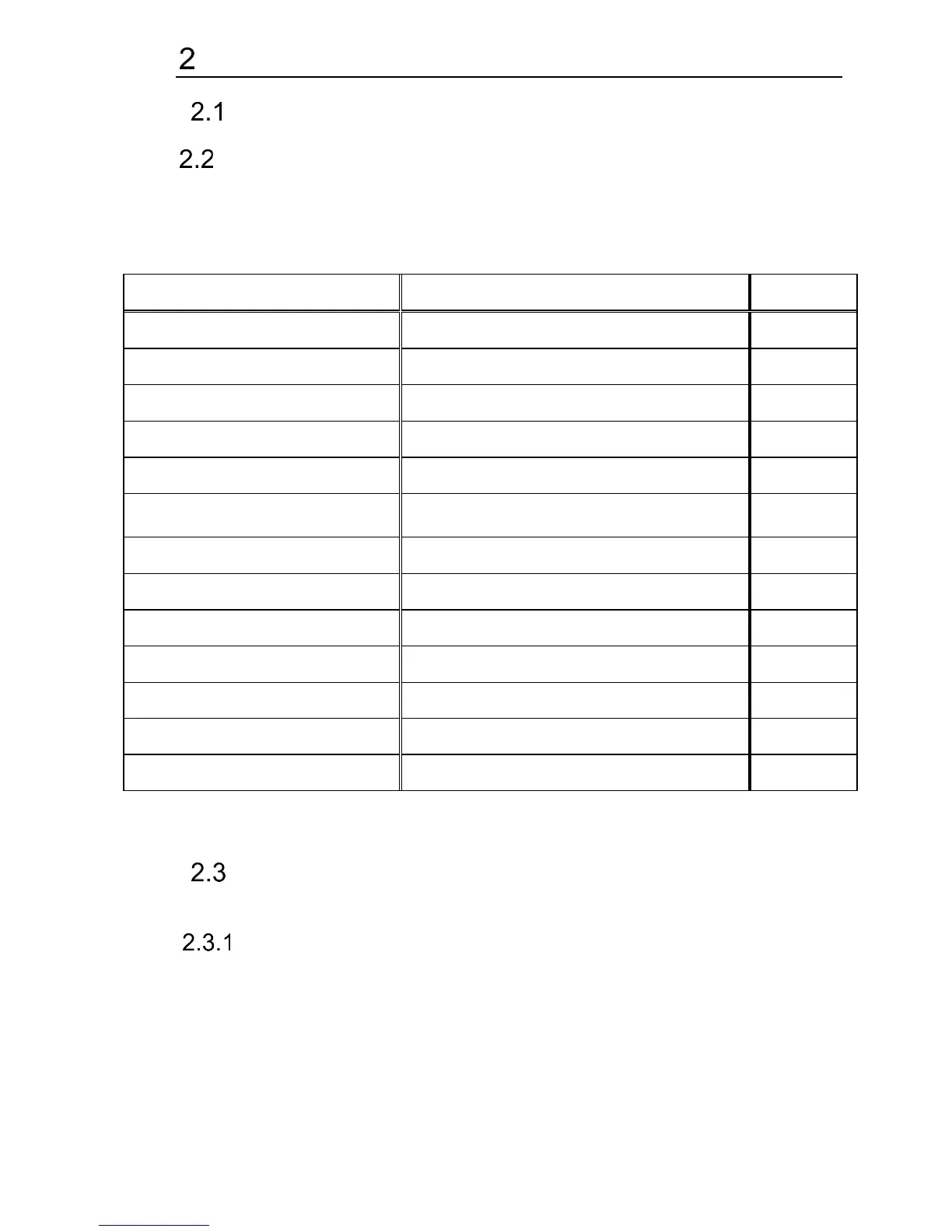
Signalling overview
Overview of signalling
The IP-Fermax doorphone is signaling acoustic states that can occur
during operation, additional signaling is via two-color LED (located above the
camera). The acoustic signaling for each state listed in the table below can be
turned off or the default beep tone is used or replaced by user sounds.
Optional / user-programmable
Optional / user-programmable
Call is not possible (busy)
Optional / user-programmable
Confirmation of the code entry
Optional / user-programmable
Optional / user-programmable
Switching on the relay switch
Optional / user-programmable
Optional / user-programmable
Optional / user-programmable
Establishing a connection
Connection is established - call
Service mode (start boot)
* - the indication is conditional upon switching on the acoustic signaling of the
respective switch
Visitor at door
Visitor at door is person who wants enter inside the building.
Push Button press – outgoing call
Outgoing call is call from the doorphone (started by the visitor). Then the
doorphone dials and a phone is ringing inside the building.
The push buttons of the doorphone have name cards with names and
functions of people inside the building. The visitor press appropriate push button
and the doorphone starts calling immediatelly (in case the push button is not
defined as the first digit of codelock) or there is some delay (a time period














 To Next Page