Input door sensor 1 / 2 Exit button – relay 1-4 – because the use of door
sensors not found so wide usage, so these can be used as two inputs
to the function Exit button. When the input connections (short) so
activates the corresponding relay (switch monostabil) .
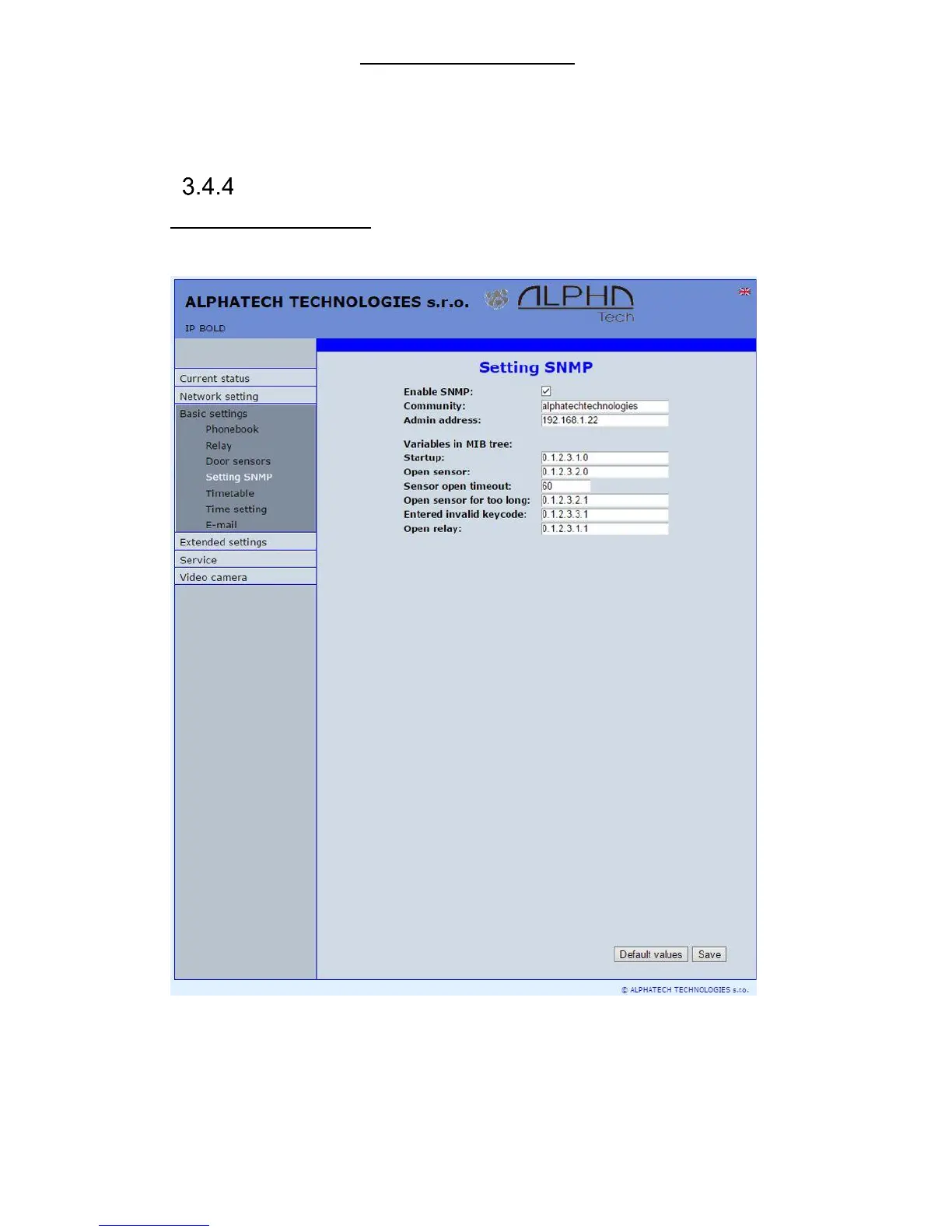
Setting SNMP
Remote management – SNMP is internet protokol designed for network
management. It allows progressive data collection for network management
purposes and its following evaluation.
After performing of changes please don’t forget click on „Save“.
Enable SNMP – by mark you activate remote management (SNMP)
Community – here is necessary select exact user of SNMP
Admin adress – setup IP adress or domain name of server where are sent
information according defined setting














 To Next Page