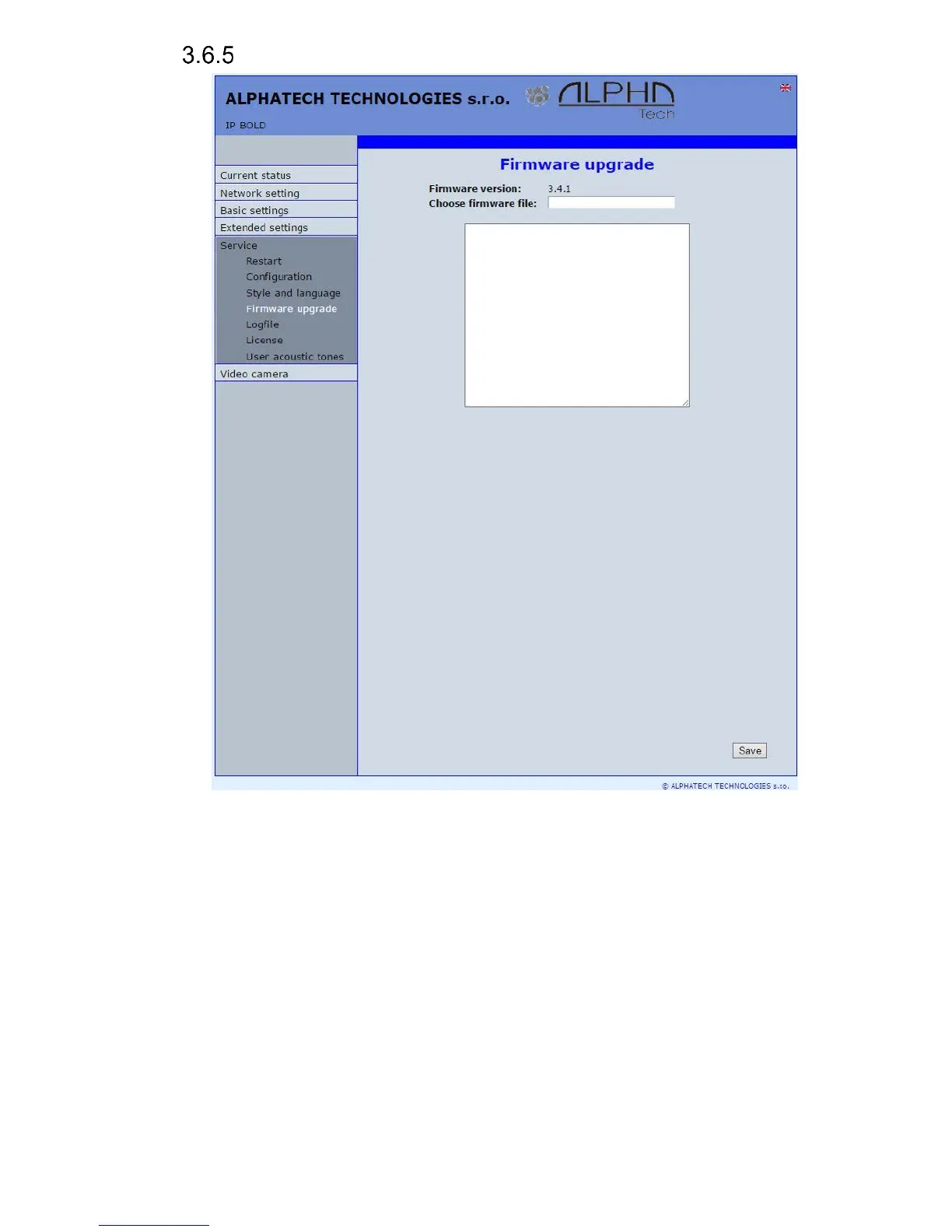
Firmware upgrade
Firmware version – display present firmware version in door entry IP Fermax
Choose firmware file – by click to empty field select file with firmware (for
example apt.firmware it is not file *.zip, but already unzip file – on website
are firmware files packed to archive *.zip)
In Windows is display proces so firmware upgrade. When from any reason
(power failure, network disconnection etc..) firmware upgrade is not finished then
you find backup WEB interface for repeating of firmware upgrade.
If you have any problem so is possible by switch of DIP 2 switch to position
on and restart on adress 192.168.1.250 you find backup WEB interface for
repeating of firmware upgrade. Name is admin and password is 1234. After, do
not forget move back DIP switch 2 to position OFF !.
.














 To Next Page