2. Generally in PC setup you program temporarily own IP address.In PC
door entry segment for example 192.168.1.10. After change of door entry
IP address you have return setting in PC back.
Then you can setup parameters of door entry including IP address and after
restart of IP Fermax door entry you can login to door entry WEB page on new IP
adress.
Login
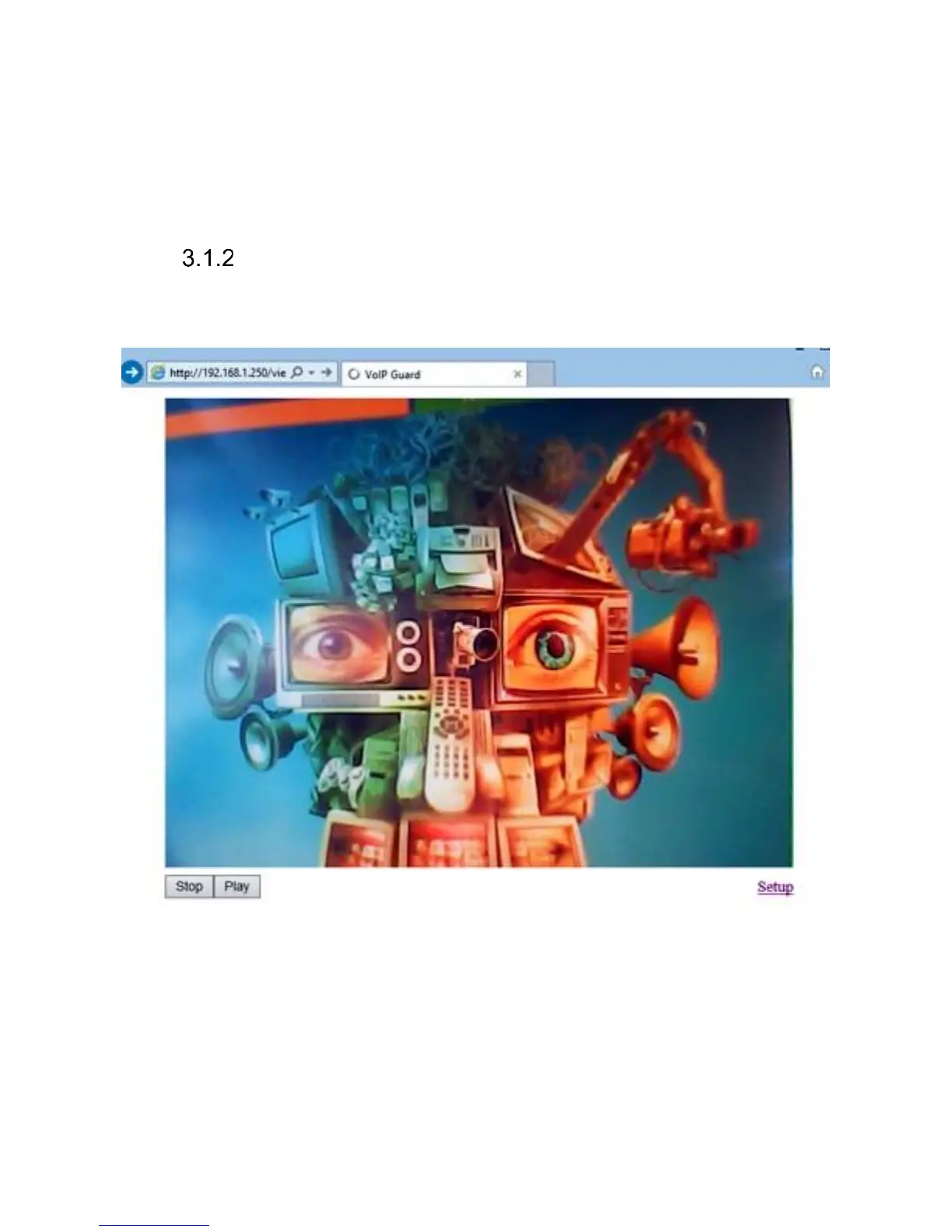
In your WEB browser write IP adress of IP Fermax door entry in default it is
192.168.1.250. you can see picture from camera as bellow – „home screen with
video"
Under picture from camera (at models without camera is empty frame only)
are on the left buttons Stop – to stop video and Start for run video again. On the
right is description Setup – after clil on it will be display request for login data.
Write username and password. Username is allways „admin“ and
password is „1234“ (adjustable in settings). (To see the video is the name „video“
and password „1234“ - if required).
You enter now to first petting page of door entry IP Fermax. On this page
is display „Current status“. All necessary data about door entry status are here.














 To Next Page