possible deactivate whole day (first item on the row select „Active“ –
Yes /No) . In example on the picture it is Saturday or whole day setup
on active – in example i tis sunday. To use correctly this feature is
necessary to setup correct time in the unit (via Date and time setting)
Code for activation / deactivation– immediate switching status profile by using
DTMF. If you switch the time profile, then change it takes to meet the
closest in time profile changes (according to the times in the table) or
switch to another state using DTMF.
Active – display current profile status
Switch – by click you change profile status
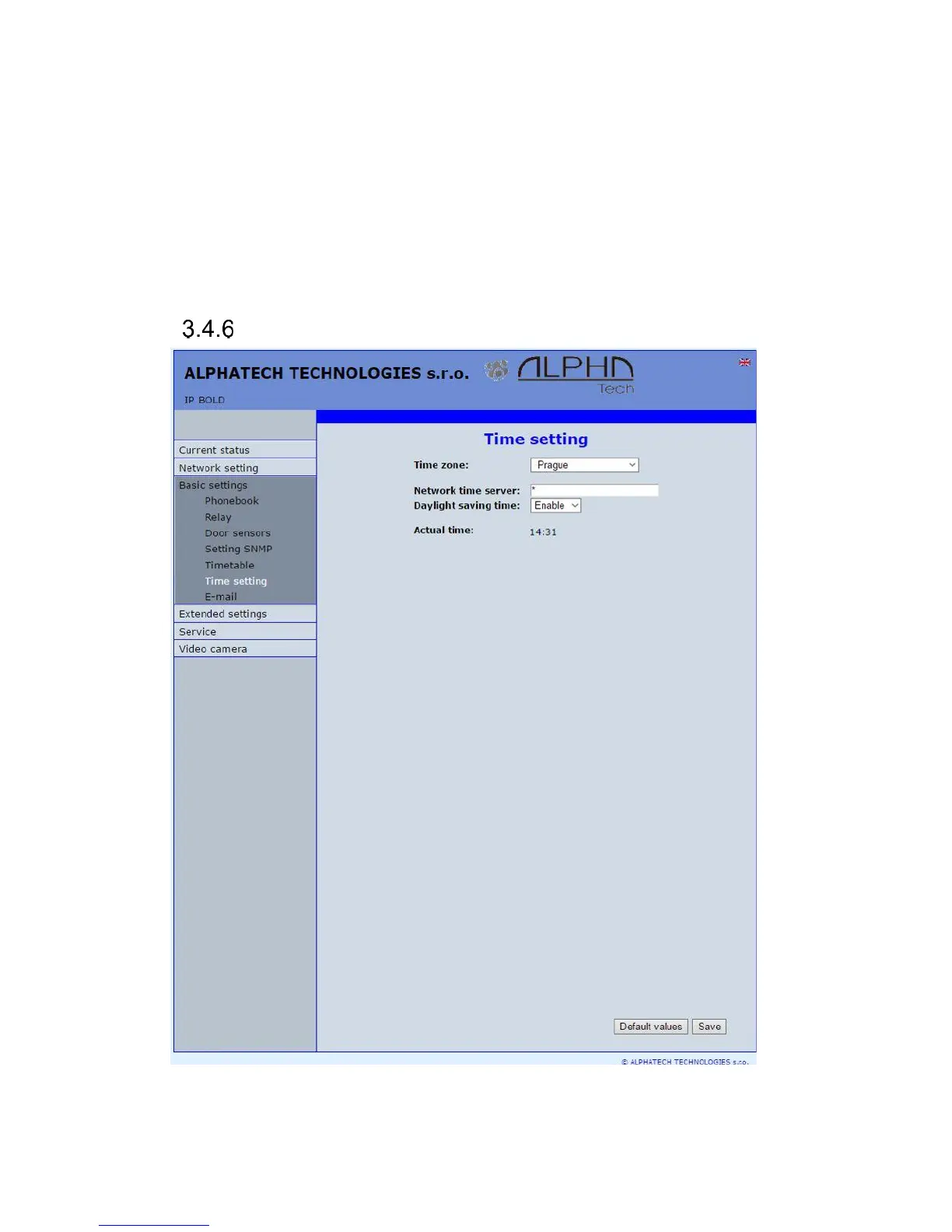
Date and time setting
After performing of changes please don’t forget click on „Save“.
Time zone – selection of installation time zone














 To Next Page