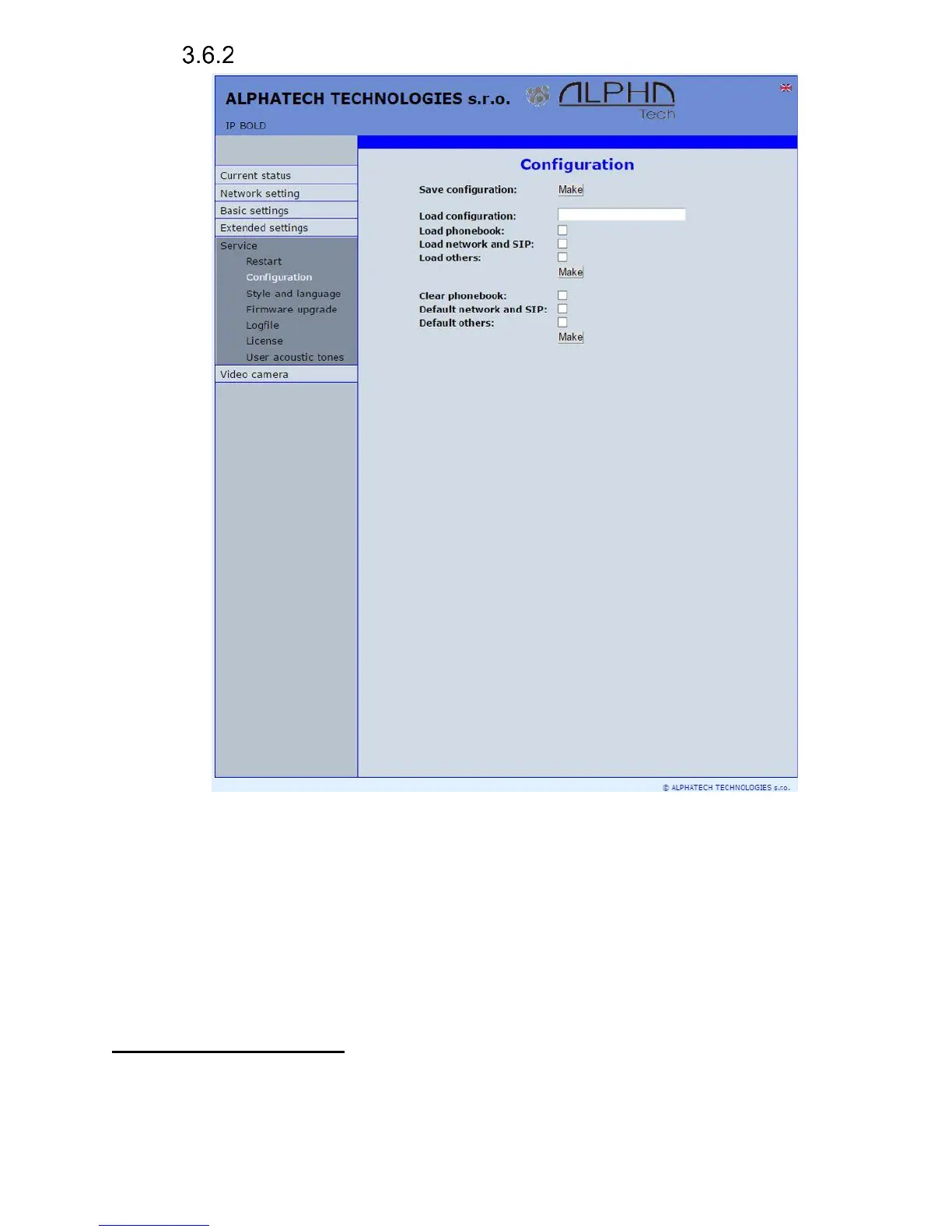
Configuration
The door entry IP Fermax allows saving of current setting to PC or other
repositury. From this saved file you can later restore this setting in a few levels
– for example phone book only. It helps for example during installation of door
entry in more entries to the building.
Save configuration – after click to „Make” button will be offered where you can
save the file
Load configuration – by click to empty button will be offered file selection.
Further is necessary select if phone book, network setting, SIP and
other parametres have to be loaded. By click to „Make” button is
loaded door entry petting from the file.
Default (factory) setting – is selectable in more levels:
Clear phone book – erase complete phone book into default (all 999
possible items)














 To Next Page