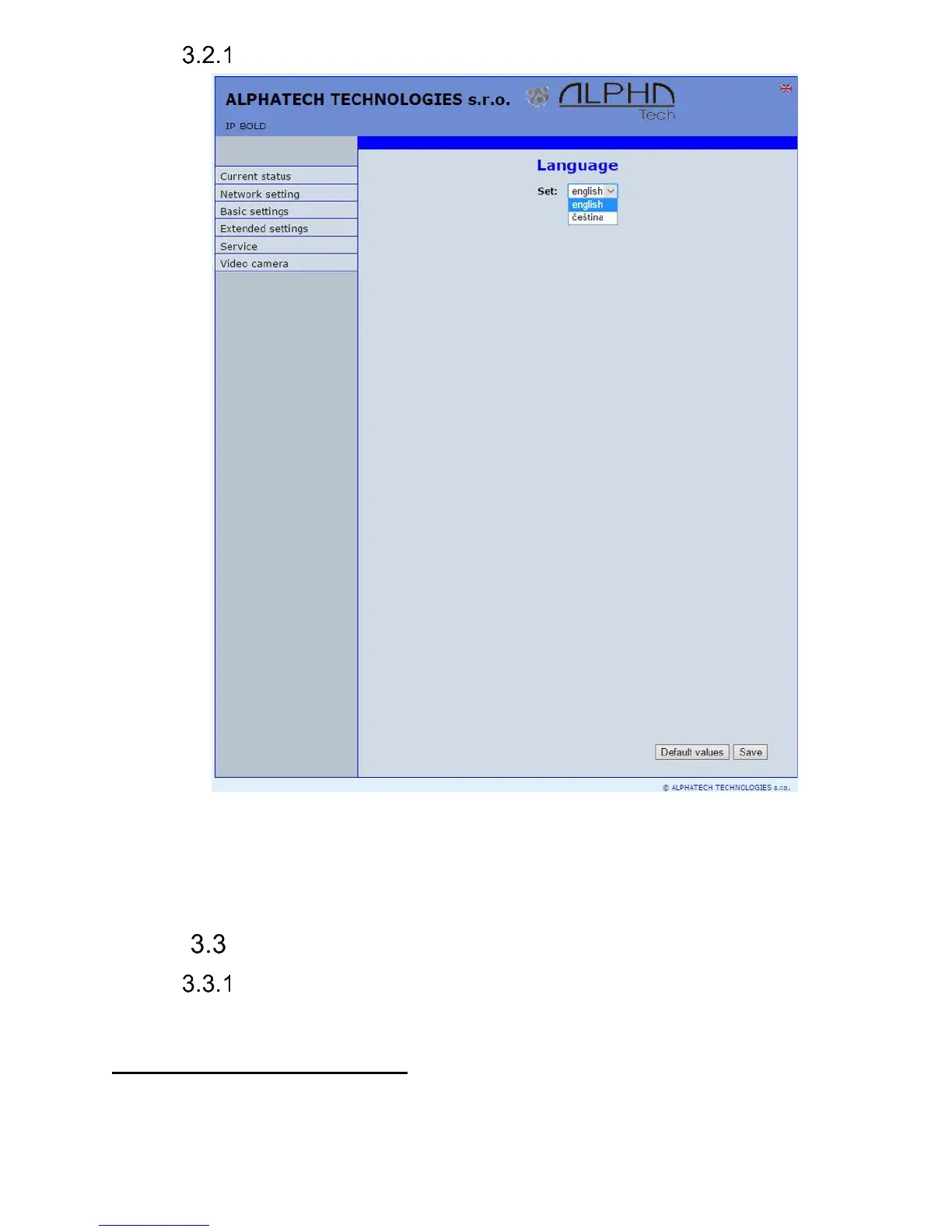
Language settings
After language selection please don’t forget click on „Save changes“.
On the right top corner is display flag of current used language in whole WEB
interface. After click on flag accessible language will be displayed. After
language selection please don’t forget click on „Save changes“ otherwise
language selection wont be performed.
IP network setting
IP Network setting
Network settings you find in menu „Network setting“. You can select using
of fix IP adress or dynamically assigned by using DHCP.
Configuration of fix IP adress:














 To Next Page