Default network and SIP – make default setting of network (IP adress
192.168.1.250) and erase SIP setting
Default Others – all remains parametres put to factory setting
By click to „Make” will be done required setting/erasing door entry
parametres.
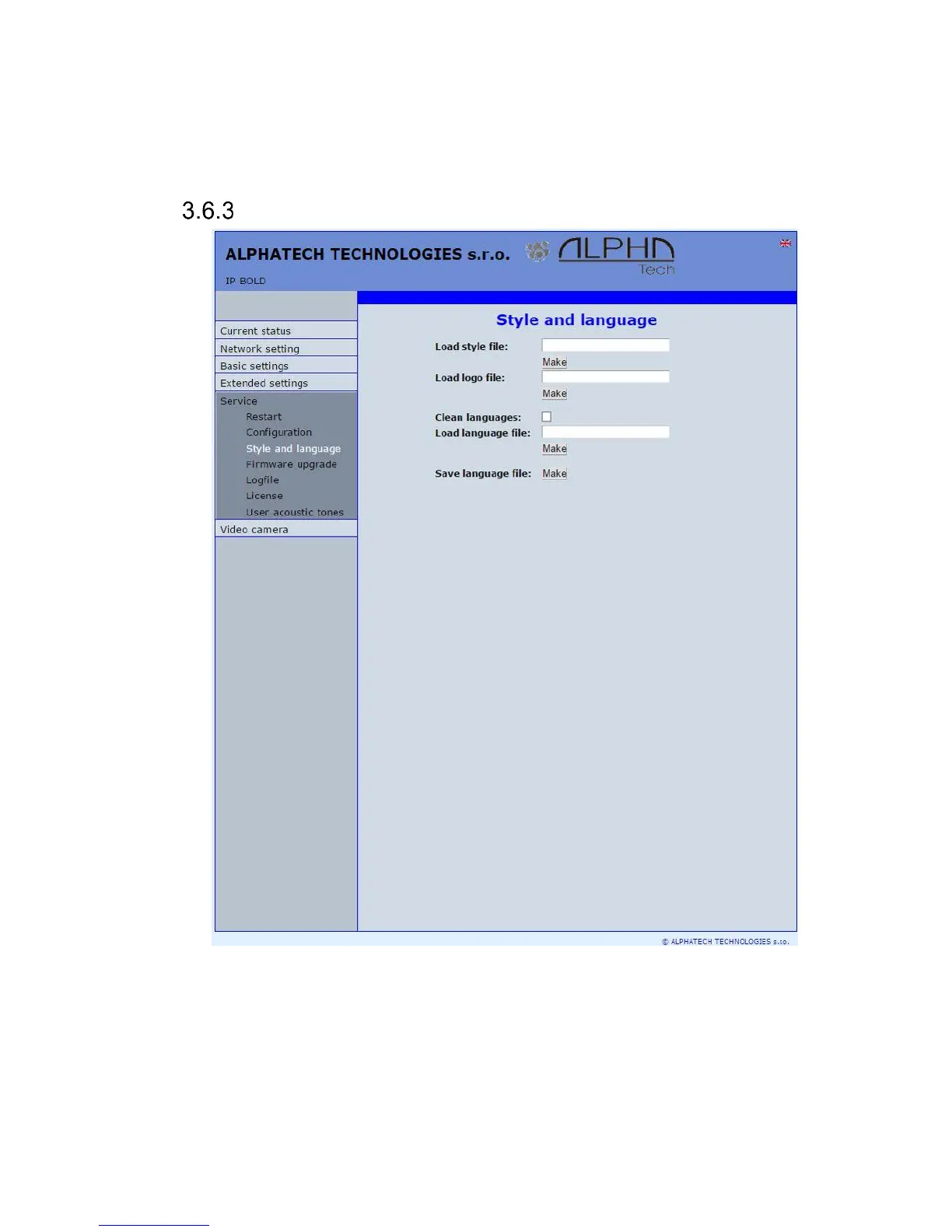
Language and style
Load Style file – by click to empty button select the file and by click to „Make” is
style file (symbols and colours setting) loaded /*.html/.
File with customization use from firmware V3.4.2 on this place for change the
style (design) of WEB pages in doorphone IP Fermax /*.custom/.
Load logo file – by click to empty field select the file and by click to „Make” is
logo file. Logo file is standard picture /JPG or GIF or BMP or PNG/ with
dimension about 200 x 100 px and name logo.* .














 To Next Page