Commissioning Filtration Learning System
52 © Festo Didactic 696684
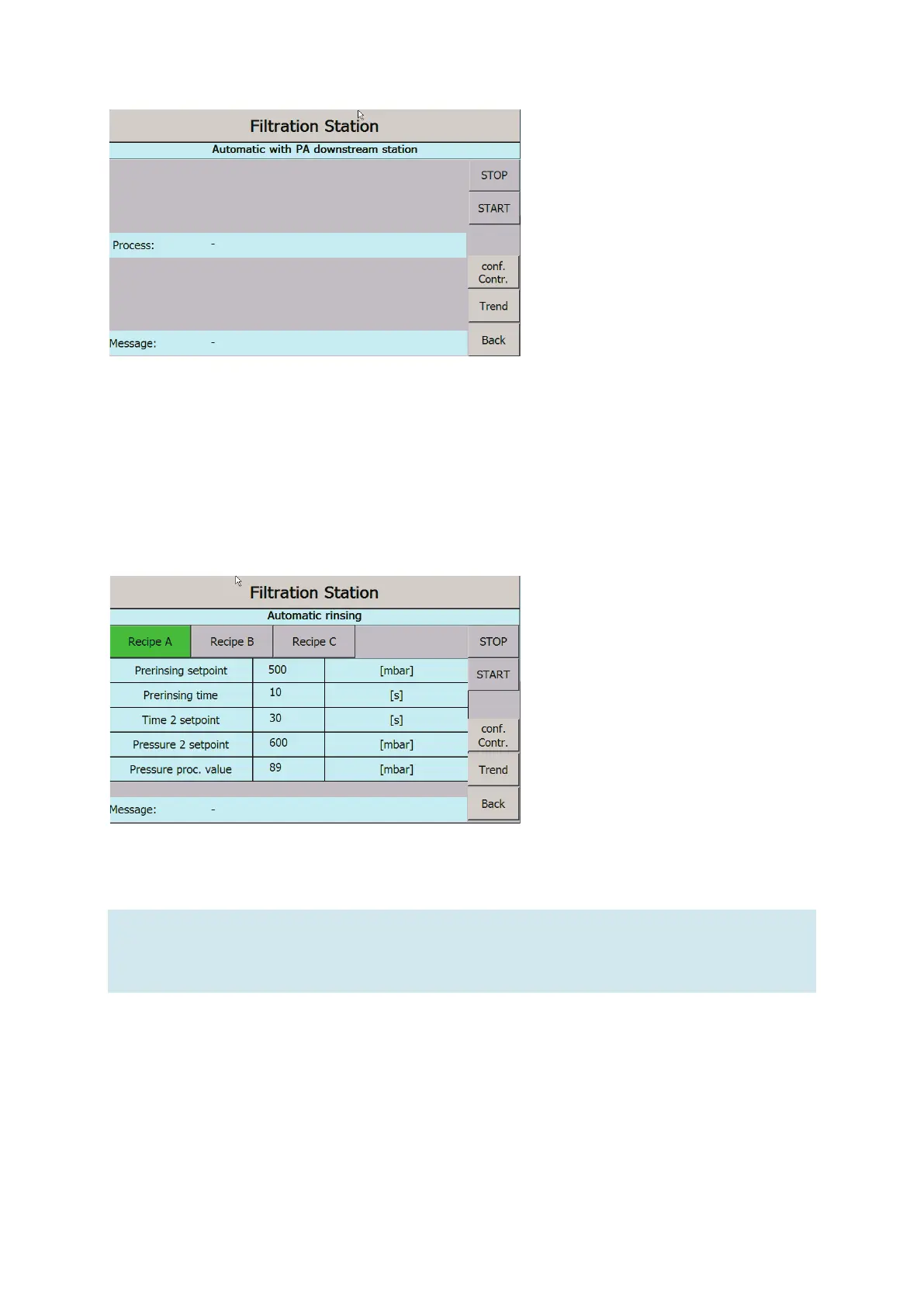
Figure 32: Automatic control screen in network
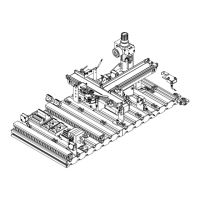
Rinsing
4. During the rinsing process: In the next screen, select a recipe. The metered quantities stored in the
program, i.e., the number and the filling time, are displayed.
5. During the rinsing process: In “Conf. controller”, check the control parameters.
6. Press the “Start” button to start the recipe (see chapter 10.4 Sequence).
Figure 33: Automatic rinsing operating screen
Note
If tank VE1 is empty, the message “Filling tank VE1” appears.
When the recipe is finished, you will receive the message "Recipe ready".
7. Use the "Back" button to return to the main menu.


 To Next Page