9. DeviceNet error codes
28 Festo P.BE-CMMS-FHPP-DN-SW-EN en 1103a
9. DeviceNet error codes
The following faults can occur if the DeviceNet module is used:
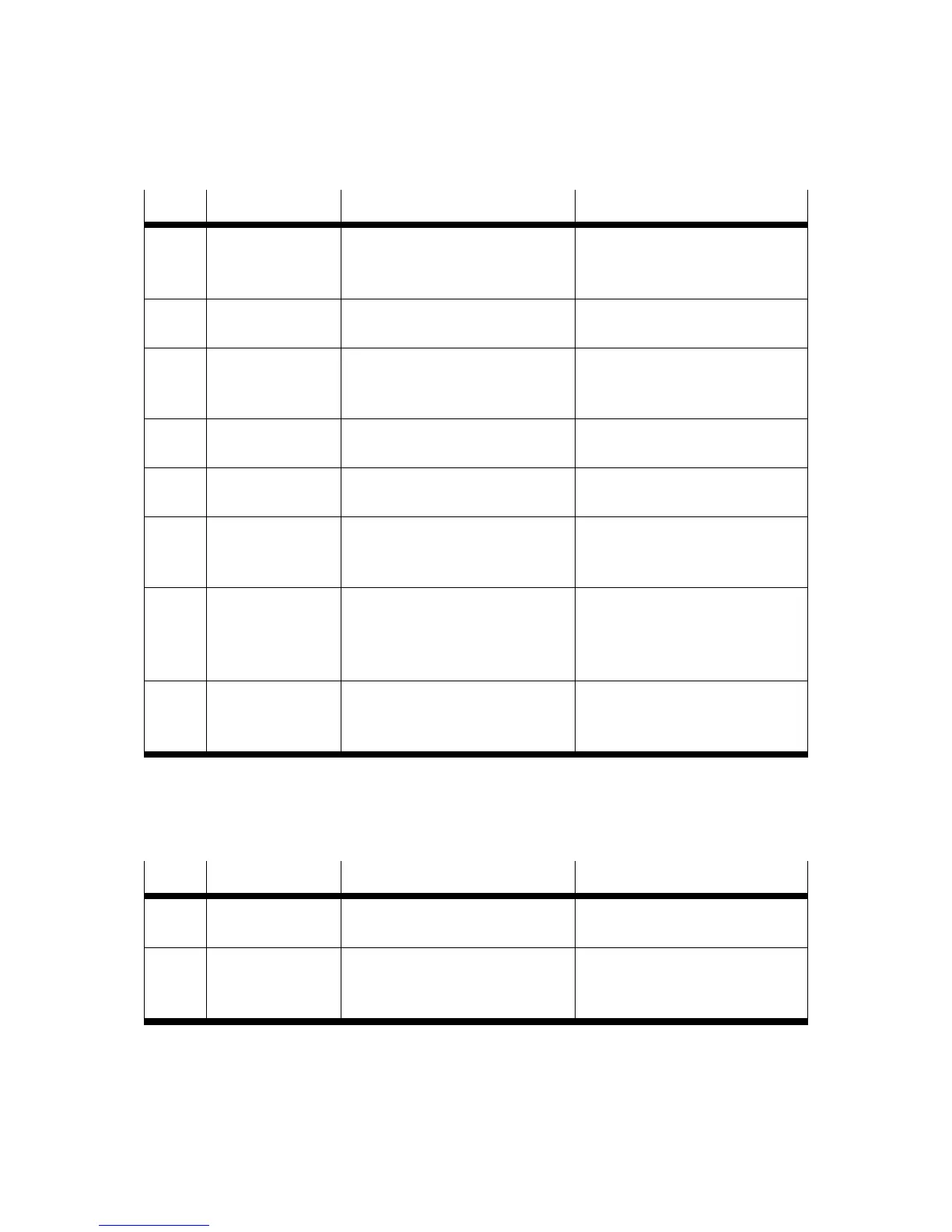
Code Name Manual Action
64-1 DeviceNet:
Bus Power lost
The DeviceNet module is not
supplied with 24 V DC.
In addition to the motor controller
the DeviceNet module must be
connected to 24 V DC.
64-2 DeviceNet:
RX queue overrun
Too many messages received within
a short period.
Reduce the scan rate.
64-3 DeviceNet
TX queue overrun
Not sufficient free space on the CAN
bus for sending messages.
Increase the bit rate, reduce the
number of nodes or reduce the scan
rate.
64-4 DeviceNet
IO send error
Error in sending I/O data Check that the network is connected
correctly and has no faults.
64-5 DeviceNet
Bus Off
The CAN controller is BUS OFF Check that the network is connected
correctly and has no faults.
64-6 DeviceNet
CAN controller
overrun
The CAN controller has an overrun. Increase the bit rate, reduce the
number of nodes or reduce the scan
rate.
65-0 DeviceNet active,
but no module
The DeviceNet communication is
activated in the parameter set of the
motor controller, but no module is
available.
Deactivate the DeviceNet
communication or connect a
module.
65-1 DeviceNet
Timeout I/0
connection
Interrupting an I/O connection No I/O message received within the
expected time.
Table 9.1 DeviceNet error codes
The following faults concern FHPP, but can also occur if the DeviceNet module is used:
Please refer to the FHPP manual for detailed information.
Code Name Manual Action
70-2 FHPP:
Factor Group invalid
Calculation of the factor group leads
to invalid internal values.
Check the factor group.
70-3 FHPP:
Operation mode
change failure
Changing from the current to the
desired operating mode is not
permitted.
Check your application. It may be
that not every change is permitted.
Table 9.2 FHPP error codes







 To Next Page