© 2008 Festo Corporation 53 U
Getting Started with Festo MecLab
Conveyor Station
Step 3: Test the program
To start the simulation, the window of the digital module must be closed.
− Click on the arrow on the tool bar at the top of the window.
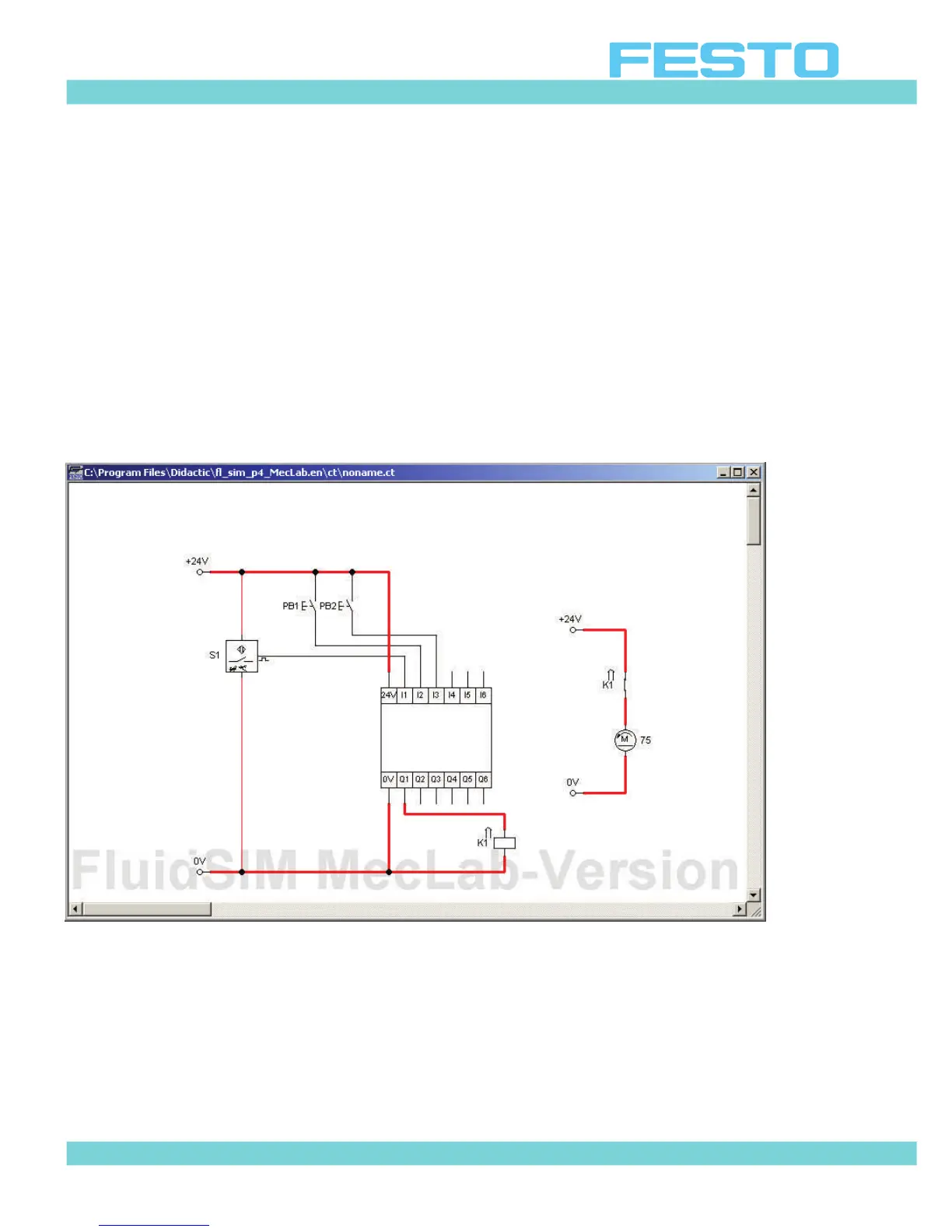
− Start the circuit by clicking on the main switch. Clicking on the pushbutton PB1 starts the
motor (indicated by a small arrow).
− To “simulate” a part arriving at the end of the conveyor, click on sensor S1. The motor
should stop.
Figure 5.10: Simulation mode, pushbutton PB1 actuated


 To Next Page