© 2008 Festo Corporation 64 U
Getting Started with Festo MecLab
Handling Station
Circuit diagram creation and programming using FluidSIM®
The supplied FluidSIM® software is used for programming. This enables the circuit to be
simulated on the computer. If the simulation does not reveal any errors, then the station can
be directly activated and operated with the program.
Since the test setup consists of electrical and pneumatic components, a circuit plan must be
created in FluidSIM® for both system components. We recommended that you create the
pneumatic circuit diagram first and then the electrical circuit diagram.
Step 1: Opening FluidSIM®
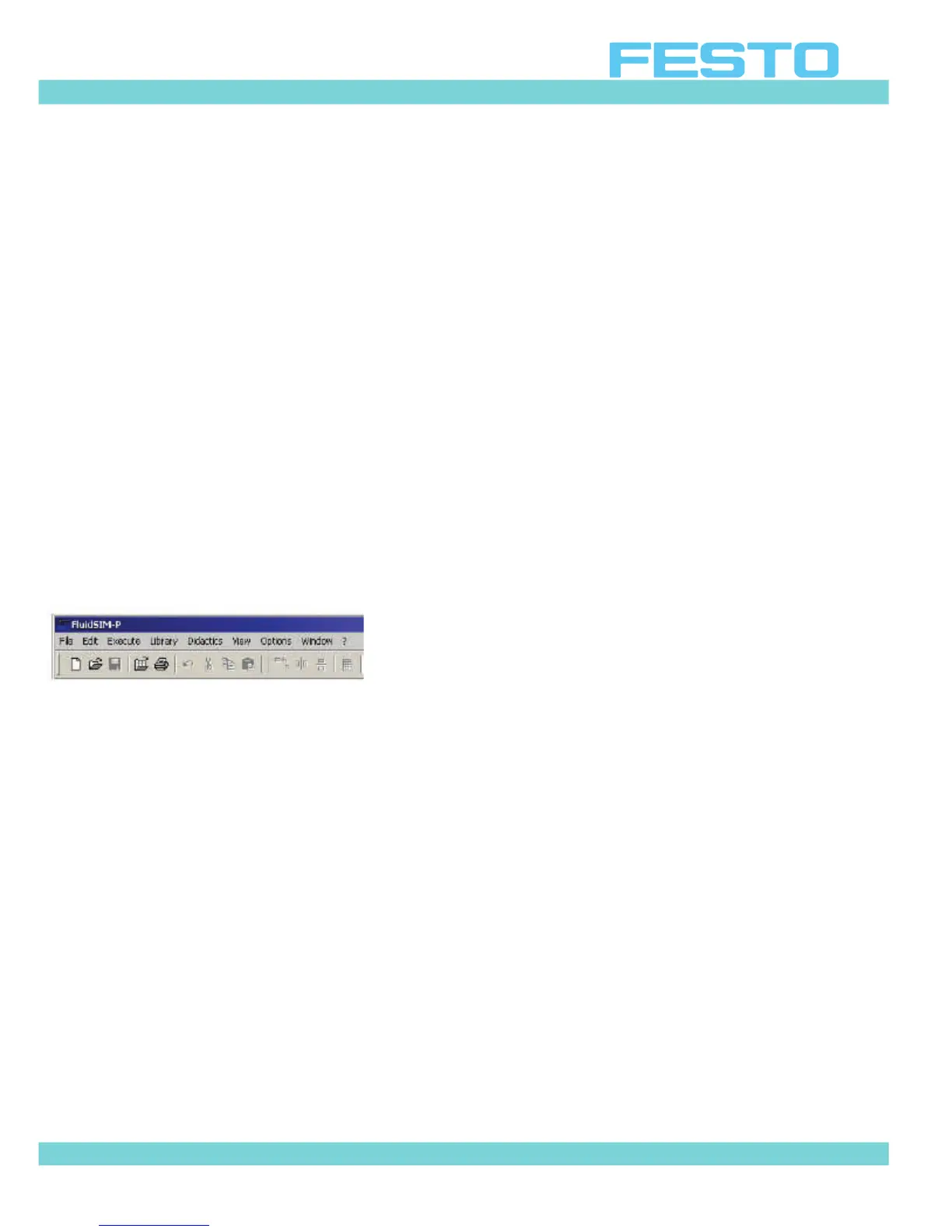
Opened by double-clicking on the program icon:
– Call up a new workspace
Click on the blank white page on the left in the second menu bar (or on "File > New").
A new empty workspace for a controller appears.
– Save the new controller
To do this select "File > Save As ..." in the menu bar and save the file to the desired location
on a data storage medium under a user-defined name.
Step 2: Insert components
The components needed to create the pneumatic circuit diagram are located in the library
located on the left side of the screen. They are inserted into the diagram by:
Left clicking and holding on the appropriate symbol
Dragging the symbol to the blank sheet and releasing the mouse button.


 To Next Page