4. Control panel (MTR−DCI−...−H2IO)
4−12
Festo P.BE−MTR−DCI−IO−EN en 0606b
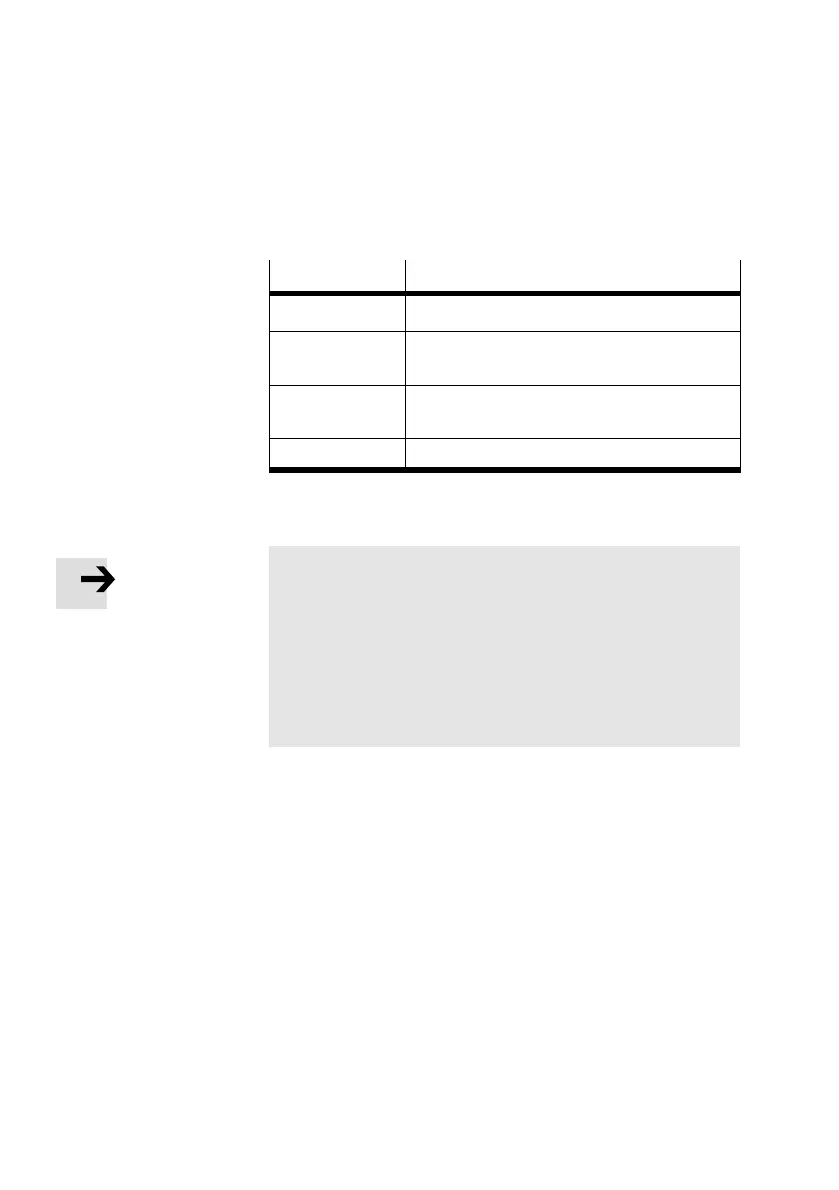
[Axis param] Teach mode for setting the axis parameters
[Axis param]
Description
[Zero point] Offset of axis zero point
[Abs.min.pos] Stroke limitation: Software limit switch,
negative
[Abs.max.pos] Stroke limitation: Software limit switch,
positive
[Save...] Save parameter in EEPROM
Please note
The set parameters become effective immediately after
confirmation with OK <Enter>. The settings are saved per
manently in EEPROM with the menu command [Save...]:
· Save the parameter settings with the menu command
[Save]. Only then will the settings be retained even if the
power supply is switched off or if there is a power
failure.


 To Next Page
 Loading...