32
Using EST to load Flash Files
It is recommended to use the latest version of the service tool. While any version from 2004A onwards should work, it is easier to
follow screen shots and menu navigation if the latest version is used.
Open EST Winflash (This should be a separate option to “Electronic Service Tool” from within the EST sub menu of Windows or 1.
it can be accessed from the Service Tool menu by selecting “Utilities” -> “Winflash”
Ensure that the service tool is using RP1210 (under “Utilities” -> “preferences” -> “communications”)2.
Ensure that the communications adapter is connected to the correct port of the PC3.
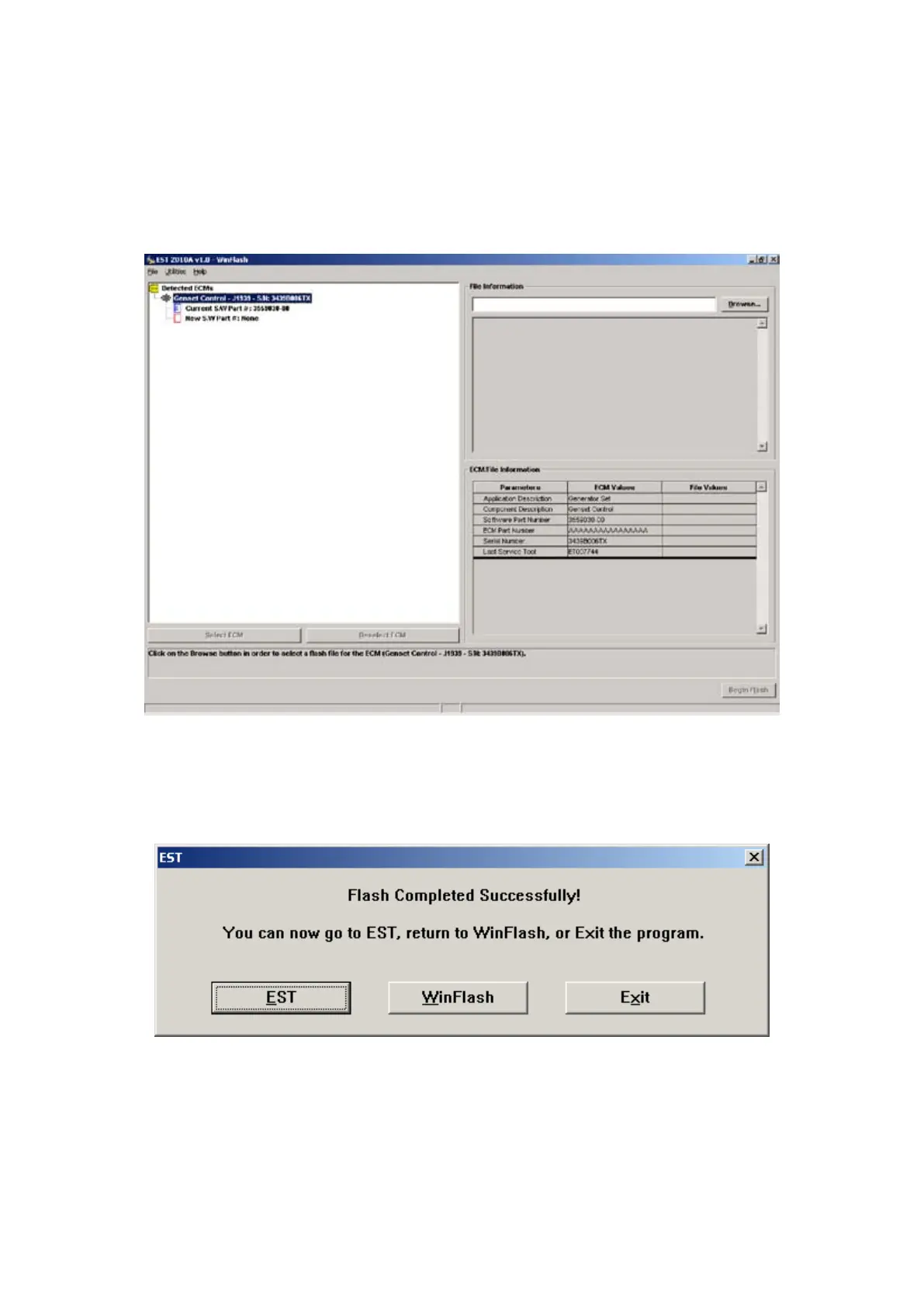
You should have a screen similar to:4.
Press, “Browse” and select the desired ash le
Press “Begin Flash”1.
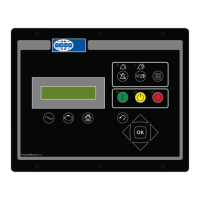
When you see:2.
You’re nished.
All the (old) setpoints are preserved when the PowerWizard control is re-ashed.



 To Next Page