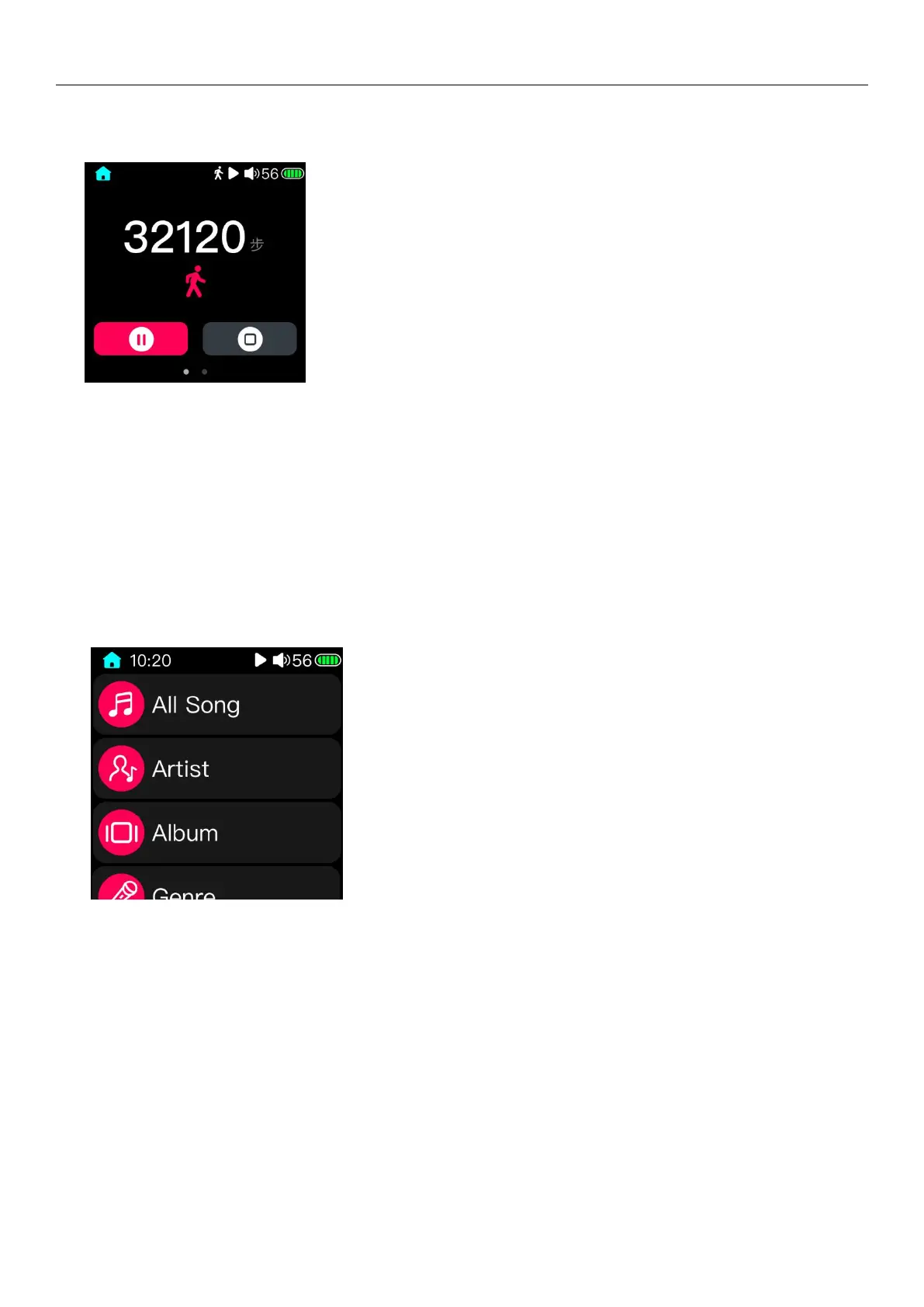
3.7 Step counter
After entering the step counter page, click the red icon in lower left corner will start to step. The meter
icon will display in the status bar. Click the lower right corner icon to stop step. Pedometer interface swipe
from right to left in step counter page will enter the step counter history data record page, as shown in the
right picture above. Swipe from the right to the left sliding can enable the pop-up delete operation menu
in this page. You can delete the record data according your need.
3.8 Classification play
(Note: Before using the classified play function, please update the song library in "Settings - Update Song Library".
After updating the music library, the system will classify the song according to the ID3 information of the song itself.)
3.8.1 All songs
All songs: All songs are summarized in this list, through which you can see all the songs that can be recognized.
3.8.2 Artist
The songs will be categorized according to the artists marked in ID3, and the artists will be classified as follows
according to the album; songs without an artist will be classified as "unknown artists".
3.8.3 Album
The songs will be sorted according to the album information marked in ID3, and songs without album information will
be classified into "unknown albums".



 To Next Page